
How to Plan a Smart Home Before a Renovation or New Construction Project
Key Takeaways
|
Planning a smart home after construction or renovation has already begun often leads to unnecessary costs, limited device placement, and infrastructure that cannot fully support future automation. Decisions about wiring, networking, electrical layouts, and smart home ecosystems are far more effective when made during the planning stage rather than after finishes are complete.
This guide explains how to plan your smart home before construction begins so every technology decision supports long-term performance and flexibility.
Why Smart Home Planning Should Happen Before Construction or Renovation
The most cost-effective time to plan a smart home is before construction or renovation begins. Early planning allows electrical layouts, network infrastructure, low-voltage wiring, and device locations to be integrated into the building process, reducing installation complexity and avoiding expensive retrofits once walls and finishes are complete.
A well-planned smart home also delivers better long-term performance. Coordinating automation requirements before work starts helps ensure compatible systems, reliable connectivity, and room for future upgrades instead of piecing together disconnected devices after the project is finished.
Many homeowners focus on selecting smart products too early, while the underlying infrastructure receives little attention. Planning the home’s foundation first creates a scalable, efficient system that supports automation from day one and adapts as technology evolves.
Step 1: Define Your Smart Home Goals Before Choosing Devices
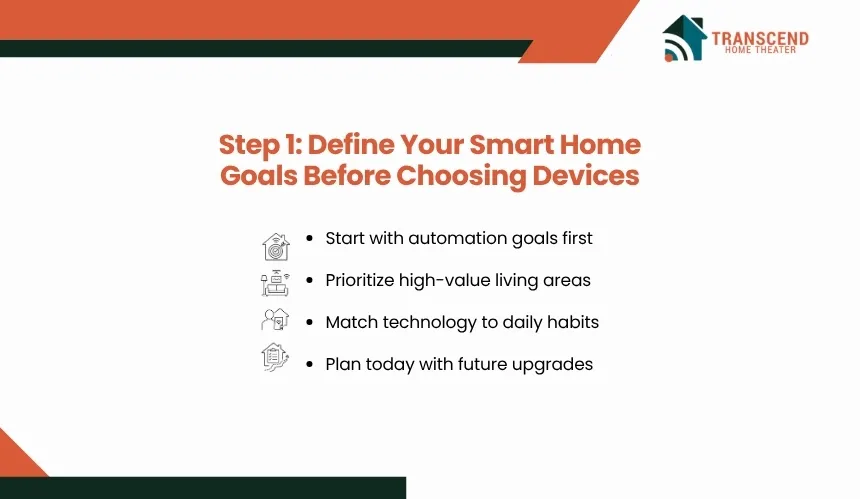
Starting with a list of smart devices often leads to disconnected technology that does not reflect how you actually live. Instead, define the outcomes you want from your smart home first, then select products that support those goals within a single, compatible ecosystem.
Prioritize the Areas That Benefit Most From Automation
Focus on spaces where automation delivers measurable daily value. Lighting, climate control, entry points, security cameras, garages, and common living areas typically provide the greatest return because they involve routines that can be automated for convenience, efficiency, and security. Prioritizing by use case also helps allocate your budget where automation will have the greatest impact.
Match Technology to Your Lifestyle Instead of Trends
Your smart home should support the way your household operates rather than replicate features seen in model homes or online demonstrations. Consider whether you need remote monitoring, energy-saving schedules, voice control, occupancy-based lighting, whole-home audio, or integrated security. These decisions establish clear functional requirements before any equipment is specified.
Balance Today's Needs With Future Expansion
A renovation or new build is an opportunity to prepare for technologies you may add later. Homeowners in Falls Church, VA, often renovate older properties while preserving their existing footprint. Planning for additional smart switches, security zones, electric vehicle charging, or outdoor automation during the initial design phase allows future upgrades without reopening finished walls or significantly altering completed spaces.
Step 2: Plan the Infrastructure That Makes a Smart Home Reliable
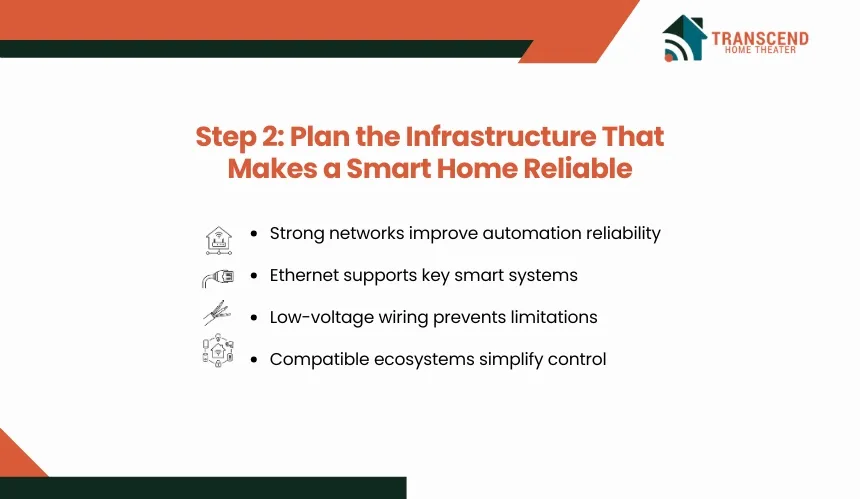
Smart home performance depends as much on the underlying infrastructure as the devices themselves. A well-designed network, electrical system, and wiring plan ensures automation remains responsive, stable, and ready to support additional technologies over time.
Build a Strong Network Foundation
Reliable automation starts with dependable connectivity. Plan Wi-Fi coverage based on your home’s layout, identify locations for wireless access points, and install Ethernet cabling where consistent performance is essential, such as media rooms, home offices, security systems, and central network equipment.
Coordinate Electrical and Low-Voltage Wiring
Many smart devices require more than an internet connection. Smart switches, automated window treatments, security cameras, doorbells, sensors, and built-in speakers often depend on dedicated power or low-voltage wiring. Coordinating these requirements before electrical rough-in helps prevent installation limitations later in the project.
Choose a Compatible Smart Home Ecosystem
Selecting a primary smart home platform early reduces compatibility issues as more devices are added. Instead of combining products from multiple ecosystems with overlapping functions, choose devices that communicate reliably through supported standards and can be managed through a unified automation platform. This approach simplifies setup, maintenance, and future expansion.
Step 3: Coordinate Smart Home Installation With Your Construction Timeline
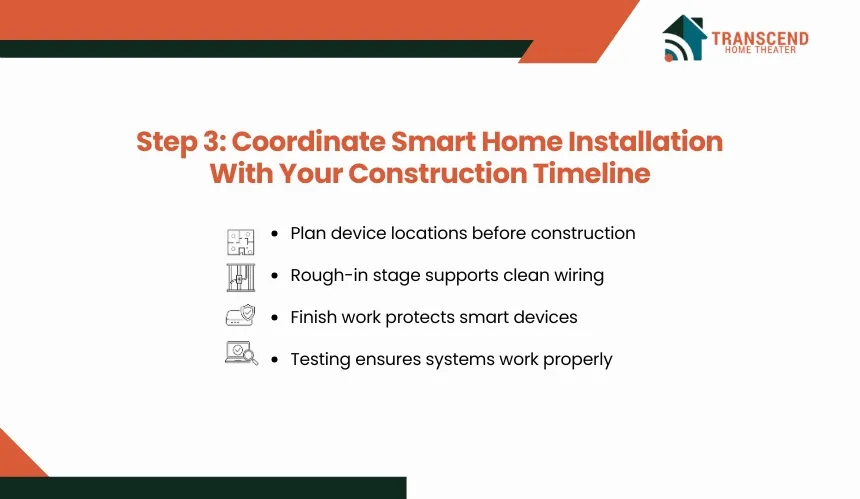
Installing smart home technology at the right stage of construction reduces delays, prevents unnecessary rework, and ensures every component is accessible when it needs to be installed. Coordinating contractors and technology requirements from the beginning keeps the project moving efficiently.
Incorporate Smart Home Planning Into the Design Phase
Finalize device locations, automation requirements, and infrastructure plans before construction starts. This allows architects, builders, electricians, and low-voltage contractors to incorporate smart home requirements into construction drawings instead of making adjustments after work is underway.
Complete Wiring During the Rough-In Stage
The rough-in phase is the ideal time to install Ethernet cables, low-voltage wiring, electrical boxes for smart switches, and connections for cameras, speakers, or motorized shades. Completing this work before insulation and drywall are installed minimizes labor and preserves finished surfaces.
Install, Configure, and Test After Construction
Smart devices should be installed once painting, flooring, cabinetry, and other finish work is complete to reduce the risk of damage. After installation, configure automations, verify network connectivity, test each integrated system, and make adjustments before the home is occupied. This commissioning process helps ensure lighting, climate control, security, and other connected features operate as intended from day one.
Step 4: Future-Proof Your Smart Home Investment
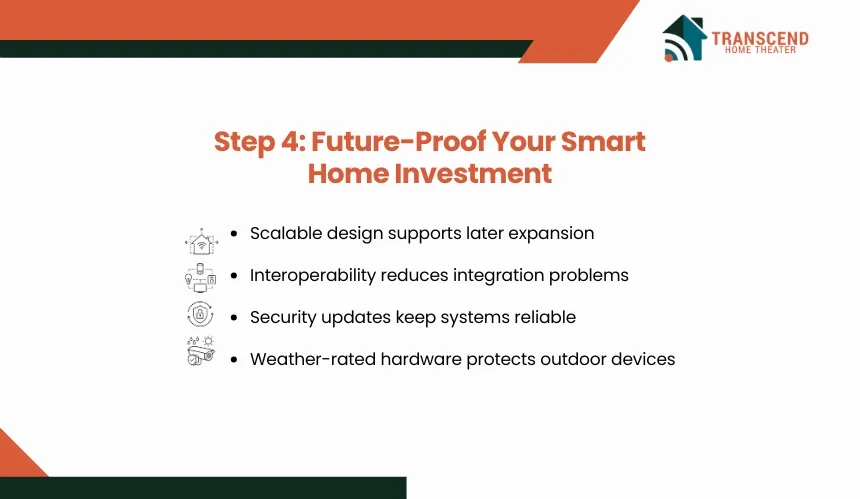
A smart home should continue meeting your needs as technology and household requirements change. Planning for expansion during construction or renovation reduces the likelihood of major modifications when you decide to add new devices or automation features later.
Design for Scalability From the Start
Leave capacity for additional smart switches, sensors, cameras, network ports, and automation zones, even if they are not part of the initial installation. Building this flexibility into the home’s infrastructure makes future upgrades faster and more cost-effective than retrofitting completed spaces.
Prioritize Interoperability and Long-Term Support
Choose devices and platforms that support widely adopted communication standards and receive regular software updates. A compatible ecosystem simplifies adding new products, reduces integration issues, and helps maintain consistent performance as your smart home expands.
Consider Security and Ongoing Maintenance
Connected devices require routine software updates, strong network security, and periodic system reviews to remain reliable. Homeowners in Virginia should also consider how seasonal weather can affect outdoor equipment such as security cameras, smart doorbells, and landscape lighting controls. Selecting weather-rated hardware and planning accessible maintenance locations helps protect system performance throughout the year.
Ready to build a smarter, more connected home? Transcend Home Theater provides expert home theater installation and complete home automation services across Virginia, Maryland, and Northwest DC, helping homeowners plan reliable, future-ready systems before construction or renovation begins.
Frequently Asked Questions
How early should I involve a smart home installer in a renovation project?
A smart home installer should be involved before electrical plans are finalized. Early input helps align device locations, control panels, network equipment, camera angles, speaker zones, and automation requirements with the construction drawings. This prevents conflicts between the builder, electrician, low-voltage contractor, and interior design decisions.
Is it better to use wired or wireless smart home devices?
Wired devices are usually better for systems that need consistent performance, such as security cameras, access points, media equipment, and whole-home audio. Wireless devices work well for flexible controls, sensors, and smaller automations. Most reliable smart homes use a hybrid setup that combines wired infrastructure with wireless convenience.
Should I prewire my home even if I am not installing all smart devices right away?
Prewiring is useful when future upgrades are likely but the full system is not part of the initial budget. Running cable paths for cameras, speakers, access points, shades, and control panels during construction keeps future installation cleaner, faster, and less disruptive than opening finished walls later.
Do I need a smart home hub or can everything run through apps?
A hub or centralized automation platform becomes valuable when multiple systems need to work together, such as lighting, climate control, locks, sensors, and security. App-only control can work for a few devices, but it often creates fragmented management, weaker automation logic, and more troubleshooting as the system grows.
What smart home features add the most value during a remodel?
The highest-value features are usually those connected to daily use, safety, and energy control. Smart lighting, thermostats, security cameras, door locks, garage controls, leak sensors, and network upgrades tend to deliver stronger practical value than novelty devices because they improve routine function, monitoring, and household efficiency.