
Elderly Care Automation: Fall Detection, Medication Reminders & Voice Assistance

As people age, everyday tasks that once felt simple can slowly turn into sources of stress, risk, and emotional strain. Families often worry about falls, missed medications, or moments when an older adult needs help but cannot easily reach someone. At the same time, many seniors want to preserve independence and avoid feeling constantly monitored or restricted.
This growing gap between safety needs and personal freedom is where elderly care automation is playing a meaningful role. Don’t stress, this article explores how elderly care automation works, why these tools matter, and how fall detection, medication reminders, and voice assistance each contribute to safer and more comfortable aging.
What Is Elderly Care Automation and How Does It Work?
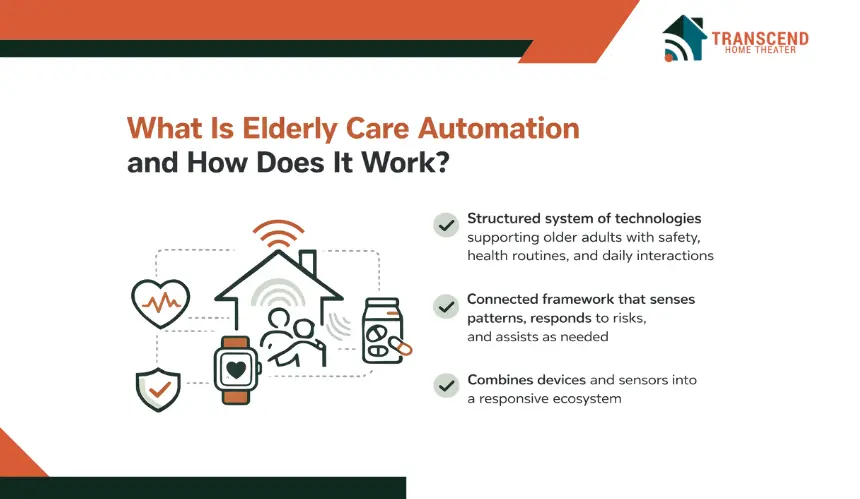
Elderly care automation refers to a structured system of technologies designed to support older adults with safety, health routines, and daily interactions inside their living environment.
Rather than functioning as a single device, it operates as a connected framework that observes patterns, responds to risks, and delivers timely assistance without constant attention.
Core Components That Power Elderly Care Automation Systems
Elderly care automation systems rely on multiple interconnected components, each responsible for a clearly defined function. Together, they create a dependable support structure that operates quietly in the background while remaining responsive when needed.
- Motion and activity sensors: These sensors track movement patterns within living spaces to understand daily routines, detect inactivity, and identify unusual behavior that may indicate a fall or mobility issue.
- Wearable health and safety devices: Wearables such as smart pendants or wristbands monitor acceleration, orientation, and movement changes. They are commonly used for personal fall detection and emergency alert activation.
- Medication management hardware: Smart pill dispensers and reminder devices store medication schedules, issue timed alerts, and help reduce missed or incorrect doses through structured prompting.
- Voice-enabled interaction systems: Voice assistance technology allows seniors to interact with the system using natural speech for reminders, help requests, or basic daily tasks without needing screens or manual input.
- Data processing and intelligence layer: Software platforms analyze sensor input, recognize behavior patterns, and determine when alerts or reminders should be triggered based on predefined rules or adaptive learning.
- Communication and alert channels: Notifications are delivered through phone calls, mobile apps, text messages, or voice alerts, ensuring caregivers and family members receive timely updates when attention is required.
- Caregiver and family dashboards: Centralized dashboards provide visibility into activity trends, alert history, and system status, allowing caregivers to stay informed without constant physical presence.
Fall Detection Automation: Preventing the Most Common Senior Injury
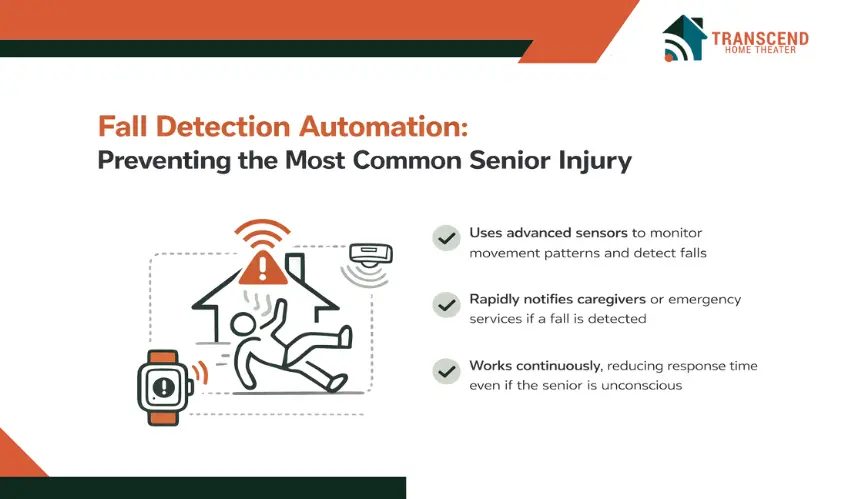
Falls remain one of the most serious and emotionally charged risks for older adults living independently. A single fall can lead to long recovery periods, loss of confidence, or permanent changes in mobility.
Did you know? A large share of falls lead to meaningful harm. CDC reports about 37% of older adults who fall report an injury that required medical treatment or restricted activity for at least one day, contributing to an estimated 9 million fall injuries. |
Fall detection automation addresses this risk by focusing on early identification and rapid response, reducing the time between an incident and assistance.
Unlike manual emergency buttons that require action during stressful moments, automated systems work continuously to recognize danger even when the individual cannot call for help.
How Automated Fall Detection Systems Identify Emergencies
Automated fall detection systems rely on movement analysis rather than simple motion sensing. Wearable devices use accelerometers and gyroscopes to detect sudden changes in speed, orientation, and impact that match fall signatures.
Ambient systems placed within the home analyze walking patterns, posture shifts, and abrupt inactivity using radar-based or infrared sensing. When these inputs cross defined risk thresholds, the system triggers alerts without requiring user interaction. This approach ensures detection even during unconsciousness or disorientation.
Passive Monitoring vs Wearable Fall Detection Technologies
Wearable fall detection devices offer direct, body-level accuracy and are effective for active seniors who are comfortable wearing a pendant or wrist device throughout the day.
Passive monitoring systems remove the need for wearables by observing movement within living spaces, making them suitable for individuals who forget devices or prefer non-contact solutions.
Each approach serves a different lifestyle preference, and the choice often depends on mobility level, comfort with technology, and daily habits rather than accuracy alone.
Fall Alert Routing and Emergency Response Workflows
Once a potential fall is detected, response speed becomes critical. Automated fall detection systems follow predefined alert workflows that notify family members, caregivers, or emergency services in stages.
Initial alerts may include voice prompts asking if assistance is needed, followed by caregiver notifications if no response is received. Advanced systems prioritize reducing false alarms while ensuring genuine emergencies are escalated quickly. This structured response process helps ensure seniors receive timely help without unnecessary panic or alert fatigue.
Medication Reminder Automation: Improving Adherence and Health Outcomes
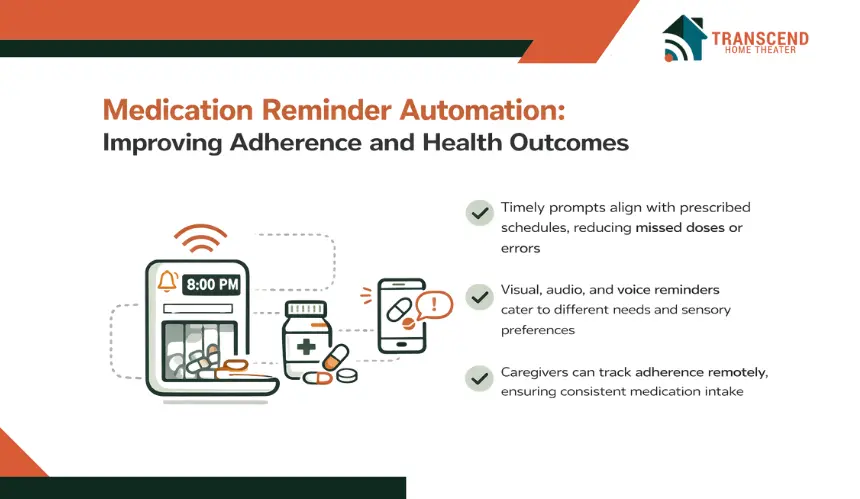
Medication routines often become more complex with age. Multiple prescriptions, varying dosages, and specific timing requirements can easily lead to missed or incorrect intake, even for seniors who are otherwise independent.
Did you know? A WHO report and subsequent reviews indicate that in developed countries only about half of patients take long‑term medications as prescribed, implying non‑adherence in roughly 50% of adults on chronic therapy. |
Medication reminder automation addresses this challenge by introducing structure and consistency into daily health routines.
These systems focus on timely prompting and clear confirmation rather than medical decision-making, helping reduce preventable health complications linked to non-adherence.
How Automated Medication Reminder Systems Reduce Missed or Incorrect Doses
Automated medication reminder systems work by aligning alerts with prescribed schedules and daily habits. Visual cues, audible prompts, or voice notifications notify seniors when it is time to take medication, removing the need to rely on memory alone.
Some systems require simple confirmation actions, such as pressing a button or responding verbally, which helps ensure the dose was acknowledged.
This approach supports safer medication management by minimizing skipped doses, double dosing, and timing errors without adding cognitive pressure.
Visual, Audio, and Voice-Based Reminder Approaches for Different Needs
Not all seniors respond the same way to reminders, which is why medication automation uses multiple communication formats. Visual reminders displayed on screens or dispensers are effective for structured routines, while audio alerts work well for those who may not always be near a display.
Voice-based reminders offer a more natural interaction, allowing seniors to receive prompts conversationally and ask follow-up questions if needed. Matching the reminder method to sensory ability and comfort level improves adherence without frustration.
Medication Tracking and Caregiver Visibility Without Daily Oversight
Beyond reminders, medication automation systems often log adherence activity to create a clear record of routine consistency. Caregivers and family members can review this information remotely to identify patterns such as frequent delays or missed doses.
This visibility allows for timely intervention when needed, without constant check-ins or manual supervision. By combining reminders with tracking, these systems support accountability while preserving dignity and independence for older adults.
Voice Assistance for Seniors: Hands-Free Support for Daily Living
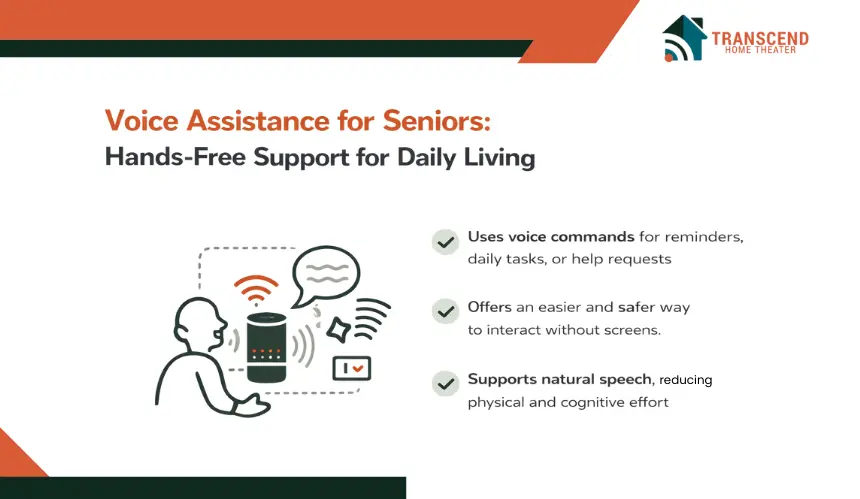
As mobility, vision, or dexterity change with age, interacting with screens and small controls can become frustrating or even unsafe. Voice assistance removes these barriers by allowing seniors to access support through natural speech.
Interesting Fact: Voice assistance adoption is shaped by emotion, not just usability. Research on older adults’ voice assistant intention highlights factors like companionship and emotional needs as key drivers, which supports framing voice tools as confidence-building, not “tech for tech’s sake.” |
Instead of navigating menus or remembering steps, older adults can speak simple commands and receive immediate help. This hands-free interaction makes technology feel more approachable while reducing physical and cognitive effort during everyday activities.
How Voice Assistance Supports Daily Tasks and Routines
Voice assistance helps seniors manage common daily needs without interrupting their comfort or movement. Spoken reminders for appointments, hydration, and daily routines help create structure without pressure.
Seniors can place calls, check the time, control lighting, or request help using familiar language. This form of interaction is especially valuable during moments when reaching a device is difficult, such as at night or during limited mobility, reinforcing both safety and confidence.
Voice Commands Compared to Touch-Based Interfaces for Aging Users
Touchscreens often require precision, visual clarity, and fine motor control, which may decline over time. Voice commands offer a more forgiving alternative by allowing interaction from anywhere in the room without physical contact.
Seniors do not need to remember exact steps, only simple phrases that feel intuitive. This reduces frustration, lowers the learning curve, and encourages consistent use, which is critical for any supportive technology to be effective long term.
Privacy, Wake Words, and Control in Voice-Enabled Elderly Care
Privacy concerns are common when voice technology is introduced into personal spaces. Modern voice assistance systems address this by using customizable wake words, limited command scopes, and clear permission settings.
Seniors and families can decide which functions are active and when the system listens. This level of control helps maintain trust, ensuring voice assistance feels supportive rather than intrusive while still delivering reliable help when it matters most.
Integrating Fall Detection, Medication Reminders, and Voice Assistance into One System
When elderly care technologies operate in isolation, they often create fragmented experiences that are difficult to manage and maintain. Integration brings these tools together into a single, coordinated system that responds intelligently to daily routines and safety events.
Key Insight: Connectivity planning matters for older adults. Pew reports 76% of U.S. adults 65+ own a smartphone and 70% subscribe to home broadband (May–Sept 2023 survey). |
By connecting fall detection, medication reminders, and voice assistance under one platform, elderly care automation becomes more intuitive, reliable, and easier for both seniors and caregivers to trust.
How Centralized Elderly Care Platforms Improve Usability and Safety
A centralized platform allows all automated functions to share information and respond in a coordinated manner. For example, a detected fall can trigger both an emergency alert and a voice prompt asking if assistance is needed. Medication reminders can adapt to daily activity patterns instead of following rigid schedules.
This unified approach reduces confusion, minimizes setup complexity, and ensures that safety responses feel seamless rather than disjointed. Seniors benefit from consistency, while caregivers gain clearer visibility into overall well-being.
Interoperability With Smart Home and Health Monitoring Devices
Integrated elderly care systems often extend beyond health-focused tools by connecting with smart home automation devices and compatible health monitoring devices. Lighting can automatically adjust during nighttime movement to reduce fall risk, while connected health trackers provide context around activity levels and routine changes.
This interoperability allows systems to evolve with changing needs without constant replacements. By supporting multiple devices within a single framework, elderly care automation remains flexible, scalable, and well suited for long-term aging-in-place goals.
Who Benefits Most From Elderly Care Automation?
Elderly care automation is not a one-size-fits-all solution. Its value becomes most apparent when matched to specific living situations, health conditions, and support needs. Understanding who benefits the most helps families make informed decisions without overcomplicating care planning.
1. Independent Seniors Living Alone
Older adults who live alone often want reassurance without sacrificing privacy or freedom. Elderly care automation provides quiet safety support through fall monitoring, reminders, and voice-based assistance, allowing them to continue daily routines confidently while knowing help is available if something goes wrong.
2. Seniors With Mobility or Cognitive Challenges
For seniors facing mobility limitations or mild cognitive decline, automation adds structure and predictability. Fall detection reduces injury risk, medication reminders support routine consistency, and voice assistance simplifies interaction. These tools help compensate for physical or memory-related challenges without creating dependence.
3. Family Members and Remote Caregivers
Caregivers who cannot be physically present benefit from real-time visibility and alerts. Automated systems reduce constant check-ins while still keeping caregivers informed about safety events, routine adherence, and potential concerns. This balance lowers emotional stress and supports more sustainable caregiving.
Common Misconceptions About Elderly Care Automation
Despite its growing adoption, elderly care automation is often misunderstood. These misconceptions can prevent families from exploring tools that may significantly improve safety and quality of life.
Myth 1: Automation Replaces Human Care
Elderly care automation is designed to support, not replace, human involvement. It handles routine monitoring and alerts so caregivers can focus on meaningful interaction, emotional support, and decision-making rather than constant supervision.
Myth 2: Technology Is Too Complex for Older Adults
Many systems are built specifically for aging users, prioritizing simplicity, voice interaction, and minimal setup. When designed correctly, automation reduces complexity rather than adding to it, making daily support easier instead of overwhelming.
Myth 3: Monitoring Always Means Loss of Privacy
Modern elderly care automation emphasizes consent and control. Passive sensors, limited data access, and customizable settings allow seniors to maintain privacy while still benefiting from safety and assistance. Monitoring can be supportive without feeling invasive.
Creating a safer and more comfortable living environment for aging loved ones does not have to feel overwhelming. With the right automation in place, daily care becomes simpler, more responsive, and far more reassuring. Transcend Home Theater helps families design intelligent elderly care solutions that blend fall detection, medication reminders, and voice assistance into one seamless experience.
Frequently Asked Questions
Can elderly care automation systems work during power outages?
Many elderly care automation systems are designed with battery backups that keep essential functions running during power outages. Critical features such as fall alerts, emergency notifications, and voice prompts often remain active for several hours.
Some platforms also rely on cellular networks instead of home internet, allowing alerts to reach caregivers or emergency services even when Wi-Fi is unavailable.
Are elderly care automation systems suitable for apartments and smaller living spaces?
Yes, modern elderly care automation systems are well suited for apartments, condos, and smaller homes. Wireless sensors and compact devices can be strategically placed to monitor movement and routines without requiring large spaces.
Systems are typically configurable, allowing coverage to be tailored to limited layouts while maintaining accurate detection and reliable alerts.
How long does it take to install an elderly care automation system?
Installation time depends on the number of devices and level of integration, but many systems can be set up within a few hours. Wireless technology minimizes drilling or structural changes, and voice assistants often work immediately after configuration. Professional installation can further reduce setup time while ensuring optimal sensor placement and system performance.
Can elderly care automation adapt as health needs change over time?
Most elderly care automation platforms are designed to scale with changing needs. Features such as additional sensors, new reminder schedules, or expanded alert contacts can be added as mobility, medication routines, or care requirements evolve. This adaptability allows seniors to continue using the same system even as support needs increase.
Do elderly care automation systems support multiple caregivers or family members?
Yes, many systems allow multiple caregivers or family members to receive alerts, review activity summaries, and manage notifications. Access levels can usually be customized so each person receives relevant information without overwhelming them. This shared visibility helps coordinate care while reducing dependence on a single caregiver.