
Fail-Safe Design: What Happens When Internet or Automation Fails?
Key Takeaways
|
Smart homes promise convenience, immersive entertainment, and intelligent control of everyday living spaces. Lighting scenes, climate adjustments, automated shades, and integrated home theater systems often work together through connected networks and automation controllers.
Yet one concern frequently crosses a homeowner’s mind before installing these systems: what happens if the internet connection drops or the automation platform temporarily stops responding?
This blog will explain how fail-safe design works in home automation systems and what actually happens when internet connectivity or automation platforms experience disruptions.
What Does Fail-Safe Design Mean In Home Automation?
Fail-safe design in smart homes refers to the ability of automation systems to maintain safe and functional operation when a component fails or becomes temporarily unavailable. In practical terms, lighting systems, AV devices, climate controls, and smart switches are configured so they can still operate through local communication within the home network.
Automation platforms often rely on local processing within an automation controller or hub, which allows commands to travel through the local area network instead of requiring constant cloud connectivity. If internet service is interrupted, many devices can still communicate with the automation processor, execute scenes, or respond to manual commands through keypads, remotes, or mobile apps connected to the local network.
This layered system architecture prevents a single disruption from shutting down the entire smart home environment. Instead of depending exclusively on cloud servers, the automation infrastructure combines local device communication, automation controllers, and distributed device intelligence to maintain system reliability.
Why Reliability Matters In Connected Homes
As homes integrate more connected technologies, reliability becomes an important consideration. Smart lighting, climate automation, motorized shades, and home theater systems often control essential daily functions. When these systems operate smoothly, they enhance comfort, convenience, and accessibility throughout the home.
A reliable automation system ensures that homeowners can still interact with devices even if certain features become temporarily unavailable. For example, lighting should still turn on from a wall keypad, AV receivers should respond to remote commands, and climate systems should maintain programmed schedules. This reliability supports a consistent living experience while reducing frustration during occasional network interruptions.
From a design perspective, professional smart home installations prioritize system resilience, network stability, and device-level control. Integrators carefully plan automation architecture so that technology continues functioning under different conditions.
By combining automation controllers, robust networking infrastructure, and manual control options, smart homes remain dependable environments rather than fragile collections of connected gadgets.
What Actually Happens When The Internet Goes Down in a Smart Home System?
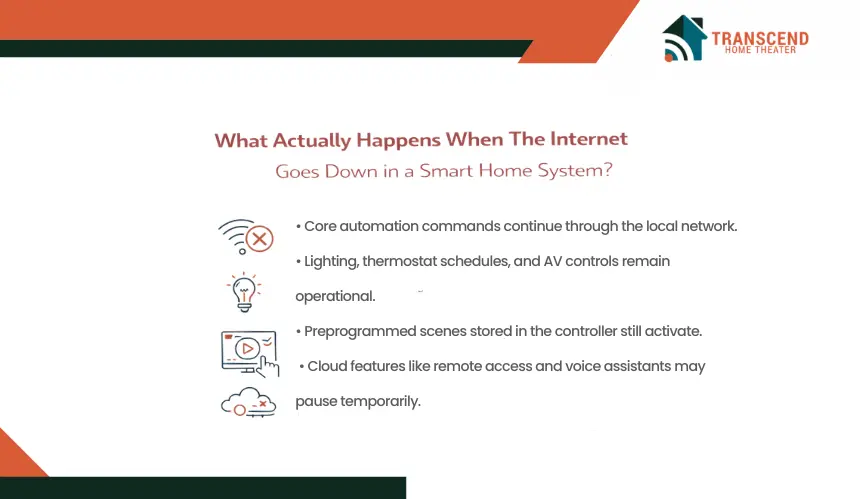
Internet outages are one of the most common concerns homeowners raise before installing a smart home system. Many consumer devices depend heavily on cloud connectivity, which creates the impression that automation stops completely if the internet fails.
Professionally designed automation environments operate differently. Most core commands inside a home travel through the local network and automation controller, allowing many functions to continue even when the external internet connection becomes unavailable.
Which Smart Home Functions Continue Working Without Internet?
Many core automation functions operate through the local area network (LAN) rather than remote cloud servers. When an automation platform includes a dedicated controller or hub, commands between devices can still move through the home’s internal network.
Several essential systems typically continue operating:
- Smart Lighting Control: Smart switches, dimmers, and keypads communicate locally with the automation controller, allowing lights to turn on, off, or adjust brightness levels.
- Preprogrammed Scenes: Automation scenes such as “Evening Lighting” or “Movie Mode” can still activate if they are stored within the local controller.
- Thermostat Scheduling: Climate systems often follow local schedules stored within the thermostat or automation processor.
- Home Theater Component Control: AV receivers, projectors, and media players can still respond to remotes or control processors connected through the internal network.
These capabilities exist because professional automation systems rely on local device communication protocols such as Zigbee, Z-Wave, or IP-based LAN control. Commands move directly between devices and the controller without requiring constant communication with remote servers.
From a system design perspective, this approach removes a major single point of failure. Local automation logic ensures that essential device control remains operational inside the home even if the internet service provider experiences an outage.
Pro Tip: Zigbee and Z-Wave are designed as mesh networks, which means intermediary nodes can relay messages for other nodes instead of relying only on a direct device-to-hub path. In practice, this can improve in-home communication reliability when devices are placed and configured properly. |
Which Features Pause When Cloud Connectivity Is Lost?
Certain smart home features depend on cloud-based services. When the internet connection drops, these services may temporarily stop functioning until connectivity is restored.
Examples include:
- Voice Assistants: Platforms like voice-controlled smart speakers rely on cloud processing to interpret commands.
- Remote Mobile Access: Controlling the home from outside the property through mobile apps requires internet connectivity.
- Cloud-Based Notifications: Security alerts, remote monitoring, or automation reports often depend on cloud servers.
- Streaming Media Services: Platforms that deliver movies or music through online libraries require internet access.
In these situations, the underlying devices remain powered and operational, but the external services that connect them to remote platforms become temporarily unavailable. Once the internet connection returns, these services automatically resume without requiring system reconfiguration.
How Professional Automation Systems Prevent Total System Failure
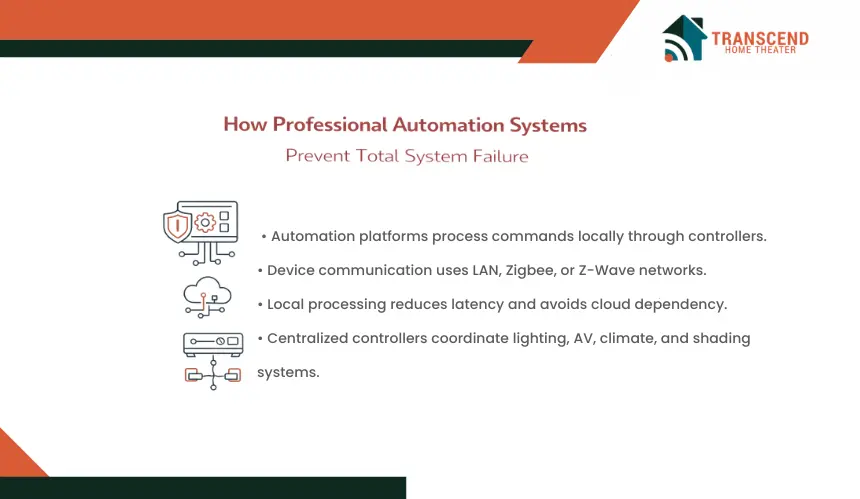
Professional automation systems are designed with operational reliability as a core engineering objective. Instead of allowing the entire system to depend on a single internet connection or cloud service, experienced automation integrators structure the environment so that critical functions operate within the home’s infrastructure.
This architecture combines local processing, centralized controllers, and device-level autonomy to maintain usability when external connectivity becomes unavailable.
Local Processing Vs Cloud Processing
Automation platforms designed for residential reliability prioritize local processing of commands. In these systems, automation logic, device triggers, and scene execution run directly through a local automation controller connected to the home network.
When a homeowner activates a lighting scene, adjusts climate settings, or launches a home theater mode, the command is processed inside the home rather than being transmitted to a remote cloud server.
This internal processing uses the home’s LAN-based device communication, which typically involves IP control protocols, Zigbee networks, or Z-Wave communication between devices and the automation controller.
This architecture offers two important operational advantages. First, it reduces latency because commands do not need to travel to external servers and back. Second, it protects the automation environment from interruptions caused by internet outages or cloud service downtime.
Many professional platforms therefore treat cloud connectivity as an optional extension for remote access rather than a requirement for everyday automation tasks.
Dedicated Automation Controllers
A dedicated automation controller serves as the central coordination point for integrated home technologies. This controller manages communication between multiple subsystems, ensuring that lighting control, climate automation, motorized shading, security devices, and AV components operate together in a coordinated environment.
The controller stores key operational data within the home, including:
- automation scenes
- device interaction logic
- schedule-based routines
- system configuration settings
Because this information resides inside the controller rather than on a remote server, automation sequences remain available even if the home loses internet connectivity.
The controller continues managing device commands across the internal network, maintaining core functionality for lighting, environmental controls, and integrated AV systems.
In professionally installed environments, these controllers are designed with stable firmware platforms, structured device drivers, and robust communication protocols.
This reliability ensures that multiple technologies across the home function as a unified system rather than a collection of disconnected smart devices.
Device-Level Control As A Backup
Another important design principle in professional smart home automation is maintaining independent control at the device level. Automation enhances convenience but does not replace traditional interaction with individual devices.
For example, smart lighting dimmers installed in the wall still operate as standard switches even if the automation controller is offline. Thermostats maintain their temperature controls locally, allowing adjustments directly from the unit. AV receivers, streaming devices, and projectors can still respond to handheld remotes or physical buttons.
This layered design approach ensures that the home remains fully usable even during rare system disruptions. Lighting can still be turned on, climate systems can still maintain comfort levels, and entertainment equipment can still operate through conventional controls.
By combining local automation processing, centralized controllers, and independent device operation, professional smart home installations eliminate single points of failure and maintain practical usability across the entire home technology ecosystem.
Fail-Safe Strategies Used In Professional Smart Home Installations
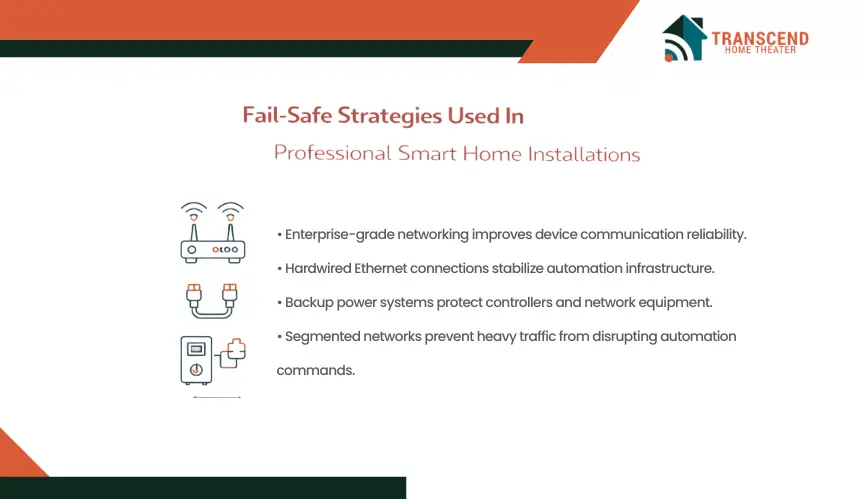
Reliable smart homes are not built around a single device or connection. Integrators design the technology environment so that the infrastructure supporting automation remains stable under normal household conditions. This involves planning the network, electrical environment, and device communication paths carefully during installation.
1. Redundant Networking Infrastructure
Professional installations often prioritize stable internal networking because automation commands depend on consistent device communication. Integrators typically install dedicated networking hardware such as enterprise-grade routers, structured Ethernet connections, and distributed wireless access points.
Hardwired connections are frequently used for critical systems like automation processors, AV equipment racks, and home theater components. This approach minimizes signal instability and improves communication reliability between automation devices across the home.
2. Backup Power For Critical Devices
Automation controllers, network routers, and AV processors rely on continuous electrical power. To prevent unexpected shutdowns, many installations include uninterruptible power supplies (UPS) for core system components.
A UPS provides short-term battery support during brief power interruptions and allows devices to shut down properly during longer outages. This protects system configuration data and prevents sudden restarts that could disrupt automation schedules or device communication.
3. Segmented Network Design
Homes with many connected devices generate large amounts of network traffic. To maintain predictable performance, installers often create separate network segments for automation systems.
Automation devices such as controllers, lighting processors, and security equipment operate on a dedicated network layer, while everyday devices like phones, tablets, and computers use a different segment. This separation reduces communication delays and keeps automation commands responsive even when household internet usage is high.
What Happens To Home Theater Systems During Connectivity Failures?
Home theater systems are often integrated with automation platforms to simplify control of multiple components. Lighting scenes may dim automatically, projectors may power on, and AV receivers may switch inputs through a single command.
When connectivity issues occur, homeowners sometimes assume the entire entertainment setup becomes unusable. In reality, professionally installed home theater environments are designed so that core AV equipment continues operating independently of automation features.
AV Systems Continue Operating Locally
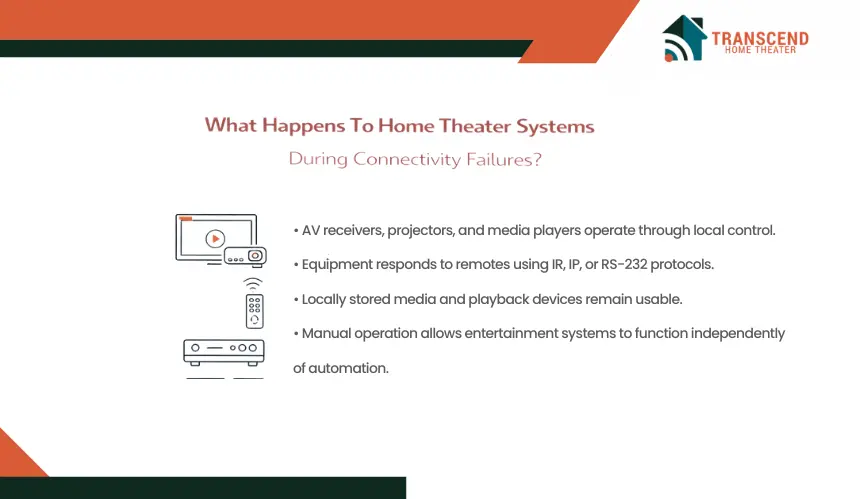
Most home theater components function through direct device control, which means they do not depend on internet connectivity to operate. Equipment such as AV receivers, projectors, amplifiers, Blu-ray players, and media processors respond to commands from handheld remotes or control processors connected through the internal network.
For example, a projector can still power on, an AV receiver can switch inputs, and speakers can output audio without requiring cloud communication. These devices rely on local control protocols such as IR, IP, or RS-232 communication, allowing commands to travel directly between the controller and the equipment.
Because of this design, core entertainment functionality remains available even during temporary internet disruptions. Homeowners can still watch locally stored media, operate connected playback devices, or adjust audio settings directly through the equipment interface.
Pro Tip: Infrared control typically requires line of sight and works over a limited distance, while IP and RS-232 control methods do not depend on aiming a remote directly at the device. That is one reason professionally installed theater systems often use dedicated control methods for rack-mounted components. |
Automation Scenes Vs Manual Operation
Automation simplifies home theater operation by grouping multiple commands into a single action. A “Movie Night” scene may dim lights, close motorized shades, power on the projector, and adjust the AV receiver to the correct input. These scenes are convenient, but they are not required for the theater system to function.
If an automation scene becomes temporarily unavailable, individual components remain fully controllable. The projector can still be turned on with its remote, the AV receiver can change inputs manually, and streaming devices can still be navigated using their native controllers.
This separation between automation convenience and device functionality ensures that entertainment systems remain usable regardless of automation platform status. The automation layer enhances the experience, but it does not replace the underlying operational controls of the home theater equipment.
Why Professional Automation Planning Makes The Difference
Smart home reliability is largely determined before the first device is installed. The planning phase defines how technologies will interact, how devices communicate, and how the system responds to real household conditions.
When automation is implemented without proper planning, systems often behave like disconnected smart gadgets. Professional system design transforms these technologies into a coordinated and dependable environment.
How Do Automation Integrators Design Reliable Systems?
Professional automation integrators approach a smart home as a technology ecosystem rather than a collection of devices. During system planning, they evaluate how lighting control, climate automation, security systems, networking equipment, and home theater components will operate together.
Several technical considerations influence this design process:
- Device compatibility: Ensuring lighting processors, automation controllers, thermostats, and AV equipment communicate through supported protocols.
- Control architecture: Determining how commands move between user interfaces, automation processors, and individual devices.
- System scalability: Selecting platforms that can support additional rooms, devices, or automation features in the future.
- Operational stability: Avoiding device combinations that introduce communication conflicts or unpredictable automation behavior.
This structured design process ensures that the automation platform coordinates technologies efficiently without creating unnecessary complexity.
Why Device Integration Matters In Home Automation Environments
A reliable smart home depends on how devices integrate within the automation platform. Lighting systems, motorized shading, AV receivers, and climate controls must exchange commands accurately for automation scenes to work consistently.
Professional automation platforms use verified device drivers and tested integration frameworks that allow equipment from different manufacturers to communicate through the automation controller. This ensures that when a command is triggered, each subsystem responds in the correct sequence.
For example, a home theater scene may trigger multiple actions such as lowering shades, adjusting lighting levels, and switching AV inputs. Successful execution depends on stable communication between the automation controller and each device involved in the sequence.
When integration is carefully planned and tested, the automation environment operates predictably and maintains consistent performance across all connected systems.
Did you know? Research from Parks Associates found that the average U.S. internet household reached 17 connected devices in Q3 2023. In a home with automation hardware, streaming devices, mobile devices, cameras, and smart appliances all sharing bandwidth, structured network planning becomes a practical requirement rather than a luxury. |
A smart home should make life easier, not leave you wondering what happens when technology hiccups. With the right system design, your home continues working smoothly even when internet or automation interruptions occur. If you want a smart home or home theater that is built for reliability from day one, Transcend Home Theater can help design and install a system that keeps your technology simple, dependable, and ready for everyday living.
Frequently Asked Questions
Can smart home automation systems operate during temporary internet outages?
Many professionally installed automation systems are designed so that core device communication occurs within the home’s internal network. This means lighting systems, AV equipment, and climate controls can still respond to local commands even if external internet access is unavailable. Internet connectivity mainly affects remote access features and cloud-based services rather than basic in-home control.
Do power outages damage smart home automation equipment?
Short power interruptions usually do not damage automation systems when equipment is installed correctly and protected with proper electrical management devices. Many systems include power conditioning or surge protection that helps stabilize electrical supply.
These safeguards help protect controllers, networking hardware, and AV components from voltage fluctuations that could otherwise affect sensitive electronics.
How long does a typical smart home automation system last?
Automation hardware is generally designed for long operational lifecycles. Many core components such as automation controllers, lighting processors, and AV equipment can remain functional for 7 to 15 years, depending on usage and maintenance.
Software updates and periodic system upgrades often extend the useful life of the installation as new technologies become available.
Are wired smart home systems more reliable than wireless ones?
Wired connections often provide more consistent communication for critical devices because they are not affected by wireless signal interference or coverage gaps.
For this reason, professional installations frequently use structured wiring for core components such as automation processors, network switches, and home theater equipment while allowing wireless connectivity for mobile devices and secondary controls.
Can smart homes continue operating if a single device stops working?
Well-designed automation environments prevent a single device failure from affecting the entire system. Devices typically operate independently while still communicating with the automation controller.
If one component stops responding, other systems such as lighting, climate controls, and AV equipment can continue functioning normally within the broader automation environment.