
Automation in Home Theaters: Integrating AV Racks, Lighting & Acoustic Controls Seamlessly
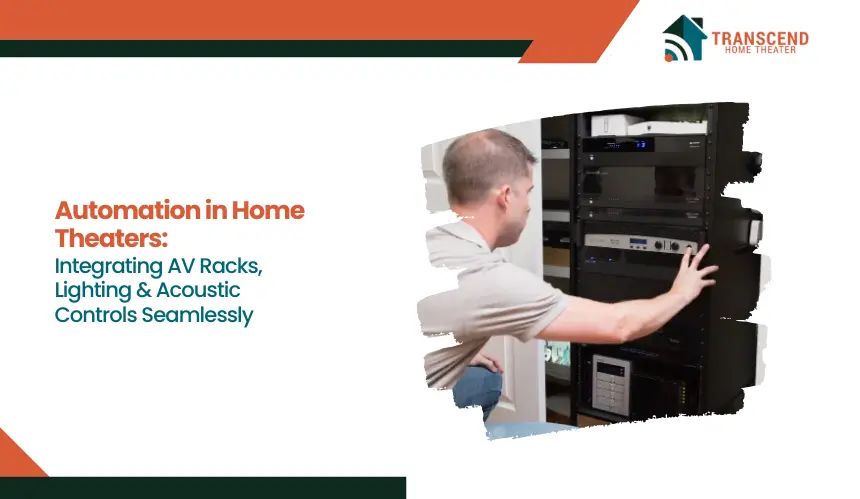
A Quick Answer: Integrating AV racks, lighting, and acoustic controls seamlessly requires a unified automation system that manages equipment, coordinates visual ambiance, and adjusts sound performance in real time. This integration requires a holistic design approach and collaboration with professionals. The goal is a unified system that is intuitive to use and operates harmoniously within the space. When these components work together through a centralized control platform, the home theater experience becomes smoother, more immersive, and far easier to manage. |
Homeowners increasingly expect their media rooms to respond instantly to viewing preferences, whether it is dimming lights for a movie, optimizing sound based on seating, or switching sources without technical interruptions.
This article explores the specific roles of AV racks, lighting automation, and acoustic controls and explains how they integrate into a single system that supports reliability, comfort, and immersive entertainment.
The Foundation of an Automated Home Theater: Centralized AV Racks
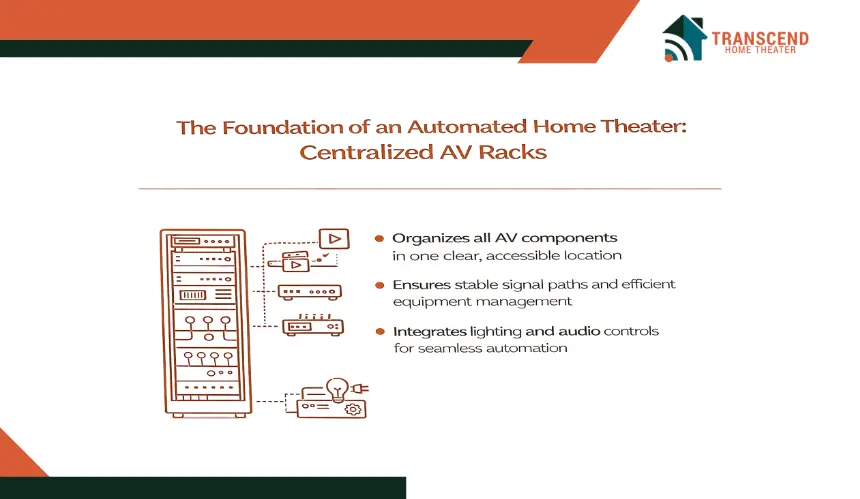
A centralized AV rack forms the core of any automated home theater because it organizes every essential component in one structured location. This layout supports stable signal paths, efficient equipment management, and clean integration with control systems that coordinate lighting and acoustics.
A well-designed rack ensures that the automation system has a reliable foundation to communicate with source devices, processors, and amplifiers without performance interruptions.
What Key AV Rack Elements Support Reliable Automation?
Automation works best when each device has a clear, accessible place within the rack. Components such as amplifiers, streaming sources, media servers, network switches, and control processors benefit from disciplined rack organization.
Consistent spacing improves ventilation while structured cable routing prevents interference and signal loss. These elements help the system respond quickly to user commands and maintain stable communication with lighting and acoustic controls.
How Does Rack Consolidation Improve System Control and Efficiency?
Centralizing equipment simplifies how automation platforms manage theater functions. When devices are grouped in a single rack, the system can process commands more efficiently and reduce the risk of communication delays.
Remote configuration, firmware updates, and troubleshooting also become easier because technicians can access everything from one point.
This approach strengthens system reliability and helps ensure that lighting adjustments, audio transitions, and source switching operate without interruptions.
Automated Lighting Controls and Their Impact on Viewing Quality
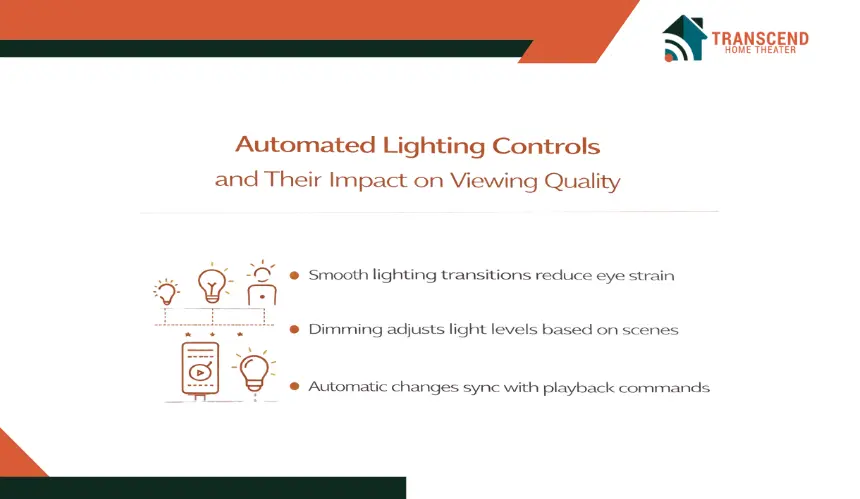
Lighting automation plays a critical role in shaping the visual comfort and overall ambiance of a home theater. Properly programmed lighting helps the room transition smoothly between scenes, reduces eye strain, and creates a viewing environment that supports deeper immersion.
How Do Lighting Zones and Dimming Controls Enhance Home Theater Ambiance?
A home theater typically includes multiple lighting zones that serve different purposes, such as wall sconces, overhead fixtures, pathway lights, and LED accents. Automated dimming systems allow these zones to shift intensity according to the selected activity.
Lower levels reduce glare on the screen, while soft accent lighting supports visibility without disrupting picture quality. Scene-based configurations help viewers move effortlessly between movie mode, gaming mode, and general seating.
How Can Lighting Automation Sync With AV Commands for a Seamless Experience?
Lighting processors connect with control systems that manage AV equipment, allowing lighting changes to occur automatically when playback starts or stops.
For example, lights can fade as a movie begins, brighten slightly during intermissions, or return to full illumination once content ends.
These synchronized responses eliminate the need for manual adjustments and help maintain a consistent viewing atmosphere throughout the experience.
Acoustic Controls and Automated Sound Optimization
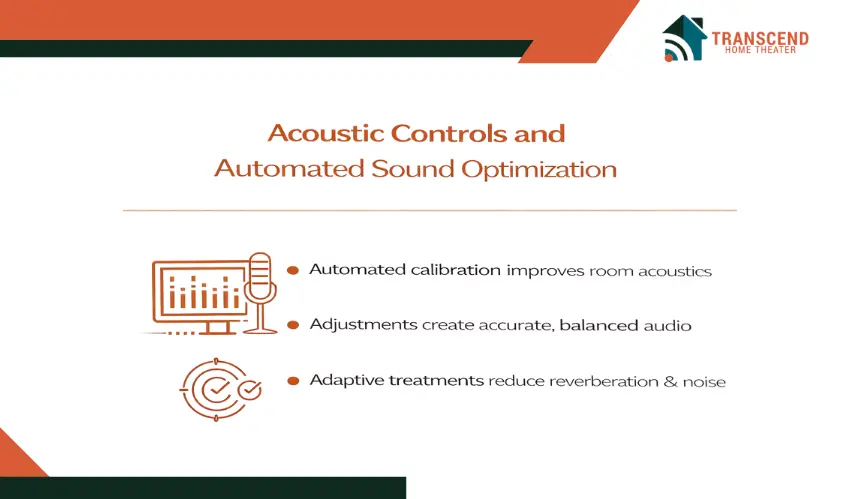
Sound behavior within a home theater can dramatically influence how natural, clear, and immersive the audio feels. Automated acoustic controls help the system adjust to the room’s layout, materials, and seating positions so the audio remains consistent and balanced across different types of content.
How Does Automated Room Calibration Improve Sound Accuracy?
Automated calibration tools rely on microphones and digital processors that measure how sound behaves throughout the room. By capturing data on reflections, frequency balance, and seating distance, the system can create an EQ profile that compensates for acoustic challenges. This results in clearer dialogue, controlled bass levels, and fewer inconsistencies between listening positions.
How Do Automated Acoustic Treatments Support Better Audio Performance?
Some home theaters benefit from automated acoustic elements that can adjust or reposition treatments to improve sound distribution.
Motorized panels, adaptive bass traps, or variable acoustic surfaces help control reverberation and enhance clarity when switching between different types of content. These adjustments allow the room to create an optimal sound field without requiring physical modifications during use.
Bringing It All Together: Seamless Integration Between Racks, Lighting and Acoustics
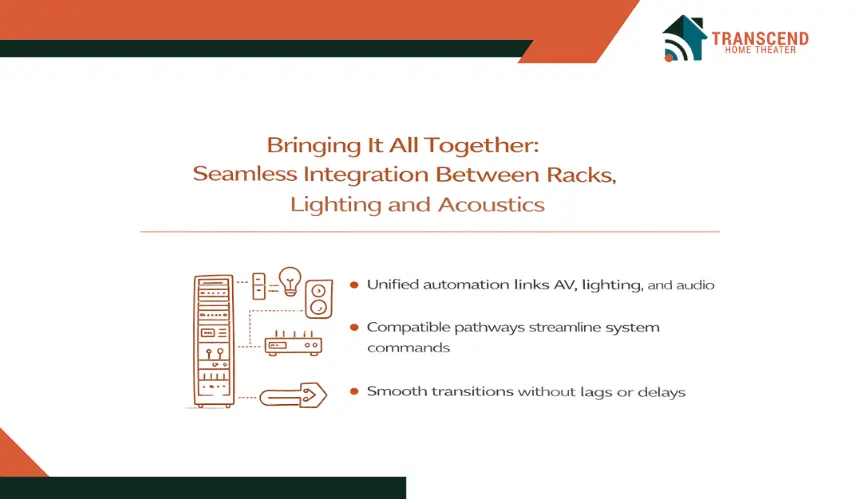
Creating a unified home theater experience depends on how well the control system connects the AV rack, lighting automation, and acoustic optimization tools. When these components interact smoothly, the room responds instantly to commands and adjusts itself in a way that feels natural to the viewer. The integration stage is where automation becomes truly noticeable.
Programming Logic That Synchronizes AV, Lighting and Acoustic Functions
Automation systems use programmed sequences that link AV switching, lighting changes, and acoustic adjustments into a unified response. A single command can activate the correct source device, set the desired lighting level, and apply the calibrated sound profile within seconds.
These routines depend on stable communication between processors so the room transitions smoothly without delays or uneven system behavior.
Compatibility Between Controllers, Lighting Modules and Audio Processing
Lighting modules, audio processors, and rack-mounted devices must communicate through compatible protocols so the system delivers timely responses.
Control platforms work best when all connected devices support reliable signaling, whether through IP control, IR receivers, or serial communication. When the equipment aligns with the control platform’s capabilities, every adjustment feels precise and coordinated.
Real-World Use Cases of Fully Integrated Automation
A well-integrated theater might dim lights as content begins, activate an optimized sound profile based on seating, and prepare the correct video source without separate actions from the user.
During gaming, the system can shift lighting to reduce glare and adjust audio characteristics suited for dynamic effects. These interactions highlight how unified automation enhances comfort and improves the overall viewing experience.
Installation Considerations and Best Practices for Smooth Integration
Successful home theater automation depends not only on choosing the right components but also on preparing the room to support stable communication between AV racks, lighting controls, and acoustic systems. Proper planning ensures that each device operates efficiently and remains adaptable for future upgrades.
1. Wiring, Network Stability and Low Voltage Infrastructure
A reliable automation setup begins with organized wiring pathways and strong network performance. Structured cabling allows signals to travel cleanly between equipment, while dedicated circuits and grounding help prevent interference.
Network switches, routers, and access points must offer enough bandwidth and consistency to support command processing and device communication without drops or delays.
2. Rack Placement, Ventilation and Noise Control
The location of the AV rack influences accessibility, climate control, and overall system longevity. Adequate ventilation prevents equipment from overheating, and thoughtful placement reduces noise transfer into the viewing space.
Shelving, airflow management, and cable clearance help maintain a stable environment that supports continuous automation performance.
3. Ensuring Expandability for Future Automation Features
Home theaters evolve as new devices, lighting modules, and sound optimization tools become available. Leaving extra rack space, planning additional cable routes, and using expandable processors make it easier to adopt updated technologies later.
Scalable design created by a home theater design and installation expert helps homeowners maintain system flexibility without major modifications.
Common Challenges and How Proper Integration Prevents Them
Even well-designed home theaters can experience technical issues when components are not integrated correctly. Many of these challenges stem from communication gaps, timing inconsistencies, or environmental factors that disrupt system performance. Proper integration helps eliminate these issues before they affect the viewing experience.
1. System Delays, Sync Errors and Lighting Misfires
Delays occur when commands reach devices at different times or when processors struggle to coordinate multiple actions. Lighting misfires, such as scenes activating too late or failing to adjust during playback, often indicate inconsistent signaling.
Integrating devices through compatible control protocols and ensuring stable processor communication allows the system to respond instantly and maintain synchronized transitions.
2. Audio Calibration Failures and Environmental Variability
Acoustic issues often arise when calibration settings do not match the room’s layout or when environmental changes alter sound behavior. Hard surfaces, shifting furniture, and new décor can influence reflections and frequency balance.
Automated systems that analyze the room accurately and apply consistent calibration profiles help prevent these issues and maintain steady sound performance.
3. Network Related Automation Drops
Automation depends heavily on network stability. Weak signals, overloaded routers, or improper network segmentation can interrupt communication between devices. These issues cause dropped commands or delayed system responses.
A strong network infrastructure with sufficient bandwidth and clear device pathways helps maintain dependable automation performance.
If you want a system that feels seamless, intuitive, and personalized to your space, Transcend Home Theater can help bring your vision to life. Our team creates integrated setups that combine lighting, sound, and equipment control into a smooth, reliable experience that elevates every viewing moment.
Frequently Asked Questions
Can automation help reduce the number of remotes needed in a home theater?
Yes. A centralized control system can replace multiple remotes by consolidating AV switching, lighting adjustments, and audio settings into one interface. Homeowners can use a single touchscreen, mobile app, or universal remote to manage every feature in the room.
Is it possible to integrate smart home features like climate control with a home theater?
Many control platforms allow the home theater to interact with climate systems. This can include adjusting temperature for comfort during longer viewing sessions or activating ventilation when equipment heat levels rise in nearby areas.
Do automated home theaters require ongoing software updates?
Most systems benefit from regular firmware and software updates that improve compatibility, enhance performance, and introduce new features. These updates help maintain reliability as new AV, lighting, or acoustic technologies are released.
Can a home theater be automated if it is located in a multipurpose room?
Yes. Automation can be configured for flexible spaces where the area is used for movies, gaming, or general recreation. The system can activate different presets that adjust lighting, audio, and equipment behavior to match each activity.
Are there accessibility benefits to having an automated home theater?
Automated systems can assist individuals who prefer simplified controls or hands-free operation. Features like voice activation, adaptive lighting, and preset audio modes help make the theater easier to manage without manual adjustments.
Does automation improve energy efficiency in a home theater?
Automation can help reduce energy usage by turning off unused equipment, adjusting lighting levels, and managing power distribution based on activity. These features prevent unnecessary consumption while maintaining a comfortable environment.