
Combining Home Theater + Gaming + Music Rooms Without Compromise
Key Takeaways
|
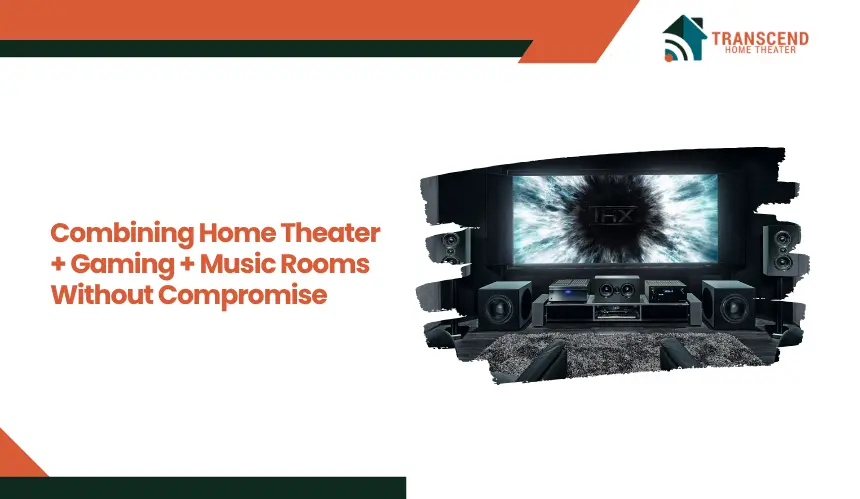
Designing a single room that delivers cinematic immersion, low-latency gaming performance, and accurate music playback creates conflicting technical demands. Surround sound positioning, display responsiveness, and acoustic tuning rarely align within a fixed setup, leading to compromised output across all use cases.
A structured approach focused on layout flexibility, audio precision, and system integration allows all three environments to coexist without performance loss.
This guide explains how to engineer a multi-purpose AV room that transitions seamlessly between theater, gaming, and music modes.
Why Multi-Purpose AV Rooms Usually Fail (And What Needs to Change)
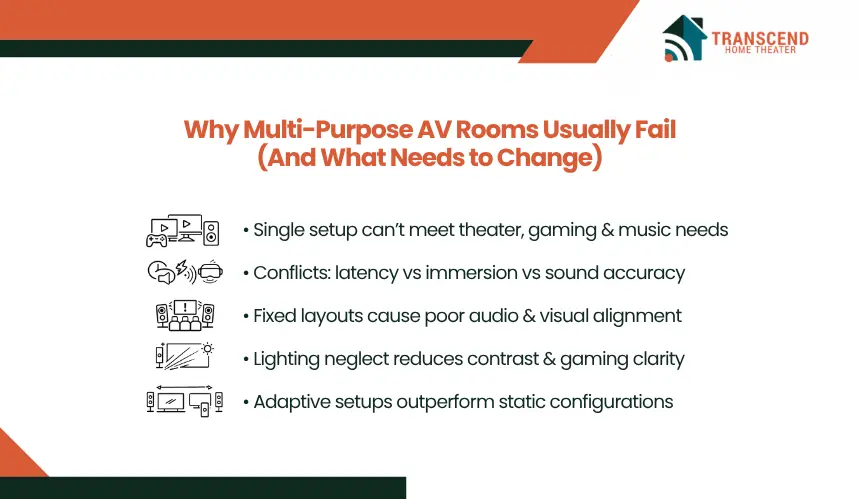
Most multi-use AV rooms underperform because they are built around a single fixed configuration, while theater, gaming, and music each demand different performance priorities. Without aligning these requirements at a system level, the result is compromised audio imaging, suboptimal visuals, and inconsistent user experience.
- Conflicting requirements: latency vs immersion vs acoustic accuracy
Home theater prioritizes processing and surround depth, gaming demands low input lag and direct signal paths, while music requires precise stereo imaging. A shared, unoptimized chain degrades at least one of these outputs. - Common mistakes: single-layout thinking, poor speaker placement, lighting neglect
Fixed seating and speaker positions lead to off-axis listening and incorrect surround angles. Lighting is often ignored, causing glare for gaming and reduced contrast for movies. - Why “average setups” underperform across all three use cases
General-purpose configurations lack the precision needed for any single mode. They deliver acceptable results but fail to meet performance thresholds for immersive theater, responsive gaming, or accurate music playback. - The shift from static rooms to adaptive environments
Effective setups move toward adaptable layouts, configurable audio profiles, and flexible signal routing, allowing the room to shift based on the active use case rather than forcing a single compromise setup.
Designing a Layout for Theater, Gaming, and Music Modes
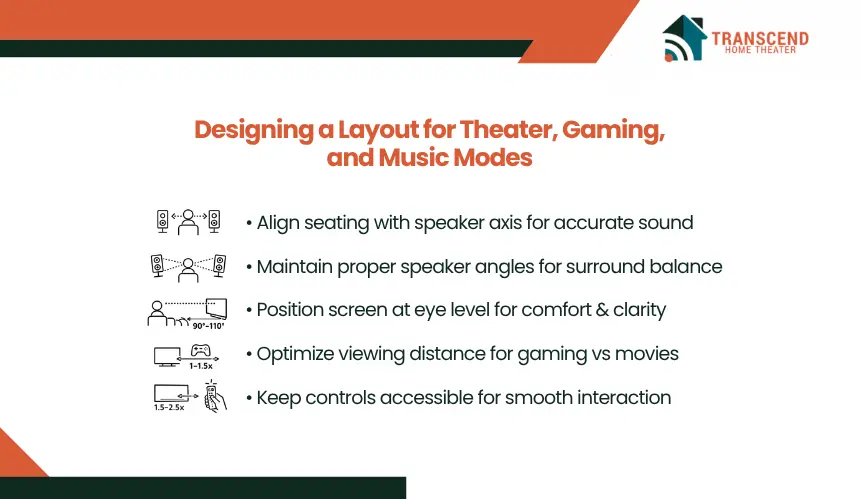
A high-performance multi-purpose room depends on layout decisions that preserve viewing angles, listening accuracy, and user comfort across all modes. Instead of fixing positions, the layout should allow consistent alignment between the screen, speakers, and seating under different usage scenarios.
Zoning Without Physical Separation
Use alignment-based zoning rather than dividing the room. Position the main seating so that the listener’s ear level sits at tweeter height of the front left and right speakers, typically 36–42 inches from the floor when seated. Keep the seating centered within ±10° of the speaker axis to preserve stereo imaging for music.
For surround setups, maintain side speakers at 90–110° relative to the listener and rear speakers at 135–150°. This allows the same seating position to work for both stereo and surround without repositioning furniture. Modular or slightly angled seating helps maintain this alignment across multiple users.
Display Positioning for Dual Performance
Set the display so the center of the screen aligns with seated eye level, typically 40–48 inches from the floor. For gaming, maintain a viewing distance of 1 to 1.5 times the screen diagonal to reduce eye travel and improve reaction time. For movies, extend this to 1.5 to 2.5 times the diagonal for a wider field of view without distortion.
If using a large-format TV or projector, ensure the horizontal viewing angle stays within 30–40° for balanced immersion without causing peripheral strain. Avoid mounting the display too high, as this introduces neck fatigue and reduces visual accuracy during extended gaming sessions.
Control Accessibility & Ergonomics
Place consoles, AV receivers, and media devices within 1.5–2 meters of the display to minimize HDMI signal loss and latency. Use certified high-speed HDMI 2.1 cables for gaming systems to support 4K at 120Hz without bandwidth bottlenecks.
Keep frequently used controls within arm’s reach of the primary seating position to avoid posture shifts that break immersion. Route cables along walls or through conduits to prevent interference and maintain consistent signal integrity. Proper cable management also simplifies switching between devices, reducing friction when transitioning between gaming, movie playback, and music listening.
Configuring Audio for Theater, Gaming, and Music Modes
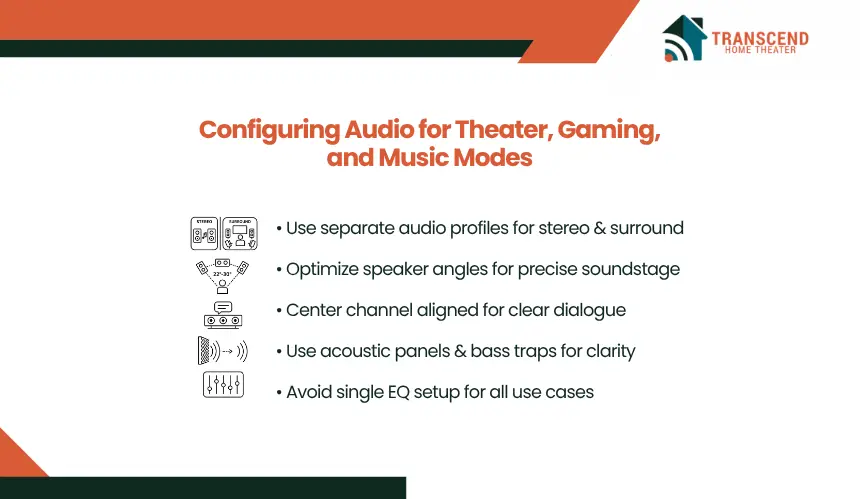
Audio performance must satisfy three distinct requirements: immersive surround for theater, precise directional cues for gaming, and accurate stereo imaging for music. The system should be calibrated so each mode delivers its intended output without relying on physical repositioning.
Surround vs Stereo Balance Strategy
Configure the AV receiver to maintain separate calibration profiles for stereo and multi-channel playback. For music, use Direct or Pure Direct modes to bypass unnecessary processing and preserve channel separation and tonal accuracy.
For movies and gaming, enable Dolby or DTS decoding with a crossover typically set around 80 Hz to distribute low frequencies efficiently across speakers without masking dialogue or midrange detail. Avoid applying a single EQ curve across all use cases, as stereo playback requires minimal processing while multi-channel formats depend on calibrated bass management.
Speaker Placement Optimization
Position front left and right speakers at a 22–30° angle from the primary listening position, forming an equilateral triangle to maintain stereo imaging precision. This alignment ensures accurate soundstage reproduction for music while supporting clear front-stage output in movies.
Place the center channel directly in line with the display and angle it toward ear level to maintain dialogue clarity. Surround speakers should be installed at 90–110° relative to the listener and elevated slightly above ear level to create spatial separation while preserving directional accuracy for in-game audio cues.
Acoustic Treatment That Supports All Formats
Install absorption panels at first reflection points along side walls and ceiling to control early reflections and improve clarity. This enhances dialogue intelligibility in movies and positional accuracy in gaming.
Use bass traps in room corners to stabilize low-frequency buildup and prevent uneven bass response. Add diffusion on rear walls to maintain spatial depth without introducing echo artifacts. Avoid over-absorbing the space, as excessive damping reduces dynamic range and weakens stereo imaging in music playback.
Optimizing Visual and Lighting Performance Across Gaming, Music, and Theater Modes
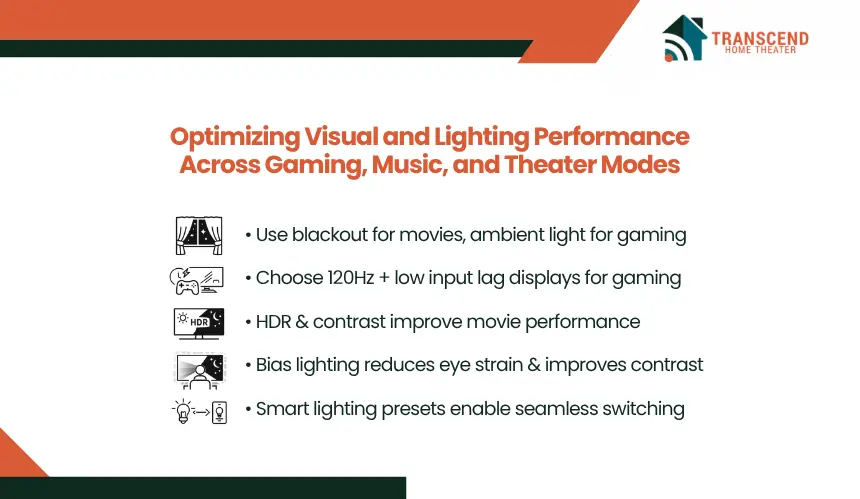
Visual performance depends on controlling light, display response, and viewing conditions based on usage. Theater requires contrast and darkness, gaming depends on clarity and responsiveness, while music sessions benefit from balanced ambient lighting that reduces fatigue.
How Should Ambient Light Be Controlled for Each Mode?
Install blackout curtains or motorized shades to eliminate external light during movie playback, as even minor light leakage reduces contrast and perceived depth. For gaming, maintain low-level ambient lighting behind or around the display to reduce eye strain during long sessions without washing out the screen.
Use dimmable LED fixtures with adjustable color temperature. Cooler tones around 5000K support alertness during gaming, while warmer tones around 2700–3000K create a relaxed environment for music listening.
What Display Specifications Matter for Mixed Use?
Select displays with a minimum 120Hz refresh rate and low input lag under 10 milliseconds to maintain responsiveness in gaming. For movies, prioritize high contrast ratios and HDR formats such as Dolby Vision or HDR10+ to preserve detail in dark and bright scenes.
If choosing between projector and TV, use a projector only in fully controlled lighting environments. TVs are more suitable for mixed-use rooms due to consistent brightness, better response times, and reduced maintenance.
How to Implement Adaptive Lighting Without Disrupting Performance?
Use bias lighting behind the display with a neutral white color around 6500K to improve perceived contrast and reduce eye fatigue. Ensure brightness levels remain below 10% of the display’s peak brightness to avoid visual interference.
Integrate smart lighting systems that allow preset switching between modes. For example, configure one preset for full blackout during movies, another with low ambient light for gaming, and a third with evenly distributed lighting for music sessions. This removes the need for manual adjustments and maintains consistent visual conditions.
How Do Local Environmental Conditions Affect Visual Performance?
Room performance is directly influenced by external light exposure, housing structure, and urban density. In regions like Virginia and Maryland, seasonal daylight variation significantly impacts viewing conditions. During summer months, extended daylight hours increase ambient light penetration, requiring full blackout solutions such as layered curtains or motorized shades to maintain contrast levels during daytime viewing.
Housing styles also play a role. Basement installations, common in suburban areas across Virginia, provide naturally controlled lighting environments, making them suitable for projector-based systems. In contrast, above-ground living rooms with large windows demand high-brightness displays, typically above 1000 nits, to preserve image clarity under partial light exposure.
Urban environments such as Washington DC introduce additional challenges through external light pollution. Street lighting, adjacent buildings, and reflective surfaces can elevate baseline room brightness even at night. This reduces perceived contrast and weakens HDR performance unless controlled through blackout treatments and bias lighting calibration.
These environmental factors directly influence system planning decisions during home theater design and installation, as display type, brightness levels, and light control strategies must align with real-world conditions. Ignoring them leads to inconsistent performance, especially when transitioning between daytime and nighttime usage.
Integrating Systems for Seamless Theater, Gaming, and Music Switching
Performance across multiple modes depends on how efficiently the system transitions between them. Without structured integration, users face input delays, incorrect audio profiles, and manual reconfiguration that disrupts usability. The objective is to automate switching while preserving signal integrity and mode-specific optimization.
How to Set Up One-Touch Mode Switching?
Configure activity-based presets using a universal remote or automation system. Each preset should control display input, audio mode, and lighting simultaneously. For example, a “Gaming” mode should route the console directly to the display, enable game mode on the TV, and switch the receiver to a low-latency audio profile.
A “Movie” mode should activate surround decoding, dim lighting, and prioritize streaming or media player inputs. These presets eliminate manual switching errors and ensure the system always operates under correct performance settings.
How Should AV Receivers and Signal Paths Be Managed?
Route high-performance gaming devices directly to the display when possible to minimize input lag, then return audio via eARC to the receiver. This prevents additional processing delays introduced by the receiver’s video pass-through.
For movie playback, route sources through the AV receiver to enable full audio decoding and synchronization. Use receivers that support HDMI 2.1 bandwidth to handle 4K at 120Hz without signal compression. Maintain separate input profiles to avoid reconfiguring settings each time.
What Control Systems Ensure Consistent Operation?
Use centralized control platforms that synchronize display, audio, and lighting states. Systems such as app-based controllers or programmable remotes allow consistent execution of presets without requiring technical adjustments.
Ensure all devices are connected through a stable network or wired control system to prevent command delays. Consistency in control execution is critical, as partial switching, such as correct display input but wrong audio mode, leads to degraded performance across all use cases.
Designing a space that performs equally well for movies, gaming, and music requires more than just equipment, it demands precision planning and system-level expertise. Transcend Home Theater specializes in building high-performance environments that eliminate compromise and deliver seamless multi-mode experiences.
Frequently Asked Questions
Can one speaker system really handle movies, gaming, and music without sounding compromised?
A single speaker system can handle all three if it is calibrated for separate listening priorities rather than forced into one global profile. Multi-channel decoding should be reserved for theater and gaming, while stereo playback should use Direct or Pure Direct modes. The limiting factor is usually calibration quality, speaker placement, and room acoustics, not the speaker count alone.
What is the biggest mistake people make when turning a media room into a combined entertainment space?
The most common mistake is optimizing the room around equipment instead of use cases. People often buy a large screen, surround speakers, and gaming hardware, then place everything in a fixed layout that weakens viewing angles, stereo imaging, and control access. Performance drops when seating, display height, and signal routing are not planned together.
Is a projector or a TV better for a room that will be used for gaming and music too?
The better option depends on light control and gaming requirements. TVs usually perform better in mixed-use rooms because they offer higher brightness, lower input lag, better HDR consistency, and easier daytime usability. Projectors work best in dedicated or basement-style media rooms where blackout control is strong and cinematic scale is the top priority.
How much does room shape and furniture placement affect sound quality in a combo room?
Room geometry and furniture placement have a major impact on bass response, stereo balance, and surround accuracy. Asymmetrical layouts can shift the soundstage, while reflective surfaces create early reflections that smear dialogue and directional cues. Even a high-end AV setup will underperform if the primary seat is off-center or speakers are blocked by cabinets, shelves, or oversized furniture.
Do gaming consoles need to connect directly to the display, or is routing through the receiver fine?
Connection path matters most when the goal is low-latency gaming. Routing a console directly to the display often reduces processing delay, especially in 4K 120Hz setups, while audio can return through eARC to the receiver. Routing through the AV receiver is acceptable only if the receiver supports full HDMI 2.1 bandwidth and does not add measurable delay.
What should be upgraded first if the room already exists but performance feels off?
The first upgrade should target the system bottleneck rather than the most visible component. In many rooms, acoustic treatment, speaker repositioning, or display relocation produces a bigger improvement than replacing electronics. Poor first reflection control, incorrect speaker angles, or high ambient light can undermine every source device connected to the room.