
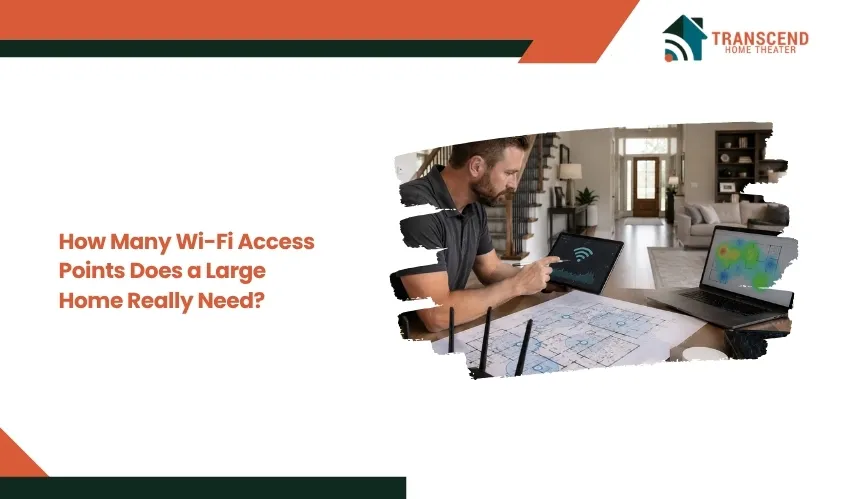
How Many Wi-Fi Access Points Does a Large Home Really Need?
Key Takeaways:
|
A large home does not automatically need more Wi-Fi access points. The right number depends on how your home’s size, layout, building materials, and connected devices affect wireless coverage. Installing too few access points creates dead zones and unstable connections, while installing too many can increase interference and reduce network efficiency. This guide explains how to determine the right number of Wi-Fi access points for your home and where they should be placed for reliable, consistent performance.
There Is No One-Size-Fits-All Number of Wi-Fi Access Points
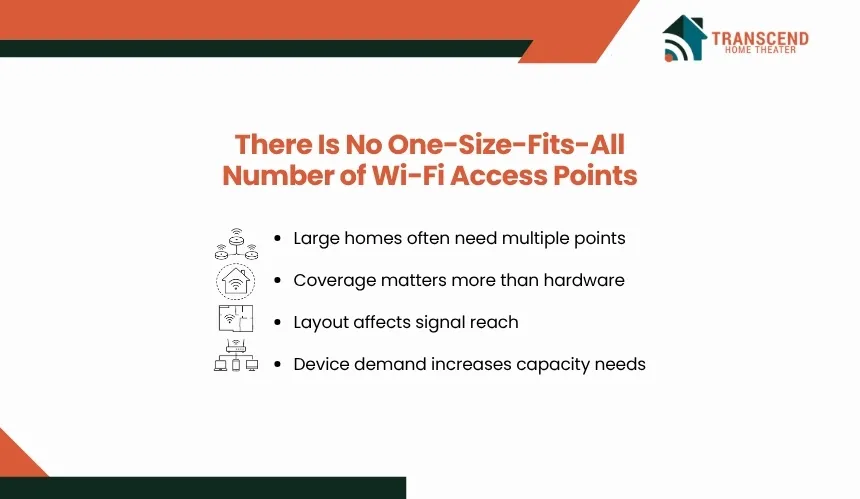
A large home typically needs between two and six Wi-Fi access points, but there is no universal number that works for every property. The correct setup depends on how far a wireless signal can travel without significant loss and whether every area receives consistent coverage. A well-designed network prioritizes complete coverage and capacity over simply adding more hardware.
Rather than relying on square footage alone, consider these factors together:
- Home size: Larger homes generally require additional access points to maintain strong signal strength throughout the property.
- Floor plan: Open layouts allow Wi-Fi signals to travel farther, while long hallways, separate wings, and multiple floors often require additional coverage points.
- Building materials: Concrete, brick, stone, metal framing, and insulated walls absorb or block wireless signals, reducing the effective coverage area of each access point.
- Connected devices: Homes with smart home systems, security cameras, streaming devices, gaming consoles, and numerous smartphones or laptops place greater demand on the wireless network, making multiple access points more effective.
As a general starting point, many homes under 2,000 square feet achieve reliable coverage with one or two access points, medium-sized homes often need two to four, and larger or multi-story homes commonly require three or more.
However, these are planning estimates rather than fixed rules. The final number should always be based on actual coverage requirements and signal performance instead of home size alone.
What Factors Determine How Many Wi-Fi Access Points You Need?
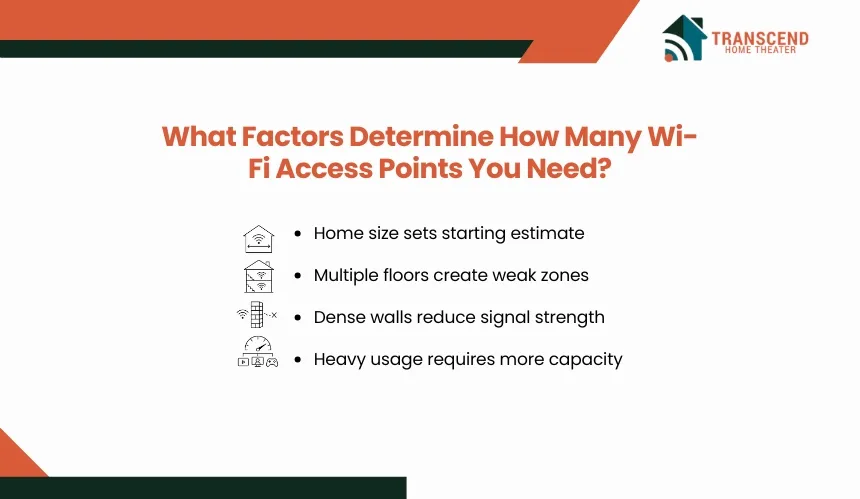
The number of access points is determined by how effectively a Wi-Fi signal can cover your living space while supporting the devices that use it. Evaluating the physical environment and network demand provides a more accurate estimate than relying on square footage alone.
Home Size and Floor Plan
Square footage establishes a starting point, but the home’s layout has a greater influence on wireless coverage. An open-concept home allows signals to travel with fewer obstructions, while multiple floors, long corridors, finished basements, and separate living areas create coverage gaps that often require additional access points.
Vertical distance also affects performance. A single access point placed on one floor may not provide a stable connection to rooms directly above or below, especially in larger homes. Distributing access points across different levels creates more consistent coverage and reduces weak signal areas.
Wall Materials and Physical Obstacles
Every obstacle between a device and an access point weakens the wireless signal to some degree. Dense construction materials absorb or reflect radio frequencies, reducing both signal strength and available bandwidth.
Materials that commonly reduce Wi-Fi performance include:
- Concrete and brick walls
- Stone fireplaces and chimneys
- Metal framing and ductwork
- Mirrors and large glass surfaces with metallic coatings
- Large appliances and utility equipment
Homes built with these materials often require additional access points placed on opposite sides of major obstructions to maintain reliable connectivity.
Number of Connected Devices and Internet Usage
Coverage is only part of network performance. Capacity also matters. Every access point shares its wireless resources among connected devices, so higher device density increases network demand even when signal strength is excellent.
A household with dozens of smart home devices, security cameras, smart TVs, gaming consoles, laptops, tablets, and smartphones generates significantly more wireless traffic than a home used primarily for web browsing.
Simultaneous activities such as 4K streaming, video conferencing, online gaming, and large file transfers place additional load on the network. In these environments, adding strategically placed access points helps distribute client devices more efficiently, reducing congestion and maintaining stable performance throughout the home.
Recommended Number of Wi-Fi Access Points by Home Size
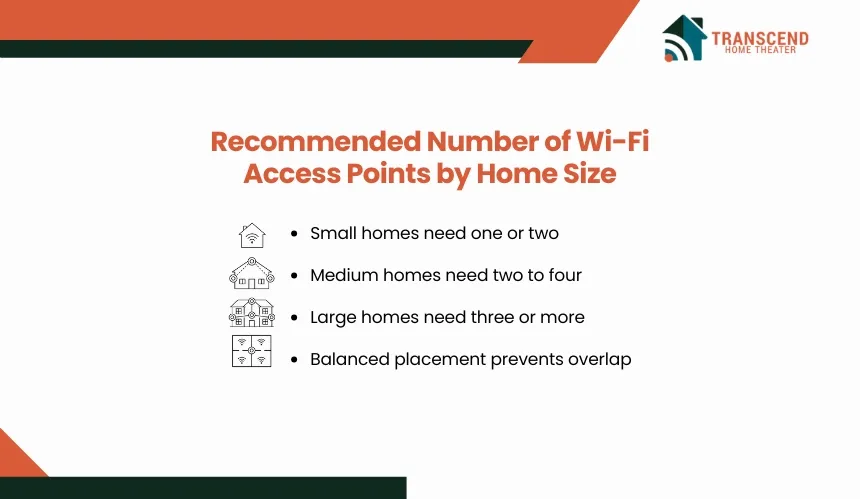
While every home should be evaluated individually, home size provides a practical starting point for planning a wireless network. The recommendations below assume modern Wi-Fi equipment, average ceiling heights, and typical residential construction. Homes with complex layouts or signal-blocking materials may require adjustments.
Homes Up to 2,000 Square Feet
Most homes in this range require one to two Wi-Fi access points. An open floor plan may achieve complete coverage with a single centrally located access point, while homes with multiple levels or isolated rooms often benefit from a second unit to eliminate weak coverage areas.
Homes Between 2,000 and 4,000 Square Feet
Homes of this size typically need two to four Wi-Fi access points. Coverage should be distributed across the home rather than extended from a single location. Placing access points in separate sections or on different floors creates stronger, more consistent signals and reduces the distance each device must communicate.
Homes Larger Than 4,000 Square Feet or Multi-Story Homes
Large residences generally require three to six or more Wi-Fi access points, depending on the floor plan and construction. Separate wings, guest suites, finished basements, garages, and outdoor living areas often need dedicated coverage instead of relying on signals from the main living space.
Rather than selecting the highest possible number of access points, aim for complete coverage with minimal overlap. Each access point should serve its intended area efficiently while allowing devices to transition smoothly between coverage zones. A balanced deployment delivers better performance than concentrating multiple access points in the same part of the home.
Where Should Wi-Fi Access Points Be Placed?
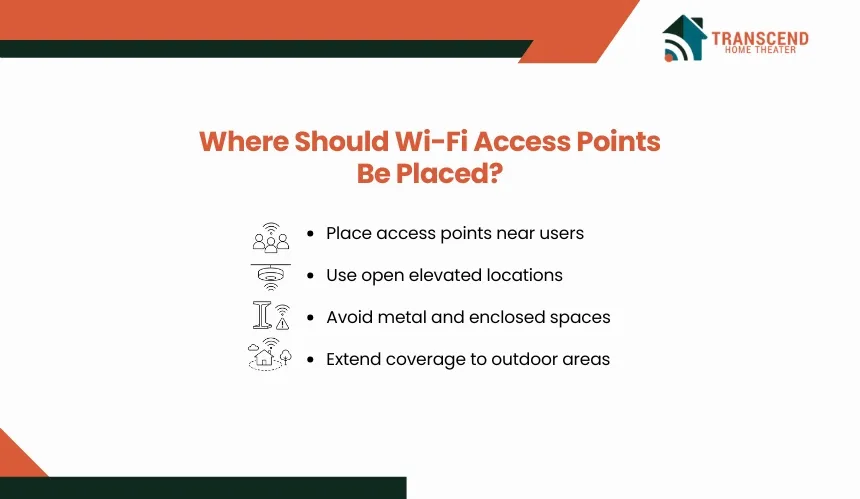
The effectiveness of a Wi-Fi network depends as much on placement as it does on the number of access points. Even a well-sized deployment can leave dead zones if access points are installed in poor locations or clustered too closely together.
Best Locations for Even Coverage
Place access points as close as possible to the areas where wireless devices are most frequently used. A central location within each coverage zone minimizes signal travel distance and improves overall network performance.
For the best results:
- Install one access point per floor in multi-story homes where practical.
- Position access points in open areas instead of enclosed cabinets or utility closets.
- Mount them at an elevated height, such as on a ceiling or high wall, when supported by the equipment.
- Space access points so their coverage areas overlap slightly, allowing devices to roam without losing connection.
- Extend coverage to detached garages, home offices, or outdoor entertainment areas with dedicated access points when needed.
Thoughtful placement reduces weak signal areas without requiring unnecessary hardware.
Common Placement Mistakes to Avoid
Several installation mistakes can limit wireless performance, even when enough access points are available.
Avoid these common issues:
- Installing multiple access points too close together, creating excessive signal overlap and radio interference.
- Placing access points near large metal objects, electrical panels, or major appliances that disrupt wireless signals.
- Positioning equipment in corners of the home instead of central locations.
- Hiding access points inside cabinets, behind furniture, or in enclosed media centers where signals are obstructed.
- Assuming one powerful access point can reliably cover every floor or distant room.
A properly planned layout distributes access points according to the home’s structure and usage patterns, ensuring that each device connects to the strongest available signal instead of competing with distant or obstructed connections.
How Do You Know If You Need More Wi-Fi Access Points?
A network that lacks sufficient access points usually shows consistent performance issues rather than occasional slowdowns. If your internet plan delivers the expected speed at the modem but performance drops in certain parts of the home, inadequate wireless coverage or capacity is often the cause.
You may need additional Wi-Fi access points if you notice:
- Dead zones where devices regularly lose connection. Areas that consistently have little or no Wi-Fi signal indicate that the existing coverage does not reach those spaces effectively.
- Weak signal despite being connected to Wi-Fi. Devices may remain connected but experience slow page loads, buffering, or poor video quality because the signal strength is too low.
- Performance drops when many devices are active. If streaming, gaming, video meetings, and smart home devices compete for bandwidth at the same time, your current access points may be serving more clients than they can efficiently handle.
- Frequent roaming issues. Devices that stay connected to a distant access point instead of switching to a closer one can experience unstable performance, particularly in larger homes.
- Newly added living spaces lack reliable coverage. Home additions, finished basements, detached garages, and outdoor entertainment areas often fall outside the range of an existing wireless network.
If these issues persist after confirming that your internet service is performing correctly, adding another access point may be appropriate. Before purchasing additional equipment, perform a Wi-Fi site survey or use a network analysis app to identify weak coverage areas.
Measuring signal strength and coverage patterns helps determine whether the solution is an extra access point, better placement of existing equipment, or adjustments to the wireless network configuration.
Get the reliable whole-home Wi-Fi coverage your family deserves with Transcend Home Theater. We design and optimize wireless networks for homeowners across Virginia, Maryland, and Northwest DC, ensuring fast, seamless connectivity in every room. Contact our team to build a Wi-Fi solution tailored to your home’s unique layout.
Frequently Asked Questions
Does my existing Wi-Fi router count as an access point?
Most wireless routers include a built-in access point, so they can provide one coverage zone. However, the router’s location is often determined by where the internet connection enters the home. If it sits in a basement, utility room, or exterior corner, separate access points may still be required for balanced coverage.
Should I use mesh Wi-Fi or wired access points in a large home?
Wired access points generally deliver higher speeds, lower latency, and more predictable performance because each unit connects through Ethernet. Mesh Wi-Fi is easier to install where network cabling is unavailable, but wireless backhaul consumes part of the available bandwidth. Large homes with heavy streaming, gaming, or remote work usually benefit from wired infrastructure.
Does every Wi-Fi access point need an Ethernet connection?
An access point performs best with an Ethernet backhaul connecting it directly to the router or network switch. Some systems can communicate wirelessly, but those units function more like mesh nodes or repeaters. Ethernet connections prevent backhaul traffic from competing with user devices and provide more consistent throughput across larger properties.
Should all access points use the same Wi-Fi name and password?
Using the same SSID, password, and security settings allows compatible devices to move between access points without manually changing networks. Effective roaming also depends on coordinated channel selection, transmit power, and controller settings. Simply giving unrelated access points the same network name does not guarantee smooth handoffs or stable connections.
Can Wi-Fi 6E or Wi-Fi 7 reduce the number of access points needed?
Newer Wi-Fi standards increase capacity, efficiency, and potential speed, but they do not automatically extend coverage. The 6 GHz band used by Wi-Fi 6E and Wi-Fi 7 offers wider channels but has shorter effective range and weaker wall penetration than 2.4 GHz. Large homes may still require several strategically distributed access points.