
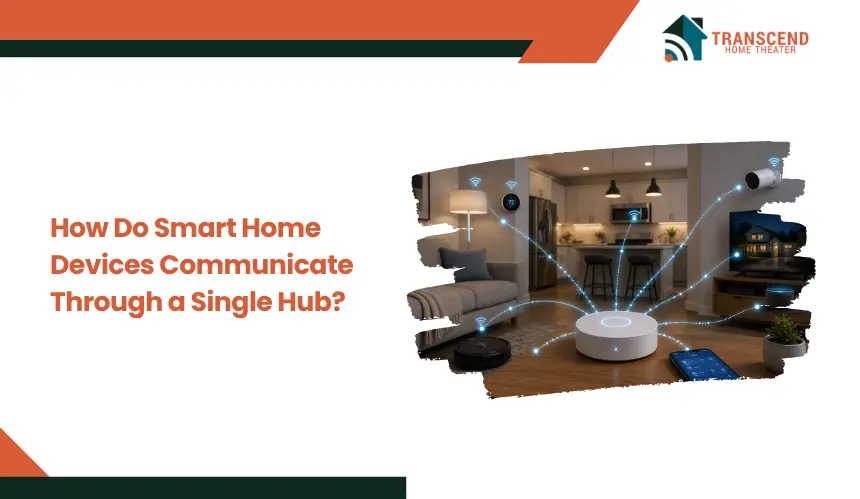
How Do Smart Home Devices Communicate Through a Single Hub?
Key Takeaways:
|
Smart home devices rarely communicate seamlessly on their own because they operate on different wireless protocols, ecosystems, and control standards. Without a centralized system, commands can fail, automations break, and device coordination becomes inconsistent. This creates friction when trying to build a reliable, unified smart home experience.
A smart home hub solves this by acting as the communication layer that connects, translates, and manages interactions between devices. This article breaks down how smart home devices communicate through a single hub and what enables that coordination behind the scenes.
Why Do Smart Home Devices Need a Central Hub?
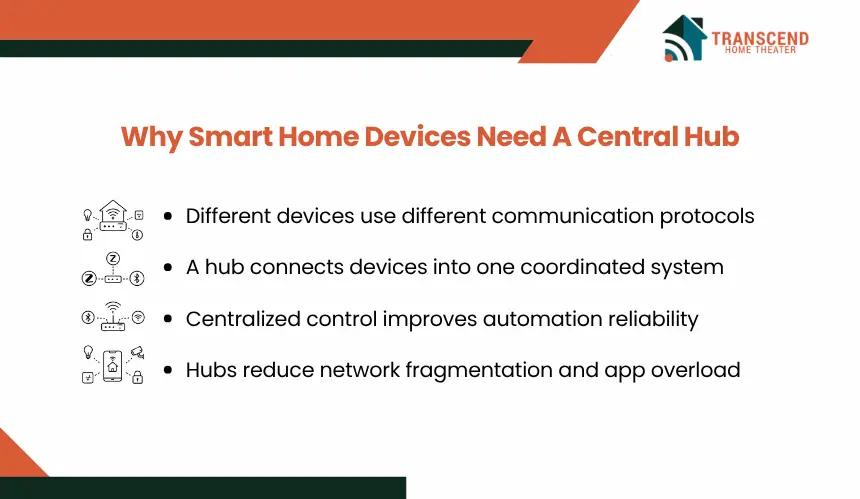
Smart home devices are built on different communication standards, which prevents them from interacting reliably without an intermediary layer. A central hub resolves this fragmentation by standardizing communication, maintaining device states, and enabling coordinated control across the network.
Device Fragmentation and Protocol Incompatibility
Most smart devices operate on distinct protocols such as Zigbee, Z-Wave, Wi-Fi, or Bluetooth, each with its own communication rules and data formats. Without a hub, a Zigbee motion sensor cannot directly trigger a Wi-Fi smart light because there is no shared language or routing mechanism. This fragmentation blocks cross-device automation and limits system scalability.
Limitations of Standalone Wi-Fi and Bluetooth Connections
Devices that rely solely on Wi-Fi or Bluetooth operate in isolated connections, typically controlled through individual apps. This creates multiple control points, increases network congestion, and restricts coordinated actions between devices. Bluetooth also introduces range limitations, while Wi-Fi devices compete for bandwidth, leading to latency under load.
Centralized vs Decentralized Smart Home Architectures
In a centralized setup, the hub manages all device communication, automation rules, and state tracking, resulting in predictable behavior and easier system management. In decentralized architectures, devices communicate independently or through cloud services, which increases dependency on internet connectivity and reduces real-time control reliability.
How Does a Smart Home Hub Enable Device Communication?
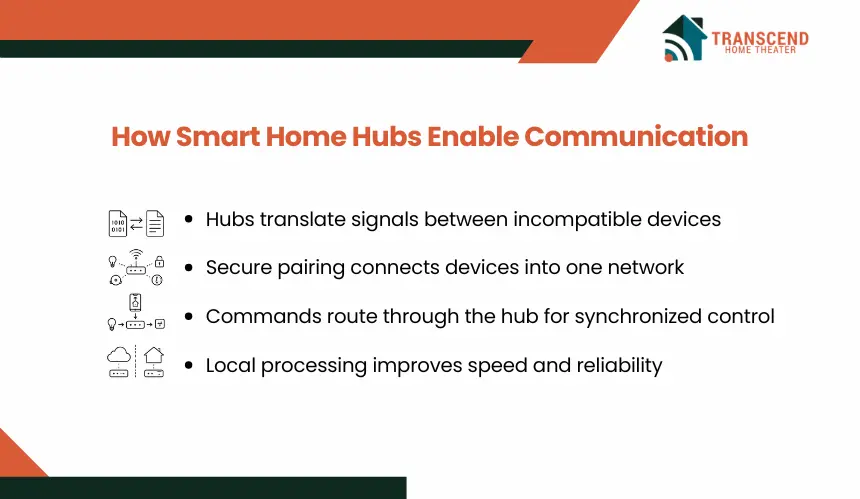
A smart home hub operates as the control plane that receives inputs, processes logic, and dispatches commands across different device types. It maintains a unified device registry, manages sessions, and enforces communication rules so that actions execute consistently across the network.
Signal Translation Between Different Protocols
Devices send data in protocol-specific formats. The hub normalizes these payloads into a common internal schema, then converts outbound commands into the target device’s protocol.
For example, an event received over Zigbee is mapped to an internal event model and translated into a Wi-Fi-compatible API call for a smart bulb. This translation layer enables cross-protocol interoperability without requiring devices to natively support each other.
Device Pairing and Network Formation
When a device is added, the hub handles discovery, authentication, and key exchange. It assigns a unique identifier, stores capabilities metadata, and binds the device to a logical network. Secure pairing often uses encryption keys and device fingerprints to prevent unauthorized access. Once enrolled, the device publishes its status and subscribes to relevant command channels managed by the hub.
Command Routing and Execution
User actions from a mobile app or voice assistant are converted into structured commands sent to the hub. The hub evaluates routing rules, identifies the target device, and transmits the command using the appropriate protocol adapter.
After execution, the device returns a status update, which the hub records and propagates to interfaces, keeping state synchronized across apps and automations.
Role of Cloud vs Local Processing
Local processing allows the hub to execute automations and routing without internet dependency, reducing latency and maintaining functionality during outages. Cloud processing extends capabilities such as remote access, advanced analytics, and third-party integrations.
In practice, hubs use a hybrid model where time-sensitive actions run locally, while non-critical tasks and external integrations rely on cloud services.
What Communication Protocols Do Smart Home Hubs Use?
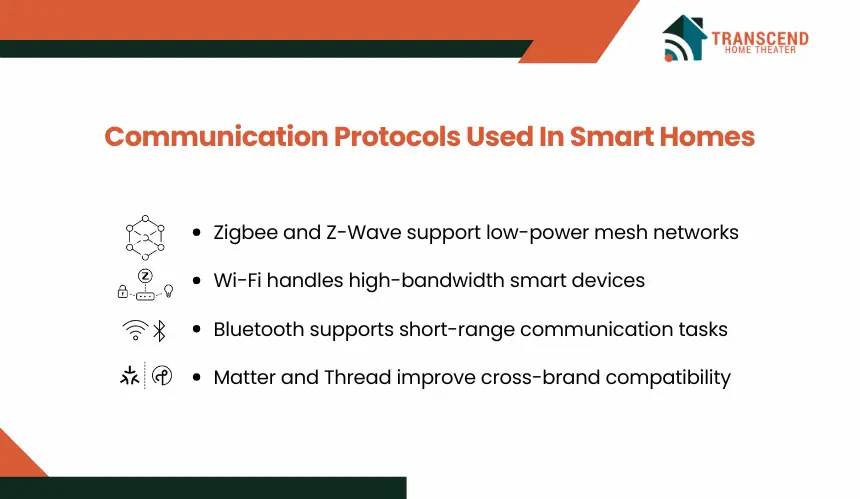
Smart home hubs rely on multiple communication protocols to connect devices with different capabilities, power requirements, and range constraints. Each protocol defines how data is transmitted, how devices join networks, and how reliably commands are delivered across the system.
1. Zigbee and Z-Wave: Low-Power Mesh Networks
Zigbee and Z-Wave are designed for low-energy devices such as sensors, switches, and locks. They use mesh networking, where each powered device can relay signals to extend coverage beyond the hub’s direct range.
This architecture improves reliability in larger homes because communication can route through multiple nodes instead of relying on a single direct connection.
2. Wi-Fi and Bluetooth: Direct Connectivity Layers
Wi-Fi connects devices directly to the home network, making it suitable for high-bandwidth use cases like cameras or streaming-enabled devices. However, heavy Wi-Fi usage increases network congestion and can introduce delays.
Bluetooth operates on short-range communication, often used during initial setup or for proximity-based control, but lacks the range and stability needed for full-home automation.
3. Matter and Thread: The New Unified Standard
Matter is an interoperability standard that allows devices from different manufacturers to communicate within a shared framework. It operates over IP-based networks and supports multiple transport layers, including Wi-Fi and Thread.
Thread, in particular, is a low-power, mesh-based protocol designed to complement Matter by providing stable, self-healing networks. Together, they reduce compatibility barriers and simplify multi-brand smart home integration.
What Happens When Devices in a Smart Home Interact Through Automation?
Once devices are connected through a hub, communication shifts from manual commands to rule-based execution. Automation allows the hub to process inputs, evaluate conditions, and coordinate multiple devices without user intervention.
Trigger-Action Logic (If-This-Then-That Systems)
Automation is built on event-driven logic where a trigger initiates a predefined action. For example, a motion sensor sends an event to the hub, which evaluates the condition and issues a command to turn on connected lights. This removes the need for direct user input and ensures consistent, repeatable behavior.
Multi-Device Coordination Through Scenes
Scenes group multiple device actions into a single command or condition. When activated, the hub sends synchronized instructions to different devices, such as adjusting lighting, locking doors, and setting thermostat levels simultaneously. This requires precise command sequencing and state tracking to ensure all devices respond correctly.
Real-Time vs Scheduled Communication
Real-time automation executes immediately based on incoming events, such as a door opening or a temperature change. Scheduled communication, on the other hand, is time-based and preconfigured, such as turning off lights at midnight. The hub maintains both event listeners and time-based triggers to manage these parallel workflows efficiently.
What Factors Affect Communication Reliability and Performance?
Even with a capable hub, communication quality depends on environmental, technical, and architectural variables. These factors influence latency, command success rates, and overall system stability.
1. Network Range and Interference Issues
Wireless signals degrade over distance and are affected by walls, metal surfaces, and competing frequencies. Congested 2.4 GHz bands, commonly used by Wi-Fi, Zigbee, and Bluetooth, can cause packet loss or delayed responses. Mesh-based devices can mitigate this by relaying signals, but poor node placement still creates coverage gaps.
2. Device Compatibility and Ecosystem Limitations
Not all devices fully support cross-platform integration, even if they share a protocol. Differences in firmware, manufacturer-specific implementations, or limited API exposure can restrict functionality. This leads to partial automation support or inconsistent behavior when devices are controlled through a hub.
3. Hub Processing Power and Latency
The hub processes incoming events, evaluates automation rules, and routes commands in real time. Limited processing capacity can introduce delays when multiple automations run simultaneously. Cloud-dependent hubs may also experience latency due to network delays, especially during peak usage or unstable internet conditions.
4. Security and Data Encryption Layers
Secure communication requires encryption, authentication, and key management between devices and the hub. While these layers protect against unauthorized access, they add processing overhead. Improper security configurations can also block device pairing or interrupt communication flows, affecting system reliability.
How to Optimize a Smart Home Hub for Seamless Communication
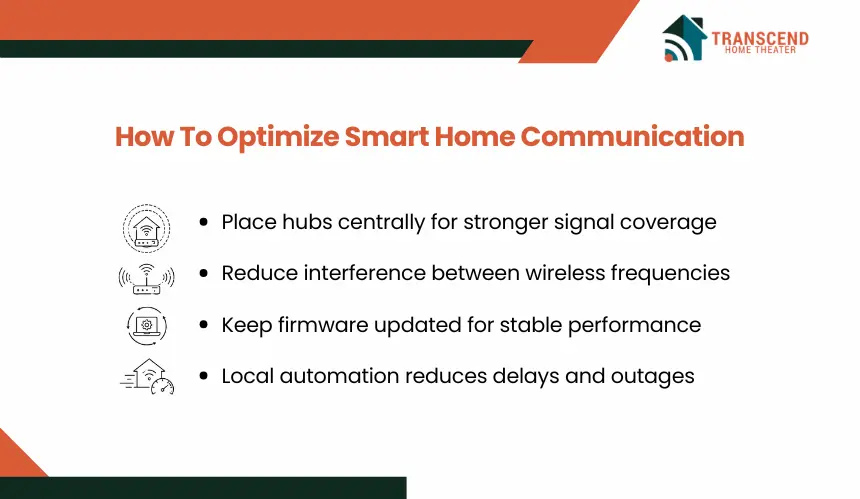
System performance depends on how the hub is selected, configured, and maintained. Optimization focuses on reducing latency, minimizing signal conflicts, and ensuring consistent device coordination under varying load conditions.
Step 1: Select a Hub Aligned With Your Device Ecosystem
Choose a hub that natively supports the primary protocols used by your devices, such as Zigbee, Z-Wave, or Matter. Native compatibility eliminates the need for external bridges, reducing translation delays and lowering the risk of communication failures.
Step 2: Position the Hub for Maximum Signal Coverage
Place the hub in a central, elevated location with minimal physical obstructions. Avoid positioning near thick walls, metal surfaces, or other electronics that generate interference. Proper placement ensures stable signal distribution across all connected devices.
Step 3: Manage Network Congestion and Frequency Overlap
Separate high-bandwidth Wi-Fi devices from low-power automation networks where possible. Adjust router channels and avoid overlapping frequencies that can interfere with Zigbee or Thread communication. This reduces packet collisions and improves response consistency.
Step 4: Maintain Firmware and System Updates
Keep the hub and connected devices updated with the latest firmware. Updates often include protocol improvements, security patches, and performance optimizations that enhance communication reliability and compatibility across the system.
Step 5: Prioritize Local Processing for Critical Automations
Configure the hub to execute time-sensitive automations locally instead of relying on cloud processing. Local execution reduces latency, ensures functionality during internet outages, and provides more predictable system behavior for critical tasks.
Frequently Asked Questions
Can smart home devices work without a hub?
Smart home devices can work without a hub if they connect directly through Wi-Fi, Bluetooth, or a manufacturer’s app. However, that setup often limits automation depth, cross-brand control, and local reliability. A hub becomes more valuable when multiple device types need coordinated routines, shared triggers, and faster response across one system.
Why do some smart home devices stop responding even when the internet is working?
Device response failures can happen because of weak signal paths, firmware conflicts, overloaded networks, or protocol-level pairing issues. Internet access only supports cloud-based communication. If the local mesh network, hub routing table, or device authentication layer fails, commands may still time out even when the home Wi-Fi connection appears stable.
Is Matter replacing smart home hubs completely?
Matter reduces compatibility problems, but it does not remove the need for all hubs. Many systems still require a controller, border router, or central management layer to coordinate automations, device states, and remote access. Matter improves interoperability, while hubs still provide structured control and workflow management.
Why do smart home automations sometimes run slowly?
Slow automations usually come from cloud dependency, network congestion, weak wireless coverage, or too many chained commands in one routine. A motion sensor may trigger instantly, but delays occur when the command must travel through external servers or when multiple devices process instructions at different speeds.
What is the difference between a smart home hub and a smart speaker?
A smart speaker mainly provides voice control and cloud-based assistance, while a smart home hub manages device communication, automation logic, and protocol translation. Some smart speakers include hub features, but not all support Zigbee, Thread, Z-Wave, or local automation processing. The difference depends on hardware capability, not just branding.
How many devices can one smart home hub control?
The device limit depends on the hub model, protocol, memory capacity, and network architecture. Some hubs handle dozens of devices, while more advanced systems support hundreds through mesh expansion. Performance matters more than raw device count because heavy automation rules, weak nodes, and mixed protocols can reduce stability.