
Fixing Poor Dialogue Clarity in Home Theaters (Without Replacing Speakers)
Key Takeaways
|
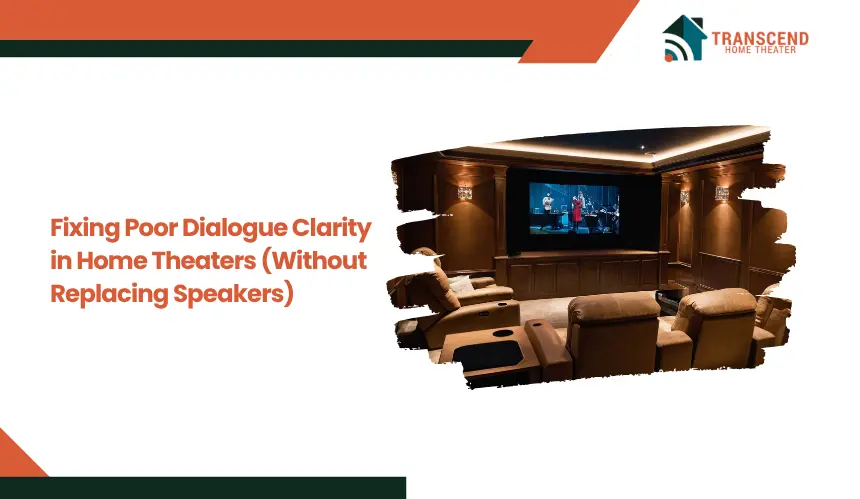
Dialogue that sounds muffled, buried, or inconsistent is one of the most common frustrations in home theater setups. In most cases, the issue is not the speakers themselves but how sound is being processed, positioned, and reflected within the room.
Misaligned center channels, unbalanced audio settings, and poor acoustic conditions often reduce speech intelligibility while amplifying background effects. This guide focuses on practical adjustments that restore clear dialogue using your existing system without replacing hardware.
Why Dialogue Sounds Unclear in Home Theater Systems
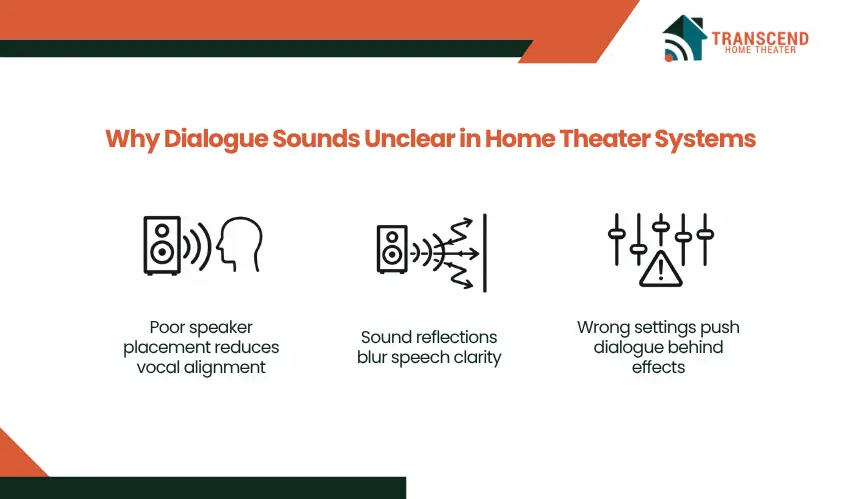
Unclear dialogue is rarely caused by a single fault. It typically results from multiple small misconfigurations across speaker placement, audio processing, and room interaction, all of which reduce vocal presence relative to background sound.
How Does Center Channel Misplacement Affect Vocal Clarity?
The center channel carries the majority of dialogue in surround sound formats such as Dolby Digital and DTS. When this speaker is placed too low, too high, or off-axis from the listener’s ear level, vocal frequencies lose direct alignment and become diffused.
This reduces intelligibility, especially at lower volumes. If the speaker is angled incorrectly or blocked by a TV stand or cabinet edge, midrange frequencies where speech resides get partially absorbed or redirected, causing voices to sound distant or muffled.
How Do Room Acoustics And Sound Reflections Interfere With Speech?
Hard surfaces such as tiled floors, bare walls, and glass reflect sound waves, creating overlapping signals that arrive at slightly different times. This effect, known as early reflection, smears dialogue and reduces clarity.
In untreated rooms, these reflections compete with direct sound from the center speaker, making speech harder to isolate. Larger or open-plan spaces further amplify this issue by introducing echo and reverb, which degrade vocal precision.
Are Incorrect Audio Settings Causing Dialogue To Get Lost?
Modern AV receivers and sound systems include multiple processing modes that can unintentionally suppress dialogue. For example, bass-heavy profiles or cinematic sound modes often prioritize low-frequency effects and surround channels over the center channel.
Similarly, poorly configured equalizer settings can reduce midrange frequencies between 1 kHz and 4 kHz, which are critical for speech clarity. Disabling or misusing dialogue enhancement features can further weaken vocal presence.
Why Does Volume Imbalance Between Dialogue And Effects Occur?
Audio mixes in movies and streaming content are designed for dynamic environments, often resulting in quieter dialogue and louder background effects. Without proper channel balancing, explosions, music, and ambient sounds overpower speech.
This imbalance becomes more noticeable in home environments where listening volumes are lower than theatrical levels. If the center channel output is not calibrated correctly relative to front and surround speakers, dialogue consistently falls behind the overall mix.
Adjusting Audio Settings in Home Theater for Clearer Dialogue
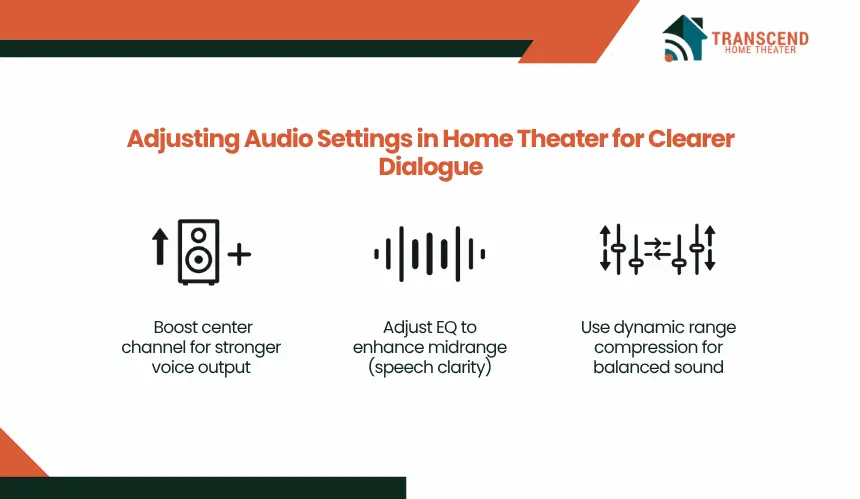
Most dialogue clarity issues can be corrected directly from the AV receiver or sound system settings. These adjustments target how audio signals are processed, allowing speech frequencies to be isolated and prioritized without altering physical hardware.
How to Enable Dialogue Enhancement or Center Channel Boost?
Many AV receivers include a dialogue enhancement or center channel level control that increases vocal presence without raising overall volume. Increasing the center channel by +2 to +4 dB typically improves clarity without distorting balance.
Some systems label this as “Dialogue Lift” or “Voice Enhancement,” which redistributes vocal frequencies more prominently to the center speaker. This adjustment is especially effective when dialogue feels recessed compared to ambient sounds.
How Should Equalizer (EQ) Settings Be Adjusted for Speech Clarity?
Dialogue clarity depends heavily on midrange frequencies, typically between 1 kHz and 4 kHz. Reducing excessive bass below 120 Hz prevents low-frequency masking, where deep sounds overpower vocals. Slightly boosting the 2 kHz to 3 kHz range enhances consonant definition, making speech more intelligible.
Avoid over-amplifying high frequencies above 6 kHz, as this can introduce harshness without improving clarity. A controlled EQ curve that prioritizes midrange balance produces more natural and clear dialogue.
How Does Dynamic Range Compression Improve Dialogue Audibility?
Dynamic range compression, often labeled as “Night Mode” or “DRC,” reduces the gap between quiet dialogue and loud effects. This prevents sudden volume spikes while lifting softer speech into a more audible range.
In practical terms, whispers and conversations become easier to hear without increasing master volume. This setting is particularly useful for late-night viewing or smaller rooms where high dynamic contrast disrupts listening consistency.
Which Sound Mode Delivers the Best Dialogue Clarity in Home Theaters?
Audio modes such as “Movie,” “Cinema,” or “Surround Enhanced” often emphasize spatial effects over vocal precision. Switching to “Standard,” “Direct,” or “Clear Voice” modes reduces unnecessary processing and preserves dialogue integrity.
Direct modes bypass artificial enhancements, ensuring that the original audio mix remains intact while allowing manual control over channel levels and EQ. Selecting the appropriate mode prevents dialogue from being buried under exaggerated surround effects.
Optimizing Speaker Placement in Home Theaters Without Replacing Equipment
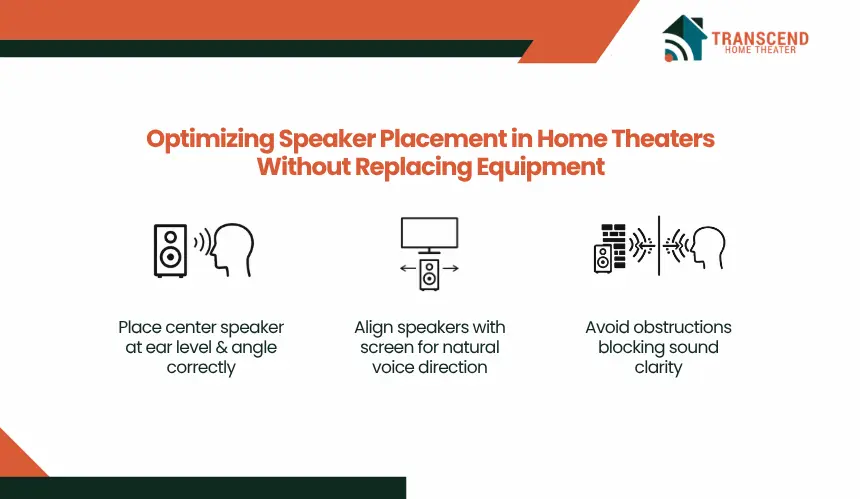
In a home theater environment, speaker placement determines how accurately dialogue reaches the listener. Even properly configured audio settings will not compensate for poor physical alignment, especially when the center channel is responsible for over 60–70% of vocal output in surround mixes.
Correct Height and Angle for the Center Channel Speaker in Home Theaters
The center channel should be positioned so that its tweeter is aligned as close as possible to ear level at the main seating position, typically 36–42 inches from the floor in most home theater seating layouts.
When placed below the screen, the speaker should be tilted upward by approximately 5–15 degrees to direct midrange frequencies toward the listener’s head rather than the floor.
If mounted above, a downward tilt is required to maintain the same acoustic axis. Without this alignment, high and mid frequencies disperse off-axis, reducing speech intelligibility and making dialogue sound recessed.
Aligning Speakers With Screen Level for Natural Voice Projection
Dialogue clarity improves when the center channel is horizontally centered with the display and positioned as close as possible to the visual source of speech.
This alignment ensures that audio localization matches on-screen action, which the brain uses to separate dialogue from background sound.
Front left and right speakers should form a symmetrical arc, typically 22–30 degrees from the listening position, to support a stable front soundstage. When alignment is off, dialogue appears detached from the screen, reducing clarity and focus.
Avoiding Obstructions That Block or Distort Dialogue
Any physical barrier placed directly in front of the center channel interferes with midrange frequencies between 1 kHz and 4 kHz, which are essential for speech clarity.
Enclosing the speaker inside a cabinet creates internal reflections that cause phase distortion and frequency cancellation. The speaker should be positioned at the front edge of a surface with a clear, unobstructed path to the listener. Even small objects placed in front of the speaker grille can scatter sound waves and reduce vocal sharpness.
Distance and Symmetry for Balanced Sound Imaging
For accurate dialogue reproduction, the center, left, and right speakers must be equidistant from the primary listening position within a tolerance of a few inches. This ensures synchronized sound arrival, preventing phase misalignment that can blur speech.
In practical terms, if one speaker is even 1–2 feet closer than the others, the timing difference can shift the perceived location of dialogue and reduce clarity.
Proper symmetry across the front stage stabilizes the sound image, allowing dialogue to remain anchored and clearly distinguishable from surrounding effects.
Important: Dolby states that in a 5.1 mix, the three front channels, including the center, provide crisp, clean dialogue and accurate placement of onscreen sounds. |
How Room Acoustics Impact Dialogue Clarity in Home Theaters (And How to Fix It)
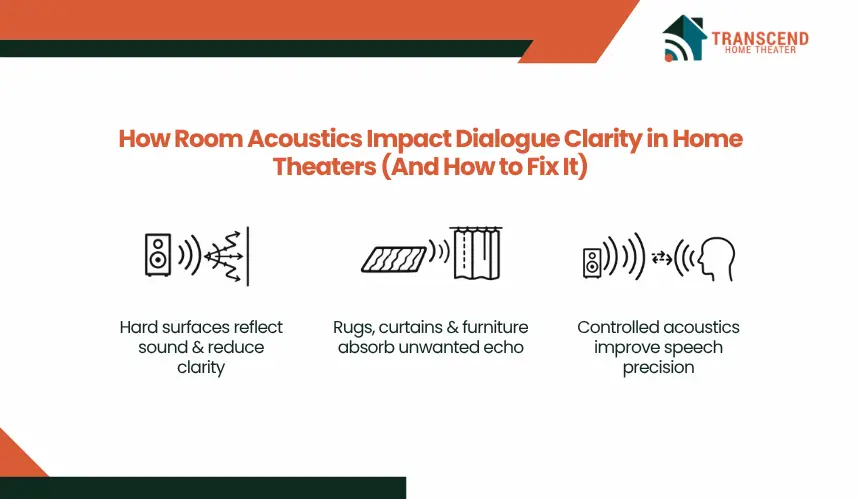
In home theaters, sound does not travel only from the speaker to the listener. It interacts with surfaces, reflects, and combines with delayed signals, which directly affect how clearly dialogue is perceived.
How Do Hard Surfaces in Home Theaters Affect Dialogue Clarity?
Hard materials such as tile flooring, glass panels, painted walls, and wooden surfaces reflect sound waves instead of absorbing them.
When dialogue leaves the center speaker, these reflections reach the listener milliseconds after the direct sound, creating phase overlap. This reduces speech definition, especially in the 2 kHz range, where consonants are most prominent. As a result, dialogue sounds smeared or less distinct, even if volume levels are correct.
Simple Acoustic Treatments That Improve Dialogue Without Major Changes
Basic acoustic control can significantly improve clarity without professional installation. Adding thick rugs reduces floor reflections that interfere with direct sound. Curtains or fabric blinds help absorb high-frequency reflections from windows.
Upholstered furniture, such as sofas and padded chairs, acts as passive absorption, reducing echo buildup. These adjustments limit secondary reflections, allowing dialogue to remain dominant and more intelligible.
How Does Echo and Reverb Reduce Speech Intelligibility in Larger Home Theater Spaces?
In larger or open-plan home theater setups, sound reflections travel longer distances before returning to the listener. This creates reverb, where multiple delayed reflections overlap continuously.
Excessive reverb extends the decay time of sound, making words blend into each other. Dialogue loses separation between syllables, which reduces clarity even when the system is properly calibrated. Controlling reverb through absorption materials shortens this decay time and restores vocal precision.
A peer-reviewed speech study found intelligibility scores dropped from 87.36% in an anechoic quiet condition to 44.16% at RT60 = 0.6 seconds and 32.94% at RT60 = 0.8 seconds, with performance falling further when noise was added. |
What Is the Ideal Listening Position for Clear Dialogue in a Home Theater?
Ideally, the listener should be positioned at approximately 1.2 to 1.5 times the distance between the front speakers, forming a balanced listening triangle. This placement ensures that direct sound arrives before reflections, preserving speech detail and intelligibility.
The primary seating position should be located within the direct sound path of the center channel, avoiding placement too close to walls or corners. Sitting near a rear wall increases reflected sound energy, which interferes with dialogue clarity.
Important: Dolby’s home theater setup guidance says the “golden rule” is that speaker pairs should be equal distance apart and form triangles with the listener’s position. |
When Calibration Makes the Biggest Difference in Home Theater Dialogue Clarity
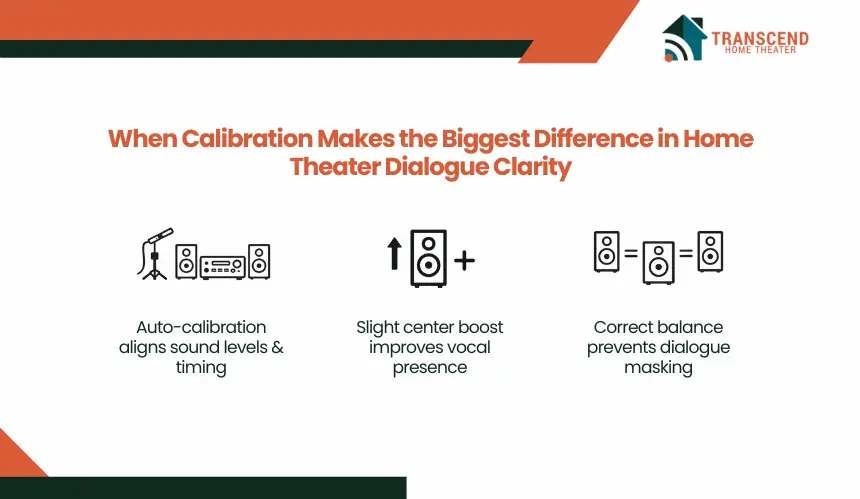
Calibration aligns how your AV receiver processes signals with the actual acoustic behavior of your room and speaker layout. When levels, distances, and timing are measured and corrected, dialogue shifts from being buried in the mix to becoming consistently intelligible across content types.
Using Auto-Calibration Tools Correctly (Audyssey, YPAO, Dirac)
Auto-calibration systems such as Audyssey, YPAO, and Dirac Live measure speaker output using a microphone and apply corrections for distance, level, and frequency response. For accurate results, the calibration microphone must be placed at ear height and moved across multiple seating positions, not just a single point.
Running at least 5–8 measurement positions captures room variation and prevents overcorrection. Skipping positions or placing the mic on a hard surface introduces measurement errors that reduce dialogue clarity rather than improving it.
Manual Calibration in Home Theater for Dialogue-Focused Tuning
After auto-calibration, manual refinement often produces better dialogue results. Increasing the center channel level by +1 to +3 dB relative to the calibrated baseline enhances vocal presence without disrupting overall balance.
Adjusting crossover settings to keep the center channel operating above 80 Hz ensures it handles midrange frequencies more cleanly instead of competing with the subwoofer. Disabling unnecessary post-processing features allows dialogue to remain stable and unaffected by artificial enhancements.
How to Balance Channel Levels in Home Theaters for Consistent Vocal Presence?
Dialogue clarity depends on maintaining proper levels of relationships between channels. If the surround or front speakers are even slightly louder than the center channel, background elements will mask speech.
Using a test tone or built-in calibration noise, each speaker should be adjusted to the same reference level, typically 75 dB at the listening position. Once balanced, the center channel can be slightly elevated to prioritize dialogue without causing unnatural separation from the soundstage.
Common Calibration Mistakes That Reduce Dialogue Clarity
Several calibration errors directly degrade dialogue performance:
- Running calibration at low ambient noise levels without eliminating background sounds, leading to inaccurate measurements
- Placing the microphone too close to seat backs or walls, causing reflection bias
- Accepting auto-generated EQ curves that overly reduce midrange frequencies
- Ignoring distance settings, which affects timing and phase alignment
Correcting these issues ensures that calibration enhances dialogue clarity rather than compressing or distorting it.
Quick Fix Checklist for Improving Home Theater Dialogue Clarity Immediately
When dialogue is difficult to understand, targeted adjustments can produce noticeable improvement within minutes. These actions focus on correcting the most common performance gaps without requiring system upgrades or complex recalibration.
- Increase the center channel level by +2 to +4 dB to bring dialogue forward relative to effects and music
- Enable dialogue enhancement or voice clarity mode to prioritize midrange speech frequencies
- Reduce subwoofer output or bass levels if low frequencies are masking vocal detail
- Reposition the center speaker to ear level and angle it directly toward the main seating position
- Move the center channel to the front edge of a cabinet to eliminate sound obstruction and reflection
- Activate dynamic range compression to reduce volume gaps between quiet dialogue and loud scenes
- Add soft materials such as rugs or curtains near primary reflection points to limit echo and reverb
- Re-run auto-calibration after making placement or acoustic changes to realign system output
Each adjustment directly targets a known cause of poor dialogue clarity, allowing users to isolate and resolve the issue based on their specific setup conditions.
Clear dialogue should not feel like a constant adjustment. When setup, calibration, and acoustics are handled correctly, every word becomes effortless to hear. If achieving that balance feels complex, Transcend Home Theater brings precision-driven home theater installation that aligns every component for optimal clarity, performance, and long-term listening consistency.
Frequently Asked Questions
Why does dialogue sound clear on some content but not others?
Different content is mixed using different audio standards. Streaming platforms often compress audio, while Blu-ray and theatrical mixes maintain wider dynamic range. As a result, dialogue levels can vary significantly depending on the source, even on the same home theater setup.
Can subtitles indicate an underlying audio issue in a home theater system?
Frequent reliance on subtitles often signals reduced speech intelligibility rather than personal preference. If subtitles are consistently needed across multiple types of content, it typically points to an imbalance in audio processing or environmental interference affecting vocal clarity.
Does streaming quality affect dialogue clarity in home theaters?
Lower bitrate streaming reduces audio detail, especially in midrange frequencies where speech clarity exists. Compressed audio formats may flatten dialogue dynamics, making voices harder to distinguish compared to higher-quality sources like Blu-ray or lossless audio streams.
Is dialogue clarity affected by the type of audio format being used?
Yes, formats such as stereo, Dolby Digital, and Dolby Atmos distribute dialogue differently across channels. If the system is not properly configured for the incoming format, dialogue may not be correctly routed or emphasized, reducing clarity.
Why do voices sometimes sound clearer at higher volumes?
At lower volumes, human hearing becomes less sensitive to midrange frequencies, which are essential for speech. Increasing volume temporarily restores perceived clarity, but the underlying issue usually relates to system tuning or acoustic conditions rather than volume itself.
Do hearing differences impact perceived dialogue clarity in home theaters?
Individual hearing sensitivity, especially in mid to high frequencies, plays a role in how clearly dialogue is perceived. Listeners with slight hearing loss in the 2 kHz to 4 kHz range may find speech less distinct, even in well-optimized systems.