
Mesh Wi-Fi vs Enterprise Access Points: Which Wins for Large Homes?
Key Takeaways:
|
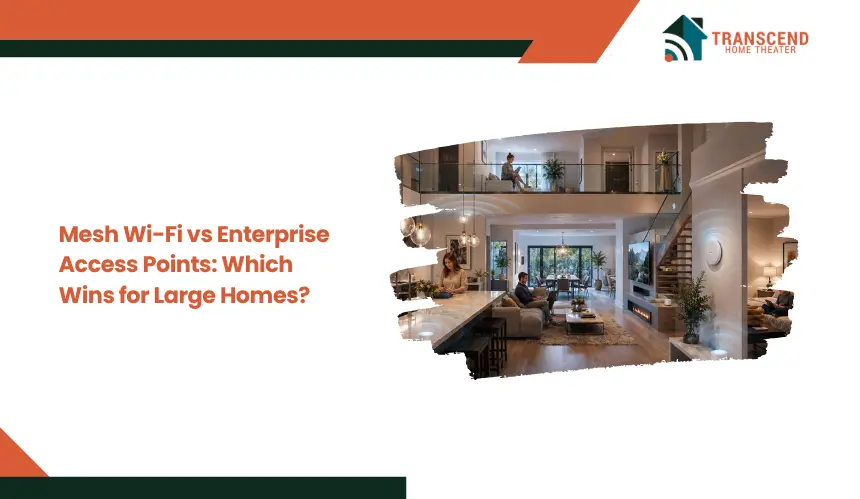
Large homes often struggle with weak Wi-Fi signals, inconsistent speeds, and dead zones that a single router cannot handle efficiently. Homeowners looking to improve coverage usually face two common options: mesh Wi-Fi systems and enterprise access points.
The challenge is determining which solution delivers better performance, scalability, and long-term reliability for a larger property. This guide compares mesh wi-fi and enterprise access points to help identify the most effective network setup for large homes.
Why Large Homes Need More Than a Basic Router
Large homes need more than a basic router because Wi-Fi signals weaken with distance, walls, floors, and layout complexity. A single router may work near its placement point, but far rooms, upper levels, basements, garages, and outdoor areas often receive weaker coverage.
Performance also drops when many devices compete for bandwidth at the same time. Smart TVs, phones, laptops, cameras, gaming systems, and IoT devices can overload a basic setup, especially during streaming, video calls, or gaming.
Building materials can make the problem worse. Concrete, brick, metal, glass, insulation, and multi-story construction can block or reflect wireless signals, creating dead zones even when the internet plan itself is fast.
How Mesh Wi-Fi and Enterprise Access Points Work Differently
Both solutions extend wireless coverage beyond a single router, but they use different network designs. Understanding how each system distributes connectivity helps explain the performance differences seen in large homes.
Mesh Wi-Fi Uses Multiple Nodes to Extend Coverage
A mesh Wi-Fi system consists of several nodes placed throughout the home. These nodes communicate with one another and operate as a single network, allowing devices to move between coverage areas without manually switching connections.
Depending on the system, nodes may use wireless backhaul or Ethernet backhaul to transfer data. Wireless backhaul simplifies installation, while wired connections generally preserve more bandwidth.
Enterprise Access Points Use Wired Infrastructure
Enterprise access points are separate wireless units connected through Ethernet cables to a central router, switch, or controller. Each access point creates its own coverage zone while relying on a wired connection to deliver data.
Because traffic travels through Ethernet rather than between wireless nodes, enterprise systems maintain more consistent throughput and experience less signal loss across larger properties.
Roaming, Backhaul, and Network Control
Both systems support seamless roaming, allowing phones, tablets, and laptops to connect to the strongest signal automatically. The difference lies in how traffic moves behind the scenes.
Mesh systems prioritize convenience and simplified management through mobile apps. Enterprise access points provide deeper network control, advanced configuration options, traffic management capabilities, and greater scalability for homes with demanding connectivity requirements.
Where Mesh Wi-Fi Works Best in Large Homes
Mesh Wi-Fi works best when a large home needs broader coverage without complex installation. It is a practical option for homeowners who want a cleaner setup, quick deployment, and easier day-to-day network control.
Easy Setup Without Major Wiring
Mesh systems are usually easier to install because most nodes can connect wirelessly. This reduces the need for Ethernet cabling, wall plates, switches, or professional network design.
For homes without existing wiring, mesh offers a faster way to improve coverage in distant rooms, upstairs areas, basements, or home offices.
Flexible Coverage for Irregular Layouts
Mesh Wi-Fi can work well in homes with unusual layouts because nodes can be placed where coverage is weak. This flexibility is useful for extensions, finished basements, detached spaces, or areas where relocating the main router is not practical.
In parts of Maryland, many homeowners live in multi-level houses where Wi-Fi signals must travel through several floors. In Rockville, Maryland, neighborhoods such as King Farm, Fallsgrove, and Woodley Gardens contain numerous larger homes with finished basements and dedicated home office spaces. A mesh system can provide more balanced coverage in these layouts without requiring extensive rewiring.
Simple App-Based Management
Most mesh systems use app-based controls for setup, device monitoring, guest networks, parental controls, and basic troubleshooting. This makes mesh easier for non-technical users who want coverage improvements without managing advanced network settings.
Mesh is strongest when convenience, flexible placement, and whole-home coverage matter more than advanced network customization.
Where Enterprise Access Points Perform Better
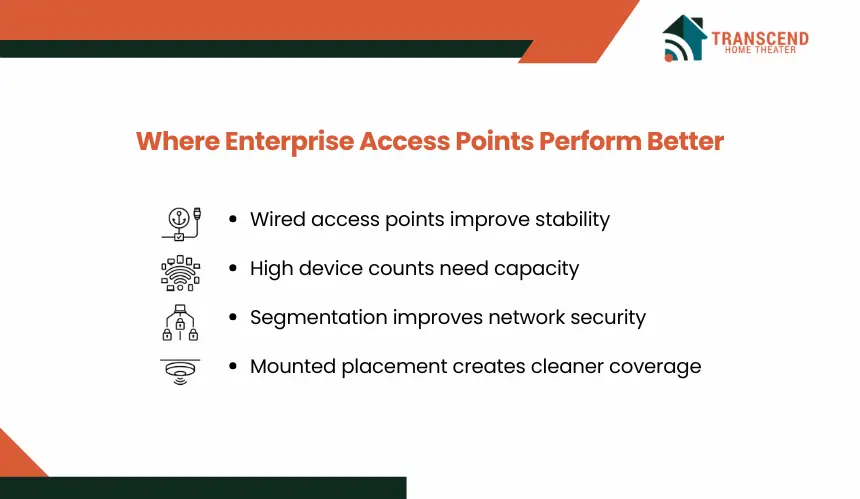
Enterprise access points are designed for environments that demand consistent performance across larger coverage areas. In homes with high bandwidth usage, many connected devices, or existing Ethernet wiring, they can deliver greater stability and long-term scalability than wireless mesh systems.
Stronger Stability Through Wired Backhaul
Enterprise access points rely on Ethernet connections instead of passing data wirelessly between nodes. This wired backhaul preserves bandwidth and reduces the speed loss that can occur in multi-hop mesh networks.
Because each access point has a direct connection to the network infrastructure, performance remains more predictable even during heavy internet usage.
Pro tip: Wi-Fi 6E and Wi-Fi 7 can use the 6 GHz band for faster, cleaner connections, but the biggest gains happen near strong signal zones. In large homes, 6 GHz works best near home theaters, gaming rooms, offices, and media spaces instead of far rooms blocked by several walls or floors. |
Better Performance for High Device Counts
Large households often have dozens of devices connected simultaneously. Multiple 4K streams, video conferencing sessions, online gaming, smart appliances, and security cameras can place continuous demands on the network.
Enterprise access points are built to manage higher client densities and distribute wireless traffic more efficiently. This makes them well suited for smart homes where many devices remain active throughout the day.
Pro tip: Wi-Fi performance depends on airtime, not just internet speed. A device with a weak signal often communicates at a lower data rate, which keeps the channel busy longer. This can reduce available capacity for faster devices on the same network, especially in smart homes with cameras, tablets, TVs, and IoT devices. |
More Control Over Security and Network Segmentation
Enterprise systems provide advanced management capabilities that are typically unavailable in consumer networking products. Features such as VLANs, separate IoT networks, guest access controls, traffic prioritization, and detailed monitoring allow homeowners to organize devices more effectively.
These controls are especially useful when work devices, smart home equipment, and family devices need to operate independently on the same network.
Pro tip: Newer Wi-Fi standards can require stronger security settings, especially when using the 6 GHz band. Before upgrading, homeowners should confirm that laptops, phones, smart TVs, and IoT devices support the required authentication settings. Older devices may need a separate network to stay connected without weakening the main network design. |
Cleaner Coverage With Ceiling or Wall Placement
Unlike tabletop routers, enterprise access points are often mounted on ceilings or walls to improve signal distribution. Strategic placement creates more uniform coverage and reduces interference between wireless zones.
In Rockville, Maryland, larger homes in communities such as Glen Hills and Lakewood frequently include home theaters, finished lower levels, and dedicated workspaces. Properly placed access points can provide stronger connectivity across these separate living areas while supporting the increasing number of connected devices found in modern households.
Final Verdict: Mesh Wi-Fi or Enterprise Access Points for Large Homes?
Both solutions can improve coverage in a large home, but the right choice depends on priorities. Mesh Wi-Fi focuses on convenience and simplified deployment, while enterprise access points prioritize performance, stability, and scalability.
Choose Mesh Wi-Fi If Convenience Matters Most
Mesh Wi-Fi is a strong choice for homeowners who want better coverage without installing extensive wiring. It suits households that need reliable connectivity for everyday streaming, browsing, video calls, and smart home devices while keeping setup and management simple.
For homes with moderate device counts and limited networking requirements, mesh systems provide an effective balance between cost and ease of use.
Choose Enterprise Access Points If Performance Matters Most
Enterprise access points are better suited for homes with heavy bandwidth demands, numerous connected devices, and existing Ethernet infrastructure. Their wired architecture delivers more consistent speeds, improved reliability, and greater control over the network.
Households that depend on uninterrupted video conferencing, security systems, media servers, or advanced smart home automation often benefit from this approach.
Best Overall Choice for Large Luxury or Smart Homes
For large luxury homes and highly connected properties, enterprise access points generally provide the strongest long-term solution. They scale more effectively, maintain stable performance under heavy usage, and adapt more easily as networking requirements grow.
Mesh Wi-Fi remains an excellent option for simplicity, but when coverage consistency, device capacity, and future expansion are the priorities, enterprise access points typically offer the advantage.
Need reliable whole-home connectivity? Transcend Home Theater provides professional WiFi and network installation in Rockville, MD, helping homeowners eliminate dead zones and build networks designed for modern living. Whether you choose mesh Wi-Fi or enterprise access points, the team can create a solution that delivers stable performance throughout your home.
Frequently Asked Questions
Can mesh Wi-Fi and wired access points be used together?
Mesh Wi-Fi and wired access points can work together, but the setup must avoid duplicate routing, conflicting SSIDs, and unmanaged channel overlap. In many homes, mesh nodes can run in access point mode while a main router handles DHCP, firewall rules, and traffic control. Proper configuration prevents roaming issues and network instability.
Why is Wi-Fi slow in some rooms even with a fast internet plan?
A fast internet plan only delivers speed to the modem or main router. Room-by-room performance depends on signal strength, backhaul quality, interference, device capability, and network congestion. If Wi-Fi must pass through walls, floors, or wireless hops, usable speed can drop before it reaches laptops, TVs, or smart devices.
How many mesh nodes or access points does a large home usually need?
Most large homes need coverage planning based on square footage, wall density, floor levels, and device placement rather than a fixed number. Many homes perform well with two to four properly placed units. Oversizing the network can cause interference, while undersizing leaves weak zones, poor roaming, and uneven signal strength.
Is Wi-Fi 7 worth it for a large smart home?
Wi-Fi 7 is worth considering when a home uses multi-gig internet, heavy streaming, gaming, home automation, or many high-bandwidth devices. Its value depends on compatible devices and strong backhaul. Without proper placement or wiring, a Wi-Fi 7 system can still underperform in rooms with poor signal paths.
What is the best way to improve Wi-Fi in a finished basement?
A finished basement often needs a nearby mesh node, wired access point, or alternative backhaul such as MoCA if coax wiring is available. Basement walls, flooring, ductwork, and concrete can weaken signal from upstairs routers. Placing a dedicated wireless unit inside the basement usually creates more stable coverage than relying on signal bleed from above.
Are enterprise access points overkill for a home with only one remote worker?
Enterprise access points are not overkill when remote work depends on stable video calls, cloud platforms, VPN access, or large file transfers. The decision depends on reliability needs, not just user count. One high-demand workspace can justify a stronger network design if connection drops affect productivity or business continuity.