
How Do Motorized Shades Connect with Alexa, Google, or HomeKit?
Key Takeaways:
|
Motorized shades can open, close, and adjust automatically, but their smart home functionality depends on how they connect to platforms like Alexa, Google Assistant, or Apple HomeKit. Compatibility varies by motor type, wireless protocol, and whether a hub or bridge is required, which can make setup confusing for homeowners comparing different shade systems.
Understanding how these connections work is essential for reliable voice control, automation, and integration with other smart devices. This guide explains the technologies, setup requirements, compatibility factors, and control options that enable motorized shades to operate within modern smart home ecosystems.
How Smart Assistants Control Motorized Shades
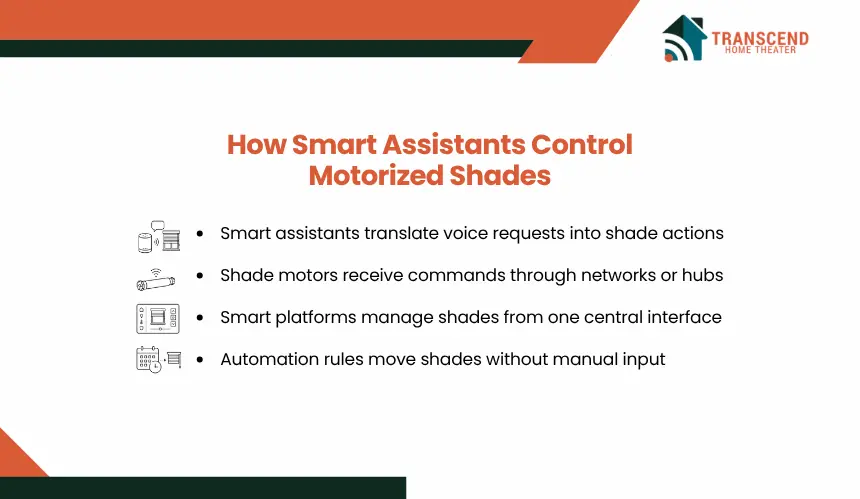
Motorized shades become part of a smart home when their control system can communicate with a smart assistant platform. Rather than sending commands directly to the shade motor, Alexa, Google Assistant, and HomeKit typically act as a control layer that translates user requests into actions the shades can perform.
How Do Motorized Shade Motors Communicate With Smart Home Systems?
Every motorized shade contains a motor and a communication module that receives control signals. The communication method depends on the product design and may use Wi-Fi, Zigbee, Z-Wave, Bluetooth, Thread, or a proprietary wireless protocol.
When a user sends a command through a voice assistant, the signal travels through the home’s network or connected hub before reaching the shade motor. The motor then executes a specific action, such as raising, lowering, or positioning the shade at a predefined level. This communication process allows shades to operate remotely without requiring manual adjustment.
How Do Smart Home Platforms Act As The Control Layer?
Smart home platforms function as centralized control environments that manage connected devices through a single interface. Instead of interacting separately with each shade, users connect compatible shades to Alexa, Google Home, or Apple Home.
Once connected, the platform can recognize the shades as controllable devices and make them available through mobile apps, voice assistants, and automation settings. This centralized structure simplifies device management and allows multiple shades to be controlled individually, by room, or as part of larger smart home routines.
How Do Voice Commands Control Motorized Shades?
Voice control works by converting spoken instructions into digital commands that are transmitted through the smart home platform. When a user says a command such as “close the living room shades,” the voice assistant identifies the target device and sends the corresponding instruction through the connected ecosystem.
The process depends on proper device naming, platform synchronization, and network connectivity. If the shades are correctly integrated, voice commands can control position changes instantly without requiring access to a separate application.
How Do Automation Rules Control Shades Without User Input?
Automation allows motorized shades to respond to predefined conditions instead of waiting for manual commands. Smart assistants can trigger shade movements based on schedules, sunrise and sunset times, occupancy status, sensor data, or actions from other connected devices.
For example, a morning automation may open bedroom shades at sunrise, while an evening routine may lower all window coverings when security systems are armed. These automated actions create a coordinated smart home experience by linking shade operation to broader household events and conditions.
What Devices Are Needed To Connect Motorized Shades?
Successful smart shade integration depends on more than the shades themselves. The required hardware varies by manufacturer, communication protocol, and smart home ecosystem. Understanding these requirements before purchase helps prevent compatibility issues and unnecessary equipment costs.
Do Motorized Shades Need Built-In Smart Motors?
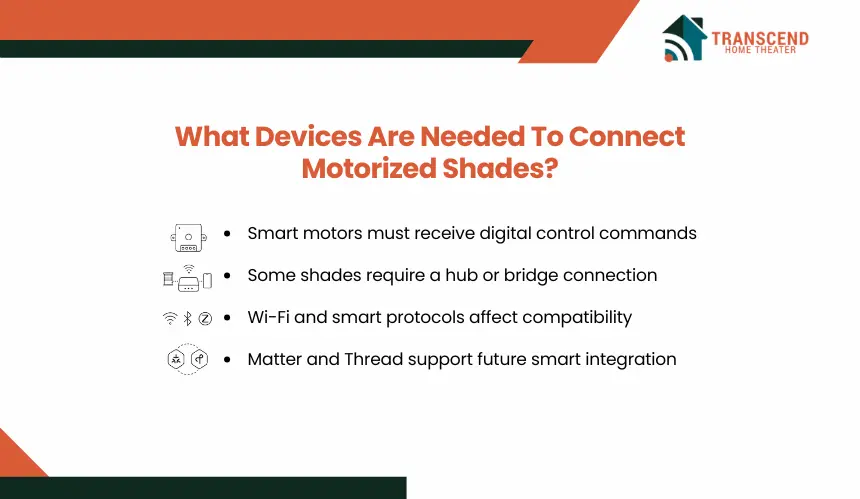
A motorized shade must have a motor capable of receiving digital commands from a smart home system. Some products include native smart connectivity, allowing them to communicate directly with Alexa, Google Home, or Apple Home without additional hardware.
Other models are motorized but not inherently smart. These systems can move electronically through a remote control, yet require a separate bridge, gateway, or smart controller before they can participate in voice control or automation routines.
When Is A Smart Hub Or Bridge Required?
Many motorized shade brands use a dedicated hub or bridge to connect shade motors with cloud services and smart home platforms. The bridge acts as a translator between the shade’s wireless protocol and the smart assistant ecosystem.
For example, a shade using a proprietary radio frequency protocol may communicate with its manufacturer hub first. The hub then relays commands to Alexa, Google Assistant, or HomeKit. Without this intermediary device, the smart platform may not be able to discover or control the shades.
In Takoma Park, MD, many homes feature large front-facing windows and mature tree-lined surroundings that create changing daylight conditions throughout the day. Homeowners integrating motorized shades with smart assistants often use automation schedules and light-based routines to manage glare, privacy, and natural light levels without manually adjusting multiple window coverings.
How Do Wi-Fi, Zigbee, Z-Wave, Matter, And Thread Affect Compatibility?
The communication protocol largely determines how a motorized shade connects to a smart home ecosystem.
- Wi-Fi shades connect directly to the home’s wireless network and often require fewer components.
- Zigbee shades typically communicate through a compatible hub that manages connected devices.
- Z-Wave systems use a mesh network designed for smart home communication and generally require a Z-Wave controller.
- Thread creates a low-latency mesh network that improves device-to-device communication.
- Matter provides a standardized interoperability framework that allows compatible devices to work across multiple smart home ecosystems.
Protocol selection affects installation complexity, network reliability, scalability, and future compatibility. Homeowners planning broader smart home deployments often evaluate protocol support before selecting motorized shades, especially when integrating devices such as smart lighting, thermostats, security sensors, and voice assistants into a single ecosystem.
How Motorized Shades Connect With Alexa, Google, And HomeKit
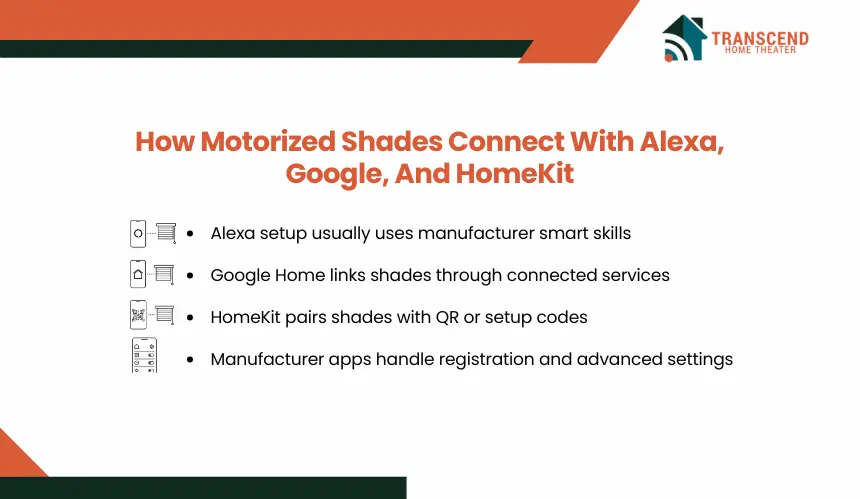
The connection process varies slightly between smart home platforms, but the underlying goal remains the same: allowing the platform to discover, authenticate, and control the shades. The setup path depends on whether the shades support the platform directly or require a manufacturer hub, bridge, or app as an intermediary.
How Do Motorized Shades Connect With Alexa?
Alexa-compatible shades are typically connected through the Amazon Alexa app after they have been configured in the manufacturer’s app. During setup, the user enables the appropriate smart home skill, links the manufacturer account, and authorizes device access.
Typical Alexa connection process:
- Install and configure the shades using the manufacturer’s app.
- Open the Alexa app and enable the manufacturer’s smart home skill.
- Sign in to the manufacturer’s account.
- Authorize Alexa to access connected devices.
- Run device discovery to locate available shades.
- Assign shades to rooms and create routines if desired.
Once linked, Alexa discovers the available shades and adds them as controllable devices. Users can then create room groups, routines, and voice commands. For example, a single routine can lower shades, adjust smart lighting, and change thermostat settings when entering evening mode.
How Do Motorized Shades Connect With Google Home?
Google Home integrations usually follow a cloud-to-cloud connection process. After the shades are registered through the manufacturer’s platform, the user links that service to Google Home.
Typical Google Home connection process:
- Set up the shades in the manufacturer’s app.
- Open the Google Home app.
- Select “Works with Google” and find the shade manufacturer.
- Link the manufacturer account.
- Authorize device access.
- Assign shades to rooms and automation groups.
The Google Home app then imports supported devices and makes them available for voice control through Google Assistant. Because Google Home emphasizes household-wide automation, connected shades can be incorporated into broader routines that coordinate multiple devices simultaneously.
In many Maryland homes with open-concept living areas and extensive rear-facing windows, grouping multiple shades into a single Google Home room can simplify daily operation by allowing one command to control an entire section of the house.
How Do Motorized Shades Connect With Apple HomeKit?
HomeKit-compatible shades connect through Apple’s Home app using a HomeKit setup code, QR code, or Matter-based onboarding process. Unlike some cloud-dependent integrations, HomeKit can provide more direct communication between devices within the Apple ecosystem.
Typical HomeKit connection process:
- Power on and configure the shades.
- Open the Apple Home app.
- Tap “Add Accessory.”
- Scan the HomeKit QR code or enter the setup code.
- Assign the shades to a room.
- Create scenes and automation rules as needed.
After pairing, the shades become part of the Apple Home environment and can be controlled through Siri, the Home app, Apple Watch, iPhone, iPad, or HomePod. Users can also assign shades to rooms, create scenes, and build automations based on schedules, occupancy, or environmental triggers.
For homeowners already invested in Apple devices, HomeKit often provides a more unified control experience because shade operation is managed alongside other HomeKit-certified accessories from a single interface.
Why Is The Manufacturer App Usually Part Of The Setup Process?
Most motorized shade manufacturers require initial device registration through their own application before third-party integrations can be enabled. The app establishes device ownership, configures network settings, applies firmware updates, and manages platform permissions.
This step also allows the manufacturer ecosystem to maintain communication with the shades, ensuring that device status, positioning data, and automation settings remain synchronized across platforms. Even after Alexa, Google Home, or HomeKit integration is complete, the manufacturer’s app often remains the primary location for advanced configuration options and product-specific controls.
What Affects Compatibility And Performance?
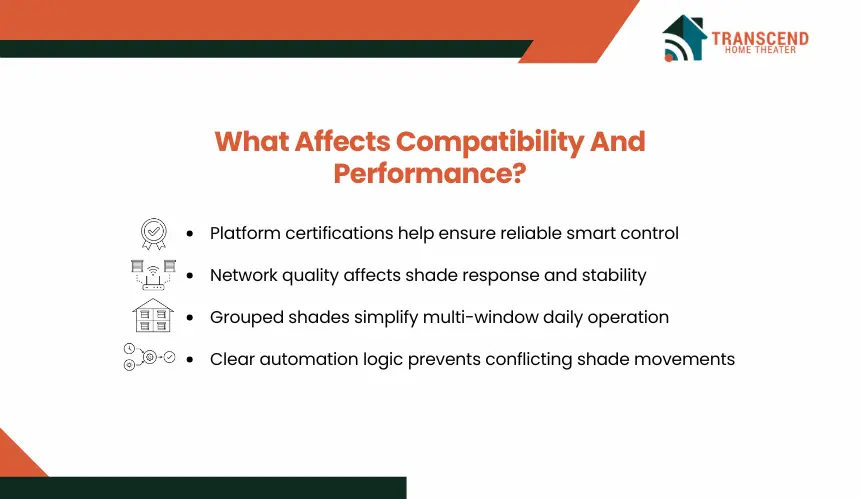
A successful smart shade setup depends on more than basic connectivity. Device certifications, network architecture, and control configuration all influence whether motorized shades respond reliably and integrate smoothly with a smart home ecosystem.
Why Do Platform Certifications Matter?
Smart assistants only support devices that meet their compatibility requirements. A shade may advertise smart functionality, but that does not automatically mean it works with Alexa, Google Home, or Apple HomeKit.
Manufacturers must either obtain platform certification or support interoperability standards such as Matter. Certified devices generally offer more reliable pairing, access to platform-specific features, and ongoing software support. Before purchasing motorized shades, verifying official compatibility can prevent limitations that may only become apparent during setup.
How Do Hub Requirements And Network Quality Affect Performance?
The communication path between a smart assistant and a motorized shade directly affects response speed and reliability. Each additional component in that path introduces another potential point of failure.
Factors that commonly affect performance include:
- Weak Wi-Fi coverage near shade locations
- Hub placement and signal strength
- Network congestion from multiple connected devices
- Firmware version mismatches
- Cloud service interruptions
For homeowners considering motorized shades installation in Takoma Park, MD, network planning becomes particularly important in larger historic homes where thick plaster walls, masonry construction, or multiple floors can reduce wireless signal strength between hubs, routers, and connected shade systems.
How Does Multi-Shade Control Impact The User Experience?
As the number of connected shades increases, organization becomes more important than individual device control. Smart home platforms allow users to group shades by room, floor, orientation, or function.
For example, east-facing shades can be controlled together during morning hours, while living room shades can operate independently from bedroom window coverings. Proper grouping reduces command complexity and creates a more predictable automation experience.
Many advanced installations use scenes that coordinate multiple shade positions simultaneously rather than controlling each window covering separately.
Why Do Automation Configurations Affect Long-Term Reliability?
Even when the physical connection is successful, poorly designed automations can create inconsistent behavior. Overlapping schedules, conflicting routines, and competing commands from multiple platforms may cause unexpected shade movements.
Reliable automation typically depends on clear logic, such as assigning specific triggers for occupancy, time schedules, sunlight exposure, or environmental conditions. When automation rules are structured correctly, the system operates predictably without requiring constant adjustments or troubleshooting.
What Can Users Do After Connecting Motorized Shades?
Once motorized shades are connected to Alexa, Google Home, or HomeKit, they become active parts of the smart home system. Users can control shade movement manually, schedule automatic adjustments, and connect window coverings with lighting, climate, privacy, and security routines.
1. Voice Control For Opening And Closing Shades
Voice control allows users to operate shades without a remote, wall switch, or mobile app. After the shades are assigned clear names inside the smart home platform, users can give direct commands such as opening a room’s shades, closing a specific window covering, or setting shades to a percentage position.
Accurate naming matters because smart assistants rely on room labels and device names to interpret commands correctly. A command like “close the bedroom shades” works reliably when the platform knows which shades belong to that room.
2. Scheduled Shade Movement
Scheduled movement lets shades open, close, or adjust at preset times. This is useful for morning routines, evening privacy, glare control, and reducing manual adjustments during repeated daily patterns.
Schedules can be fixed by clock time or aligned with sunrise and sunset. In Maryland, where daylight hours shift significantly between summer and winter, automated schedules can maintain more consistent indoor lighting conditions throughout the year without requiring seasonal adjustments.
3. Automation Based On Sunlight, Time, Or Temperature
Advanced smart shade systems can respond to environmental triggers when connected with compatible sensors or smart home routines. Shades may lower during strong afternoon sun, open when indoor light levels drop, or close when room temperatures exceed a predefined threshold.
In Takoma Park, MD, homes along tree-lined residential streets often experience changing light patterns throughout the day. Automated shade adjustments can respond to those shifts without requiring manual operation, helping maintain consistent lighting and privacy levels.
4. Smart Scenes With Lights, Thermostats, And Security Systems
Smart scenes allow shades to operate alongside other connected devices through a single command or automation. A movie scene may lower the shades and dim the lights. A work mode scene may reduce glare while adjusting lighting levels. A security scene may close all ground-floor shades when the property is set to away mode.
By integrating shades with lighting controls, smart thermostats, occupancy sensors, and security systems, homeowners can create coordinated routines that manage multiple aspects of the indoor environment through a unified smart home platform.
How To Choose The Right Smart Shade Setup
The best smart shade setup depends on the ecosystem already used in the home, the desired level of automation, and future expansion plans. Choosing a compatible platform from the beginning reduces setup complexity and helps ensure that motorized shades work seamlessly with other connected devices.
Best Option For Alexa-Based Homes
Alexa is often a practical choice for households that already use Amazon Echo devices, Fire TV products, Ring security systems, or other Alexa-enabled accessories. The platform supports a wide range of shade manufacturers and offers extensive routine customization.
Users who want voice-driven control, room-based automation, and broad third-party device compatibility often find Alexa to be a flexible option. It is particularly beneficial when the smart home contains products from multiple brands that need to operate within a single ecosystem.
Best Option For Google Home Users
Google Home is well-suited for users who prefer centralized device management and automation through the Google ecosystem. Homes already using Google Nest speakers, displays, thermostats, or cameras can often integrate motorized shades into existing routines with minimal configuration.
Google Home also simplifies multi-device coordination. Users can combine shades, lighting, climate control, and entertainment systems into unified household routines managed through a single interface.
Best Option For Apple HomeKit Users
HomeKit is often the preferred choice for homeowners who primarily use Apple devices and prioritize ecosystem consistency. Integration with Siri, iPhone, iPad, Apple Watch, HomePod, and Apple TV creates a unified control environment without requiring multiple smart home applications.
Because HomeKit places a strong emphasis on local control and device interoperability, it can provide a streamlined experience for users who want smart shades to operate alongside other HomeKit-certified accessories.
When Professional Installation Makes Sense
Professional installation may be beneficial when multiple shades, hubs, smart home platforms, and automation routines must work together across a property. Installers can evaluate wireless coverage, device placement, power requirements, and platform compatibility before configuration begins.
For homeowners in Takoma Park, MD, professional guidance can be particularly valuable when integrating smart shades into historic homes with unique window configurations, custom trim details, or large original window openings that require specialized measurements and control planning.
If you’re exploring smart home upgrades, Transcend Home Theater designs and installs integrated home automation systems, smart shading solutions, and connected living environments throughout Maryland and Virginia. The team helps homeowners evaluate compatibility, automation opportunities, and system design considerations to create a seamless smart home experience tailored to the property’s needs.
Frequently Asked Questions
Can existing motorized shades be connected to Alexa, Google, or HomeKit?
Existing motorized shades can often be connected if the motor supports smart control through Wi-Fi, Zigbee, Z-Wave, Matter, Thread, or a compatible manufacturer’s bridge. If the shade only works with a basic remote, it may need a smart controller or gateway before Alexa, Google Home, or Apple Home can recognize it.
Why are my motorized shades not showing up in the smart home app?
Motorized shades may not appear if they are not fully configured in the manufacturer’s app, connected to the wrong Wi-Fi band, missing a firmware update, or unsupported by the selected platform. Account linking, hub placement, and device discovery settings should also be checked before resetting the shades.
Do motorized shades work if the internet goes out?
Some motorized shades can still operate locally through a remote, wall switch, or HomeKit local control, depending on the system design. Cloud-based integrations with Alexa or Google Assistant may lose voice control during an outage, but basic shade movement often remains available through direct controls or manufacturer hardware.
Can motorized shades be controlled from outside the home?
Remote access is available when the shades are connected to a supported smart home platform or manufacturer cloud service. Alexa, Google Home, and Apple Home can allow off-site control through mobile apps, but the system usually needs internet access, account authentication, and a properly connected hub or home controller.
Are battery-powered motorized shades good for smart home automation?
Battery-powered motorized shades can work well for automation when the motor, battery capacity, and communication protocol match the window size and usage frequency. They are useful for retrofit projects because they avoid new wiring, but frequent movement, large shades, and weak wireless signals may reduce battery life.
Can motorized shades improve energy efficiency in Maryland homes?
Motorized shades can support energy efficiency by reducing solar heat gain during warm months and improving insulation during colder periods. In Maryland homes, automated schedules based on sunlight, time, or temperature can help manage indoor comfort by adjusting window coverings before rooms overheat or lose heat through glass.
Is HomeKit better than Alexa or Google for motorized shades?
HomeKit may be better for Apple-focused households that prefer Siri control, local automation, and tighter integration with iPhone, iPad, Apple Watch, and HomePod. Alexa and Google Home may suit homes with broader third-party devices. The best option depends on device compatibility, preferred voice assistant, and automation goals.