
Multi-User Profiles in Home Theaters: Personalized Audio & Viewing Preferences
Key Takeaways
|
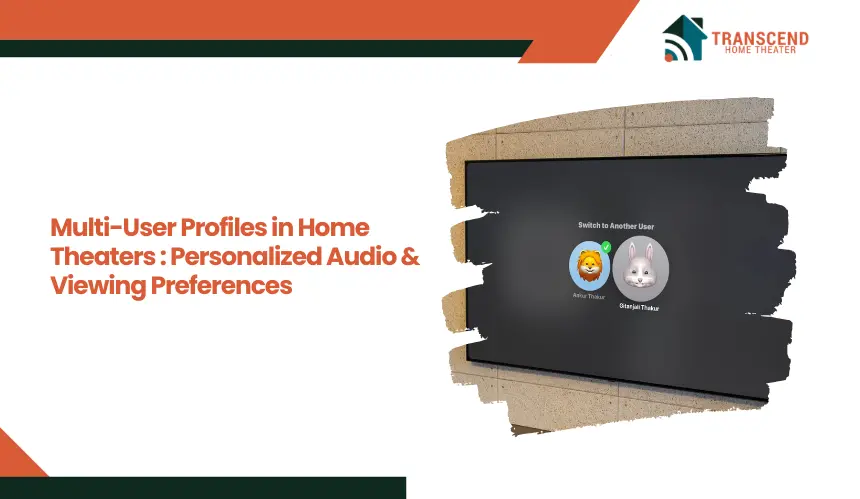
A modern home theater is no longer a one-size-fits-all entertainment setup. Different viewers often have different preferences when it comes to sound levels, picture settings, subtitles, and streaming platforms. One family member may enjoy powerful surround sound and vivid HDR visuals, while another may prefer quieter audio, dialogue enhancement, or specific streaming profiles.
Multi-user profiles allow a home theater system to remember these individual preferences and automatically apply them when a specific viewer begins watching.
Why Multi-User Profiles Improve the Home Theater Experience
Shared home theater systems often require frequent adjustments because every viewer experiences audio and visuals differently. Some people prefer stronger bass and immersive surround sound, while others prioritize dialogue clarity or softer volume levels.
Multi-user profiles solve this challenge by storing personalized system configurations for each viewer. When a specific profile is selected, the home theater automatically applies the saved settings, creating a seamless and consistent entertainment experience.
This capability is becoming increasingly important in modern smart homes where multiple people use the same AV system for movies, sports, streaming, and gaming.
Personalized Audio Calibration
Audio perception varies widely from person to person. A system that sounds perfect to one viewer may feel too loud, too bass-heavy, or too quiet for another.
With multi-user profiles, each viewer can store personal audio preferences such as:
- Preferred master volume level
- Bass and subwoofer intensity
- Surround sound balance
- Dialogue enhancement settings
- Dynamic range compression for quieter listening
For example, one profile might prioritize Dolby Atmos immersion for movie nights, while another profile emphasizes clear dialogue for TV shows or documentaries. Once saved, these presets load automatically when that user begins watching content.
From a practical standpoint, this removes the need to constantly adjust speaker levels or volume settings every time a different person uses the system.
Pro Tip: Many modern AV receivers allow separate listening modes for different users. One viewer can store a cinema-style surround profile while another can activate a dialogue-focused sound profile optimized for speech clarity. |
Individual Display Preferences
Visual preferences are just as personal as audio settings. Some viewers prefer brighter images with vivid colors, while others enjoy a more natural cinematic picture.
Multi-user home theater profiles can store customized display settings such as:
- Brightness and contrast levels
- HDR picture modes
- Motion smoothing preferences
- Color temperature adjustments
- Low-latency gaming display modes
These picture profiles allow each viewer to experience content in a way that feels visually comfortable. For instance, a sports fan may prefer higher brightness and smoother motion, while a film enthusiast may prefer a darker cinema-style display mode.
In areas like Northern Virginia, Maryland, and Washington DC, where many homes include dedicated media rooms or basement theaters, different lighting conditions can also influence display preferences. A basement theater in Bethesda may require a darker cinema profile, while a living room media setup in Arlington might use a brighter daytime viewing mode.
Did You Know? Professional AV integrators often create multiple picture presets during home theater calibration sessions. These presets allow quick switching between movie mode, sports mode, and gaming mode without recalibrating the display each time. |
Customized Content Access
Content discovery has become a major part of the home entertainment experience. Streaming platforms rely heavily on user behavior to recommend movies, shows, and playlists.
When multiple viewers share the same streaming account without profiles, recommendations quickly become mixed and less accurate.
Multi-user home theater setups solve this by linking individual streaming profiles to each viewer. This ensures that every person sees their own watch history, personalized recommendations, and saved watchlists.
For example:
- A parent may see documentary and drama recommendations
- A teenager may see anime or gaming content
- Another viewer may have sports streaming services prioritized
This level of personalization is especially useful in households that subscribe to multiple streaming platforms such as Netflix, Apple TV, Disney+, Amazon Prime Video, or YouTube TV.
In regions such as Washington DC and the surrounding DMV area, where households often combine sports streaming, international content, and family entertainment services, individual profiles prevent recommendation systems from becoming cluttered.
Pro Tip: Many smart TV platforms such as Apple TV and Google TV allow quick user switching directly from the remote or voice command. When combined with home theater automation systems, this can automatically trigger personalized audio and display settings at the same time. |
Audio Preferences That Can Be Customized by User Profiles
Audio personalization is often the first feature homeowners notice when using multi-user profiles in a home theater system. Sound perception differs greatly between individuals.
Some viewers enjoy powerful bass and immersive surround effects, while others prefer softer listening levels with stronger dialogue clarity.
Profile-based audio settings allow each viewer to store their own listening configuration so the system can automatically apply it whenever their profile is active.
Modern AV receivers, speaker calibration software, and smart home automation platforms make it possible to save multiple listening presets without reconfiguring the entire system. This helps maintain a consistent and comfortable listening experience for everyone using the theater.
Surround Sound Configuration
Surround sound settings influence how immersive the audio experience feels during movies, sports, and gaming. Multi-user profiles allow viewers to personalize how sound is distributed across speakers, which can significantly change the perceived depth and intensity of the soundstage.
Typical customizable elements include:
- Surround channel intensity
- Speaker balance and channel levels
- Bass response from the subwoofer
- Dolby Atmos height channel strength
- Soundstage width and spatial depth
For example, a movie enthusiast may prefer strong surround effects that fully activate overhead Atmos speakers, while another viewer may prefer a more balanced soundstage with reduced surround intensity for everyday TV viewing.
In home theater installations across Northern Virginia and the Washington DC metropolitan area, many dedicated theater rooms include ceiling-mounted Atmos speakers. Profiles allow one user to emphasize these immersive height channels while another viewer maintains a more traditional surround balance.
Dialogue and Clarity Settings
Dialogue clarity is one of the most commonly adjusted settings in home theater systems. Some viewers prefer enhanced speech clarity so conversations remain easy to understand, especially during complex scenes with background music or action effects.
User profiles can store dialogue-focused configurations that adjust several audio parameters, including:
- Center channel amplification
- Dialogue enhancement modes
- Vocal clarity processing
- Dynamic range adjustments for speech
These settings are particularly useful for viewers who prioritize clear conversations in films or television series.
In households where multiple generations share the same entertainment space, dialogue-focused profiles can greatly improve comfort for viewers who may find standard cinema mixes difficult to understand.
Pro Tip: Many modern AV receivers include “dialogue lift” or “voice enhancement” modes that raise vocal frequencies without increasing overall volume. This allows speech to remain clear while keeping background sound effects balanced. |
Volume Presets and Late-Night Modes
Volume preference varies depending on the time of day and the viewer’s listening habits. Multi-user profiles allow specific volume levels to load automatically when a particular viewer activates their profile.
Some common personalized volume settings include:
- Preferred master volume starting level
- Bass reduction for quiet listening
- Dynamic range compression
- Night listening mode
These settings are particularly helpful for late-night viewing when loud bass and sudden volume spikes could disturb other members of the household.
In dense residential areas such as Arlington, Alexandria, and Bethesda, many homeowners configure quieter evening listening profiles to maintain an immersive experience without excessive sound levels.
Did You Know? Night listening modes reduce the difference between loud explosions and quiet dialogue by compressing dynamic range. This allows viewers to hear every detail of a movie without turning the volume up or down throughout the film. |
Viewing Preferences That Can Be Saved Per User
While audio personalization shapes how content is heard, viewing preferences determine how it is visually experienced. Image brightness, color balance, motion processing, and accessibility features can all affect comfort during long viewing sessions.
Multi-user profiles allow each viewer to save preferred display settings so the home theater automatically loads the correct picture configuration whenever that user begins watching.
This approach is particularly useful in multi-purpose media rooms where lighting conditions, seating distance, and content types vary throughout the day.
By saving display profiles for different viewers, the system maintains visual consistency without requiring manual adjustments.
Display Calibration Settings
Picture calibration plays a major role in how movies, sports, and games appear on a screen. Different viewers often prefer different visual styles. Some prefer a bright and vibrant display, while others prefer the darker and more natural look used in professional cinema mastering.
Multi-user profiles can store individualized calibration settings such as:
- Brightness and contrast adjustments
- HDR tone mapping preferences
- Color temperature and white balance
- Motion interpolation or motion smoothing levels
- Sharpness and image enhancement settings
These visual presets allow viewers to quickly switch between different viewing styles without recalibrating the display each time.
Lighting conditions often influence these settings. For example, many homes in Arlington’s Clarendon and Ballston neighborhoods feature open-concept living rooms with large floor-to-ceiling windows.
During daytime viewing, a brighter display profile helps compensate for natural light entering the room. In contrast, a darker cinema-style profile may be preferred during nighttime movie sessions.
Pro Tip: Professional home theater calibrators often create two picture presets during calibration sessions. One is optimized for dark-room movie viewing using standards such as the D65 white point and Rec.709 color space, while another is designed for brighter daytime environments. |
Accessibility Features
Accessibility options allow viewers with different needs to enjoy content comfortably. Multi-user profiles can automatically activate accessibility settings whenever a particular viewer profile is selected.
Common accessibility preferences include:
- Subtitles or closed captions enabled by default
- Caption font size and color customization
- Audio description tracks for visually impaired viewers
- Enhanced contrast settings for readability
These settings ensure that the home theater remains comfortable and inclusive for everyone in the household.
Accessibility customization is especially helpful when viewers frequently switch between different types of content such as international films, documentaries, or streaming shows with fast-paced dialogue.
Did You Know? Streaming platforms such as Netflix and Apple TV allow viewers to customize subtitle appearance, including background shading and font style. |
Personalized Streaming Dashboards
Streaming services rely heavily on user activity to generate recommendations. Without separate profiles, a shared account quickly mixes viewing histories, which can make recommendations less accurate.
Multi-user home theater profiles allow each viewer to maintain an individualized streaming experience. When a specific user logs in, the system loads their personalized content dashboard, including:
- Individual watchlists
- Viewing history
- Recommended movies and shows
- Continue-watching queues
This prevents recommendation algorithms from becoming cluttered and ensures that each viewer sees content aligned with their interests.
In the Washington DC metropolitan area, households often subscribe to multiple streaming platforms that carry regional sports broadcasts such as Washington Capitals hockey or Washington Nationals baseball games. Separate streaming profiles allow sports fans to keep their sports recommendations separate from family members who primarily watch movies or series.
Technologies That Enable Multi-User Home Theater Profiles
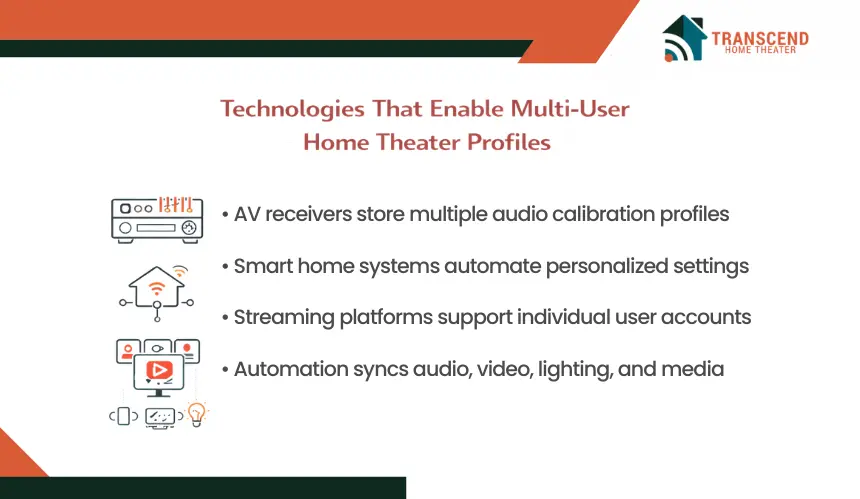
Multi-user personalization in home theaters is made possible through a combination of hardware, software, and automation platforms. Modern AV receivers, smart home control systems, and streaming ecosystems work together to recognize different users and apply their saved audio, video, and media preferences automatically.
Instead of adjusting sound levels, picture modes, and streaming accounts every time someone uses the system, these technologies store and recall personalized configurations with minimal interaction. This integration is what transforms a traditional media setup into a truly adaptive entertainment environment.
1. AV Receivers With Profile Memory
The AV receiver acts as the central processing hub of a home theater system. It controls speaker output, audio decoding formats, and room calibration settings. Many modern receivers include profile memory that allows multiple listening configurations to be stored and recalled quickly.
These stored presets may include:
- Speaker calibration results
- Surround sound intensity levels
- Subwoofer output levels
- Listening modes for movies, music, or television
- Dynamic range control settings
This allows different viewers to activate their preferred listening environment without recalibrating the system.
High-end receivers from manufacturers such as Denon, Yamaha, and Marantz often include advanced room correction technologies like Audyssey MultEQ or Dirac Live, which allow users to save multiple calibration curves for different listening preferences.
In many custom home theater installations across Fairfax County and Loudoun County, integrators frequently configure two audio profiles during system setup. One is optimized for immersive cinema playback, while the other is designed for everyday television viewing with clearer dialogue and slightly reduced bass.
Pro Tip: Dirac Live room correction software allows users to create multiple “target curves” for audio tuning. A viewer can maintain a reference cinema curve while another profile applies a warmer tonal balance that some listeners find more comfortable for long viewing sessions. |
2. Smart Home Control Systems
Smart home automation platforms play a major role in enabling profile-based home theater experiences. These systems connect entertainment equipment, lighting, climate control, and media devices into a single unified interface.
Popular home automation platforms used in custom home theaters include:
- Control4
- Crestron
- Savant
- Josh.ai voice automation
These systems allow homeowners to create automation scenes that apply personalized settings when a specific user activates their profile.
For example, selecting a personal viewing profile could automatically:
- Set preferred audio presets on the AV receiver
- Adjust display picture mode
- Dim theater lighting
- Open the user’s preferred streaming platform
In high-end residential developments across McLean, Great Falls, and Potomac, many custom-built homes include integrated media rooms where automation systems manage not only AV settings but also lighting scenes and motorized shades to optimize viewing conditions.
3. Streaming Platform User Accounts
Streaming ecosystems play an important role in personalized viewing experiences. Most major platforms support multiple user profiles within a single subscription, allowing each viewer to maintain their own watch history and recommendations.
Streaming devices and platforms that support profile switching include:
- Apple TV
- Google TV
- Amazon Fire TV
- Roku
- Netflix user profiles
Each profile stores individualized preferences such as watchlists, content recommendations, and playback settings.
This personalization becomes particularly valuable in households that rely heavily on streaming for entertainment. Without separate profiles, recommendation algorithms can quickly become inaccurate due to mixed viewing behavior.
In the Washington DC metropolitan region, many households use streaming platforms to follow regional sports coverage from networks such as MASN for Washington Nationals baseball or Monumental Sports Network for Capitals and Wizards games.
Separate profiles allow sports-focused recommendations to remain distinct from movie or family entertainment suggestions.
How Homeowners Can Set Up Multi-User Profiles
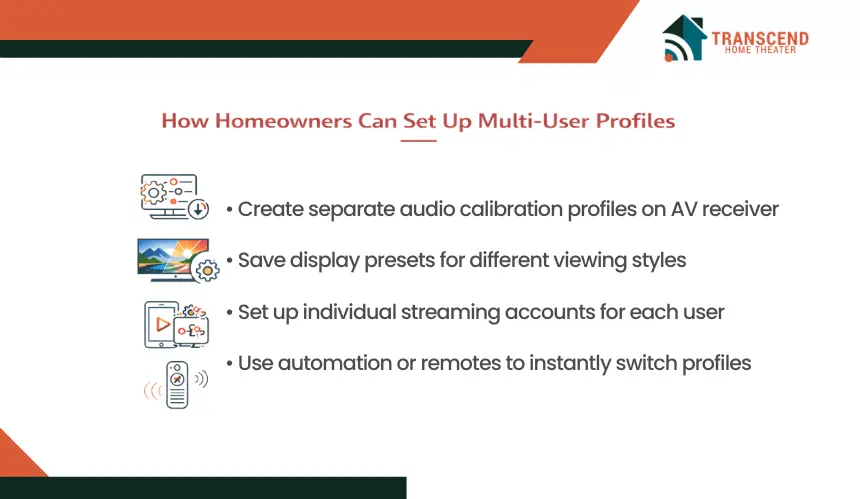
Creating multi-user profiles in a home theater does not require replacing an entire system. Most modern entertainment setups already include the necessary features through AV receivers, smart TVs, streaming platforms, and automation systems. The key is configuring these components so they recognize different viewers and automatically apply saved preferences.
By organizing audio calibration, display presets, and streaming accounts under separate profiles, homeowners can transform a shared theater into a personalized entertainment environment where settings adjust instantly for each user.
Step 1: Configure Audio Calibration Profiles
The first step in building a personalized home theater experience is configuring separate audio profiles within the AV receiver. These profiles store room calibration results and listening preferences so the system can quickly switch between them.
Most modern receivers include automated calibration tools that measure speaker placement, room acoustics, and listening distance.
Common calibration systems include:
- Audyssey MultEQ
- Dirac Live
- Yamaha YPAO
- Anthem ARC Genesis
During calibration, the system measures sound reflections and speaker response using a measurement microphone placed in the seating area. Once completed, homeowners can save different listening curves for separate users.
For example, one profile may emphasize immersive surround sound for movie watching, while another may prioritize clearer dialogue for television or news content.
In many townhomes and row houses throughout Washington DC neighborhoods such as Capitol Hill and Shaw, listening spaces are often narrower than traditional theater rooms. Saving separate calibration profiles can help compensate for seating positions that are slightly off-center from the speaker layout.
Step 2: Save Display Presets
Once audio profiles are configured, the next step is saving personalized display presets on the television or projector. Picture settings significantly affect how movies, sports, and games appear on screen.
Display presets typically include adjustments for:
- Brightness and contrast
- HDR tone mapping
- Color temperature and white balance
- Motion smoothing or motion interpolation
- Gaming low-latency mode
Saving multiple picture presets allows viewers to switch between visual profiles depending on their preferences and the content being watched.
Lighting conditions also influence display performance. Homes in Bethesda and Chevy Chase, for example, often feature open living spaces with large bay windows or glass doors leading to outdoor patios. During daytime viewing, brighter display presets help maintain image clarity despite natural sunlight entering the room.
Step 3: Integrate Streaming Accounts
Streaming services are a major part of the home entertainment ecosystem. Creating separate streaming profiles ensures that each viewer maintains their own watch history and recommendations.
Most streaming platforms allow multiple profiles under one subscription, including:
- Netflix
- Disney+
- Apple TV+
- Amazon Prime Video
- YouTube TV
Once profiles are created, each viewer can access their own watchlists, continue-watching queues, and personalized recommendations.
This becomes especially useful in households with diverse viewing habits. One viewer may follow documentary series or news programs, while another may primarily watch sports or gaming content.
In the Washington DC region, many households subscribe to streaming services that carry regional sports coverage such as Washington Commanders football, Washington Capitals hockey, and Washington Nationals baseball. Separate profiles prevent sports-related recommendations from overwhelming other types of content.
Step 4: Automate Profile Selection
The final step in building a personalized home theater is automating how profiles are activated. Instead of manually selecting settings every time, automation systems can trigger the correct configuration automatically.
Automation can be triggered through several methods:
- User selection from a smart remote
- Voice commands through a smart assistant
- Mobile app login recognition
- Smart home scene activation
For example, pressing a “Movie Night” button could automatically load a user’s preferred audio calibration, display preset, and streaming profile at the same time.
In many custom home theater installations across Northern Virginia communities such as Reston and Ashburn, automation platforms are frequently integrated with lighting systems and motorized shades. When a profile activates, the system can dim lights, close blackout shades, and apply the viewer’s preferred AV settings simultaneously.
Creating a truly personalized home theater experience requires more than just great equipment. It takes thoughtful system design, precise calibration, and smart integration. Transcend Home Theater specializes in building advanced entertainment systems that adapt to every viewer with customized audio profiles, display settings, and seamless smart home control.
Frequently Asked Questions
Can multi-user profiles work with voice assistants in a home theater?
Yes, many modern home theater systems can integrate with voice assistants such as Amazon Alexa, Google Assistant, or Josh.ai. When voice recognition is enabled, the system can identify the speaker and activate personalized entertainment settings or preferred streaming services linked to that user profile. This allows viewers to launch their own entertainment environment simply by speaking a command.
Do multi-user home theater profiles work across multiple rooms?
In many smart home setups, user profiles can extend beyond a single theater room. If the home uses a centralized automation platform such as Control4 or Savant, a user profile can apply personalized media preferences across multiple entertainment spaces like living rooms, media rooms, or outdoor entertainment areas, creating a consistent experience throughout the house.
Can parental controls be linked to individual home theater profiles?
Yes, parental control settings can be connected to specific viewer profiles. This allows families to limit access to certain streaming platforms, content ratings, or purchasing permissions for younger viewers. Each child’s profile can be configured with age-appropriate viewing restrictions while adult profiles maintain full access.
Do multi-user profiles affect home theater network performance?
Multi-user profiles themselves do not typically impact network performance because they mainly store user preferences and system configurations. However, if several viewers use different streaming platforms simultaneously across the home network, adequate internet bandwidth and a stable Wi-Fi or wired connection help maintain smooth playback.
Are multi-user home theater profiles available on both TVs and projectors?
Yes, multi-user functionality can work with both television-based systems and projector-based home theaters. The profiles are usually managed through the AV receiver, streaming device, or home automation platform rather than the display itself, allowing the same personalized settings to function regardless of whether the system uses a TV or projector.