
Why is Professional Installation Safer Than DIY Home Automation?
Key Takeaways:
|
Home automation systems interact with electrical wiring, network security, access control, HVAC equipment, and connected devices that must operate reliably under real-world conditions.
DIY installations often fail at the integration level, where incorrect wiring, incompatible hardware, poor device placement, or unsecured network settings create safety and performance risks that are not immediately visible. Professional installation reduces those risks through proper system design, electrical validation, secure configuration, and post-installation testing.
Professional Installation Reduces Electrical and Wiring Risks
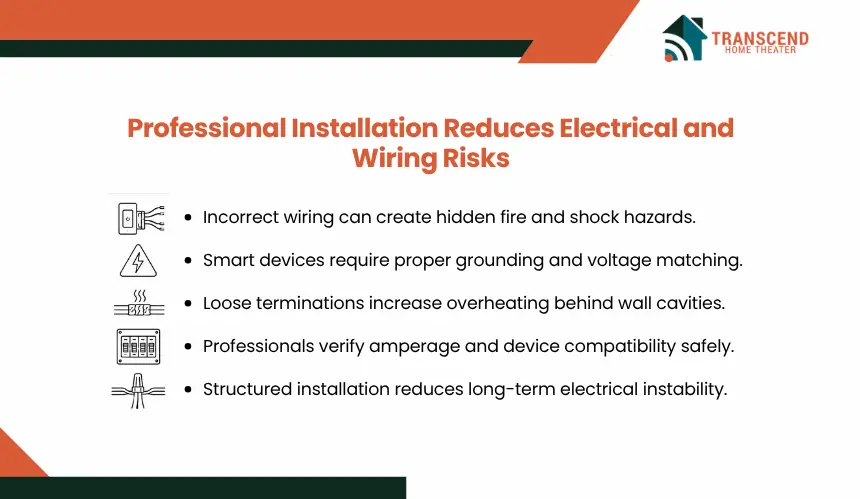
Home automation hardware often connects directly to line-voltage circuits, HVAC controls, low-voltage signaling, and relay-based switching systems. Incorrect installation at this layer creates electrical instability, unsafe current handling, and device failure conditions that are not always visible during initial setup.
Incorrect Wiring Can Create Shock or Fire Hazards
Smart switches, dimmers, thermostats, and automation relays require correct neutral wiring, grounding, voltage matching, and load handling. DIY installations frequently bypass these checks, especially in older homes with shared neutrals, inconsistent wiring standards, or overloaded circuits.
Incorrect terminal placement, reversed polarity, or unsupported load conditions can cause overheating, breaker trips, unstable switching behavior, or energized faceplates. In some cases, the device continues operating while heat buildup develops behind the wall cavity.
Professionals Understand Circuit Capacity and Device Ratings
Professional installers verify amperage limits, transformer compatibility, wattage thresholds, and circuit behavior before integrating automation hardware. This prevents devices from operating outside their rated electrical conditions.
For example, many smart dimmers are incompatible with certain LED drivers or multi-way switch configurations. Incorrect pairing can create flickering, relay chatter, voltage instability, or premature component degradation. Installers reduce these risks by validating electrical compatibility before deployment.
Safe Installation Prevents Hidden Damage Behind Walls
Poor wire termination, loose connectors, and incorrect splice methods increase resistance at connection points. Over time, these failures generate localized heat that damages insulation and weakens conductor stability.
Professional installation includes secured terminations, enclosed junction protection, conductor isolation, and proper load distribution. These controls reduce long-term fault conditions that commonly appear after DIY automation retrofits.
DIY Smart Home Setups Increases the Chance of Device Compatibility Problems
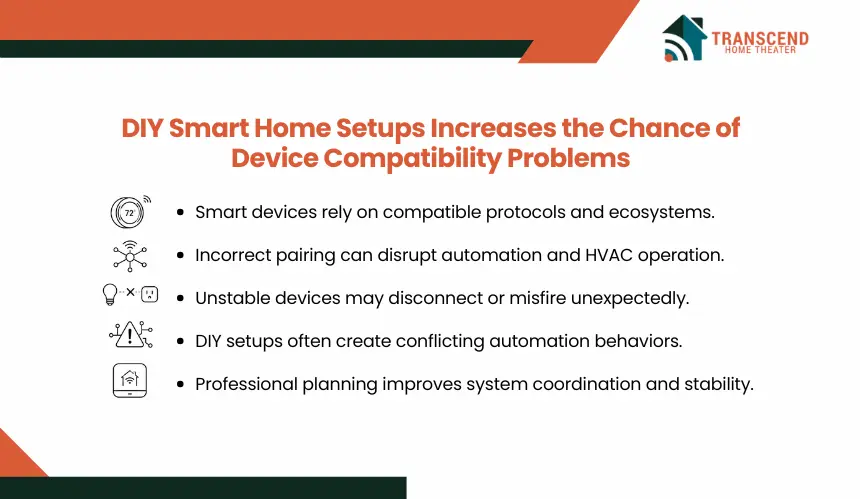
Home automation systems depend on stable communication between hardware, software, protocols, and existing building systems. DIY installations often focus on individual device setup without validating cross-system compatibility, which increases the likelihood of unstable automation behavior.
Smart Devices Must Work With Existing Systems
Smart thermostats, lighting controls, locks, cameras, hubs, and sensors operate across different protocols such as Zigbee, Z-Wave, Matter, Thread, Bluetooth, and Wi-Fi. Compatibility issues appear when devices support different communication standards, voltage requirements, firmware ecosystems, or control architectures.
HVAC systems are a common failure point. Some smart thermostats are incompatible with multi-stage heating systems, proprietary control boards, or low-voltage configurations. Incorrect installation can interrupt equipment cycling, disable auxiliary heat functions, or trigger system errors.
Wrong Pairing Can Cause System Malfunctions
Incompatible automation hardware often creates unstable operational behavior rather than complete device failure. Smart lights may lose synchronization, locks may respond inconsistently, occupancy sensors may misfire, and cameras may disconnect under network load.
These failures become more critical when automation rules depend on device coordination. A delayed sensor response can prevent security triggers, while unstable hub communication can interrupt scheduled routines, access controls, or environmental automation sequences.
Professional Planning Prevents Conflicting Devices
Professional installers validate ecosystem compatibility before deployment instead of connecting devices incrementally without system mapping. This includes protocol alignment, firmware validation, signal coverage analysis, and controller capacity assessment.
Structured planning prevents device conflicts, network congestion, duplicate automation triggers, and unstable hub performance. The result is a coordinated system architecture rather than isolated smart devices competing for control priority.
Professional Smart Home Installers Configure Security More Safely
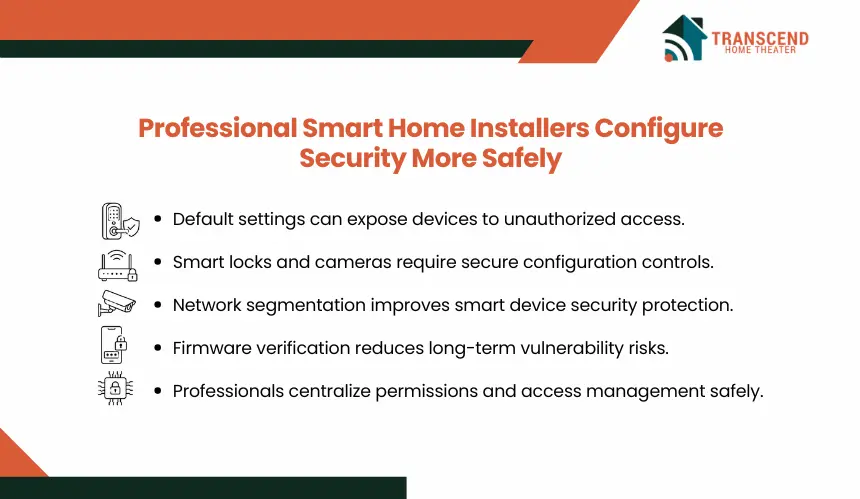
Smart home systems continuously exchange data between mobile apps, cloud platforms, local networks, cameras, sensors, and access-control devices. Weak configuration at the network or account level creates direct exposure points that many DIY setups leave unsecured.
Weak Network Setup Can Expose Smart Devices
Many consumer smart devices ship with default credentials, open remote access settings, and minimal encryption enforcement. DIY installations often leave these defaults unchanged or connect all devices to the primary household network without segmentation.
This increases exposure to unauthorized access, credential attacks, device hijacking, and lateral network movement. Cameras, smart locks, garage controllers, and voice assistants are common entry points because they maintain persistent internet connectivity.
Secure Configuration Protects Cameras, Locks, and Sensors
Professional installers configure authentication controls, encrypted communication settings, firmware management, and restricted access permissions during deployment. This reduces unnecessary exposure across connected devices.
Security-focused setup may include:
- Isolated IoT network segmentation
- Multi-factor authentication
- Encrypted device communication
- Restricted administrator permissions
- Controlled remote access settings
- Firmware update verification
These controls reduce the likelihood of unauthorized device access or compromised automation behavior.
Weak Device Management Creates Long-Term Security Gaps
DIY systems often accumulate unmanaged devices over time, especially when multiple apps, hubs, and user accounts control different automation functions. This creates fragmented security oversight and inconsistent update management.
Professional installation centralizes device management, user permissions, and system monitoring. A structured management layer reduces configuration drift, unsupported firmware exposure, and forgotten access points that commonly appear in expanding smart home environments.
In many older Maryland properties across Bethesda and Rockville legacy electrical panels, multi-stage HVAC systems, and retrofit wiring create compatibility risks during automation upgrades. Coastal humidity patterns and fluctuating seasonal HVAC demand across central Maryland also affect sensor calibration, thermostat behavior, and network equipment stability.
Structured smart home installation in Maryland helps prevent automation failures caused by environmental and infrastructure inconsistencies.
DIY Smart Home Installation Can Create Long-Term Maintenance Gaps
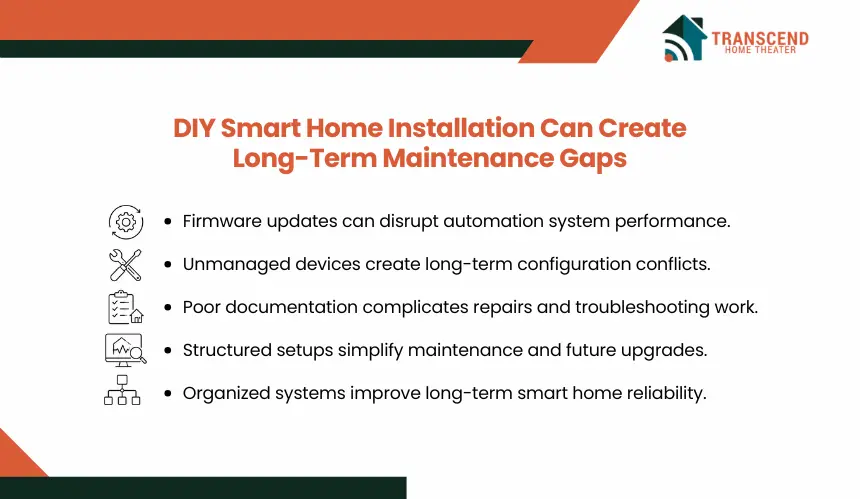
Home automation systems require ongoing firmware support, network management, device synchronization, and configuration consistency. DIY setups often function initially but become unstable as devices, apps, and platform requirements change over time.
Firmware and App Updates Can Affect Performance
Smart home platforms frequently release firmware and software updates that modify protocol support, security policies, automation logic, or device compatibility. Unmanaged updates can break routines, disconnect devices, or disable integrations between hubs and third-party hardware.
DIY environments are more vulnerable because updates are often applied inconsistently across devices, creating version conflicts within the automation ecosystem.
Poor Documentation Makes Future Repairs Harder
Many DIY installations lack structured labeling, wiring records, IP mapping, or centralized device management. Troubleshooting becomes difficult when multiple apps, hidden relays, undocumented circuits, and reused device names are involved.
This increases repair time and raises the risk of incorrect resets, duplicated automations, or accidental device removal during maintenance.
Professionals Leave a Cleaner System Structure
Professional installers organize automation systems using standardized device naming, grouped control logic, documented configurations, and structured network allocation. This improves long-term maintainability as the system expands.
A structured setup also simplifies diagnostics, firmware management, device replacement, and future integration work without destabilizing existing automation behavior.
Safe home automation depends on more than device installation. It requires stable integration, secure configuration, and reliable system behavior across every connected component. Transcend Home Theater designs and installs automation systems with a focus on long-term performance, operational stability, and safer smart home control.
Frequently Asked Questions
Can DIY home automation void product or equipment warranties?
Some smart thermostats, security devices, lighting controls, and motorized components include installation requirements in their warranty terms. Incorrect wiring, unsupported integrations, or unapproved modifications can make warranty claims harder to validate. Professional installation creates cleaner documentation, proper device setup, and a stronger service record if equipment fails later.
Why do smart home devices work at first and fail later?
Many automation failures appear after network changes, firmware updates, router replacements, or added devices. A system may work during setup but become unstable when signal congestion, app conflicts, cloud platform changes, or hub limitations increase. Professional configuration reduces these delayed failures by building the system around long-term compatibility.
Is DIY home automation safe for renters or apartment residents?
Plug-in smart speakers, bulbs, and cameras are usually lower-risk for renters because they do not alter wiring or fixed building systems. Devices connected to locks, thermostats, panels, outlets, or built-in lighting can create lease, safety, and liability issues. Renters should avoid permanent automation changes without property approval.
What smart home devices should not be installed without professional help?
Smart electrical panels, hardwired switches, dimmers, thermostats, smart locks, garage controllers, surveillance systems, motorized shades, and integrated security devices need careful installation. These systems interact with power, access control, HVAC operation, or building structure, so setup errors can affect safety, reliability, or emergency access.
How does professional installation improve smart home troubleshooting?
A professionally installed system usually includes organized device names, hub mapping, network structure, access permissions, and installation records. This makes it easier to locate faults, replace devices, reset integrations, and diagnose connection failures without disrupting the full automation system or deleting critical routines by mistake.