
Signs Your Home Network Is Holding Back Your Smart Home Devices
Key Takeaways:
|
A reliable smart home depends on more than fast internet. If your smart lights respond slowly, security cameras buffer, voice assistants miss commands, or devices randomly disconnect, the problem may be your home network rather than the devices themselves. As more connected devices compete for bandwidth and wireless capacity, network limitations become more noticeable in everyday use.
This article explains the key signs that your home network is holding back your smart home devices and when those issues point to the network instead of the hardware.
Sign #1: Smart Devices Frequently Disconnect from Wi-Fi
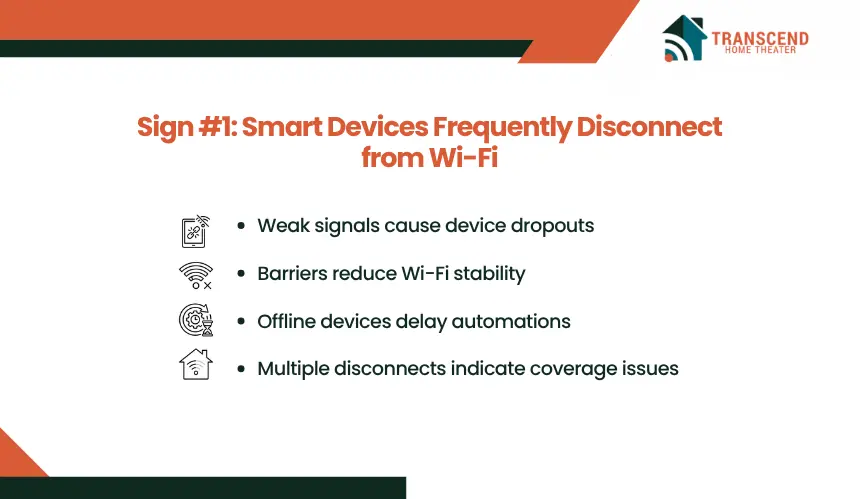
Even reliable smart home devices need a stable wireless connection to maintain consistent performance. When devices repeatedly drop offline or reconnect on their own, the underlying issue is often the home network rather than the devices themselves.
Frequent Wi-Fi disconnections usually occur when the wireless signal weakens below the level required for continuous communication. Distance from the router, physical barriers such as walls and floors, and interference from neighboring Wi-Fi networks or household electronics can all reduce signal quality. As the connection becomes unstable, smart devices repeatedly lose contact with the network and attempt to reconnect.
Many smart home products, including smart plugs, thermostats, lights, and sensors, exchange small but continuous amounts of data with cloud services or local hubs. Even brief interruptions can delay automations, prevent remote access, or cause devices to appear offline in their companion apps despite remaining powered on.
If multiple smart devices disconnect at different times throughout the day, especially those located in the same area of the home, the pattern often indicates inconsistent Wi-Fi coverage rather than individual hardware failures. Identifying these recurring connection drops early can prevent broader reliability issues as additional smart devices are added to the network.
Sign #2: Voice Commands and Automations Take Too Long
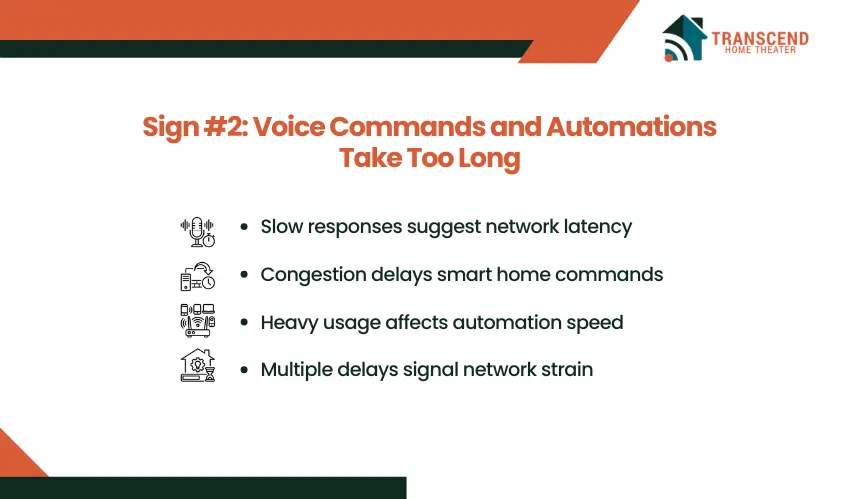
Smart home automation is designed to deliver near-instant responses. When voice commands take several seconds to execute or scheduled routines become inconsistent, network performance is often the limiting factor.
Voice assistants, smart hubs, and connected devices continuously exchange data across your home network before completing an action. If the network experiences high latency, congestion, or delayed communication between devices, simple tasks such as turning on lights, adjusting the thermostat, or locking a door may respond noticeably slower than expected. The internet connection itself may still be fast, but delays within the local Wi-Fi network can slow the entire automation process.
Response times often become less predictable during periods of heavy network activity. Streaming video, video conferencing, online gaming, and large file downloads can compete for wireless resources, causing smart home commands to wait behind higher network traffic. This is particularly noticeable in homes with dozens of connected devices operating simultaneously.
For homeowners in McLean, VA, larger floor plans and dedicated spaces such as home offices, media rooms, and outdoor living areas can increase the distance between smart devices and the primary router. Without sufficient wireless coverage throughout the property, automations may execute quickly in one area while responding more slowly in another, creating an inconsistent smart home experience.
When delays affect multiple devices instead of a single product, the issue is more likely related to network communication than the smart devices themselves. Consistently slow responses are a strong indicator that the home network is no longer supporting the demands of the growing smart home ecosystem.
Sign #3: Security Cameras Constantly Buffer or Miss Events
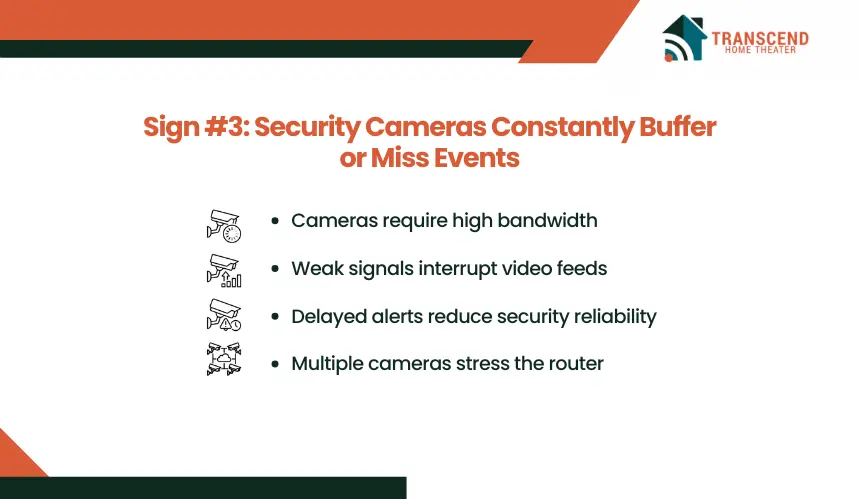
Smart security cameras place greater demands on a home network than most other connected devices because they continuously upload, download, or stream video. When live feeds buffer, recorded footage appears in low resolution, or motion events fail to upload promptly, the network may not be keeping pace with the data being transmitted.
Unlike smart bulbs or switches that exchange small packets of information, security cameras generate a constant flow of high-bandwidth traffic. If multiple cameras are streaming simultaneously, the router must manage several real-time video connections while serving other devices across the network.
Limited wireless capacity, poor signal quality, or network congestion can interrupt that data flow, resulting in frozen video, delayed notifications, or incomplete recordings.
These issues are often more noticeable with outdoor cameras or video doorbells installed farther from the router. A weaker wireless signal increases the likelihood of packet loss, forcing the camera to retransmit data and reducing overall streaming quality. As a result, important motion events may be detected late, or clips may begin after the activity has already occurred.
Pro Tip: If your security cameras support both the 2.4 GHz and 5 GHz Wi-Fi bands, choose the connection based on where the camera is installed rather than selecting the fastest band by default. |
When buffering, delayed alerts, and inconsistent recordings affect multiple cameras, the pattern typically points to a network performance limitation rather than simultaneous hardware failures. Identifying the network as the bottleneck helps ensure security devices deliver the reliability they were designed to provide.
Sign #4: Some Rooms Have Reliable Smart Devices, While Others Don't
Consistent smart home performance should extend throughout the entire property. If devices work reliably in one room but frequently disconnect, respond slowly, or become unreachable in another, uneven Wi-Fi coverage is often the underlying cause.
Wireless signals weaken as they travel through walls, floors, large appliances, and other structural materials. Homes with multiple levels, brick construction, metal framing, or large floor plans are more likely to develop Wi-Fi dead zones where signal strength falls below the level required for dependable smart device communication. Devices installed in these areas may continue to receive power but struggle to maintain a stable network connection.
This pattern is especially common in homes where the router is placed in a central living area while smart devices are distributed across garages, basements, patios, or upper-floor bedrooms. A smart lock near the front entrance, a garage door controller, or an outdoor camera may experience different network conditions than devices located only a few rooms away.
For many homeowners in McLean, VA, larger residences and multi-story layouts can make whole-home wireless coverage more challenging. Smart irrigation controllers, landscape lighting, outdoor security cameras, and detached workspace connections often operate at the edge of the Wi-Fi network, where signal quality naturally declines without proper coverage planning.
When connectivity problems consistently occur in the same locations rather than affecting random devices throughout the home, the issue usually points to coverage gaps instead of faulty equipment. Identifying these weak coverage areas is an important step toward creating a smart home that performs reliably from every room to every outdoor living space.
Sign #5: Adding New Smart Devices Makes Everything Less Reliable
A growing smart home should remain stable as new devices are added. If reliability declines every time you install another smart light, camera, sensor, or appliance, your router may be reaching its practical capacity.
Every connected device requires the router to manage network sessions, assign resources, and coordinate wireless communication. While modern routers can support dozens of devices, older or entry-level models often struggle as the number of active connections increases. This can lead to intermittent device failures, delayed automations, and inconsistent performance across the entire network, even if individual devices function properly on their own.
The impact becomes more noticeable when multiple devices are active at the same time. Security cameras streaming video, smart TVs, voice assistants, laptops, gaming consoles, and mobile devices all compete for airtime on the wireless network. As contention increases, the router has fewer opportunities to communicate efficiently with each connected device, reducing overall responsiveness.
For homeowners investing in home automation in McLean, VA, expanding from a few connected devices to a fully integrated ecosystem often requires more than simply adding equipment. Larger properties with numerous smart lighting zones, climate controls, surveillance systems, and outdoor automation place significantly greater demands on the home network.
Planning network capacity alongside smart home expansion helps maintain consistent performance as the system grows.
Pro Tip: Look for a router that supports modern technologies such as Wi-Fi 6 or Wi-Fi 6E, which use features like OFDMA (Orthogonal Frequency Division Multiple Access) and MU-MIMO (Multi-User, Multiple Input Multiple Output). These technologies allow the router to communicate with multiple compatible devices more efficiently, reducing network congestion and improving performance in homes with a high number of connected smart devices. |
If your smart home becomes noticeably less reliable after each new installation, the issue is often a network capacity limitation rather than a compatibility problem with the newest device. Upgrading the network infrastructure can restore stability without replacing the smart devices already in use.
Sign #6: You Have to Restart Your Router More Often Than You Should
Restarting a router occasionally after a firmware update or power outage is normal. Needing to reboot it every few days, or even every day, to restore smart home functionality is a strong indication that the network is struggling to operate reliably.
Over time, routers process thousands of network requests from connected devices, maintain active sessions, and manage wireless traffic across multiple frequency bands. When the hardware lacks sufficient processing power or memory, these tasks can overwhelm the device, leading to slowdowns, dropped connections, or temporary service interruptions. A restart temporarily clears active processes and restores normal operation, but it does not address the underlying limitation.
Recurring router restarts can also point to outdated firmware, overheating, or aging hardware that no longer meets the demands of a modern connected home. As smart home ecosystems grow, routers purchased years ago may no longer be capable of handling the volume and complexity of today’s network traffic.
A simple way to recognize this pattern is to observe what happens immediately after a reboot. If smart cameras reconnect, automations resume, voice assistants become responsive, and offline devices suddenly appear again, the router is likely acting as the bottleneck rather than the individual smart devices.
While restarting the router may provide a temporary fix, repeated dependence on this solution usually signals that the network infrastructure needs attention. Identifying and resolving the root cause leads to more consistent smart home performance than relying on frequent manual resets.
Sign #7: Your Internet Speed Tests Look Fine, but Your Smart Home Doesn't
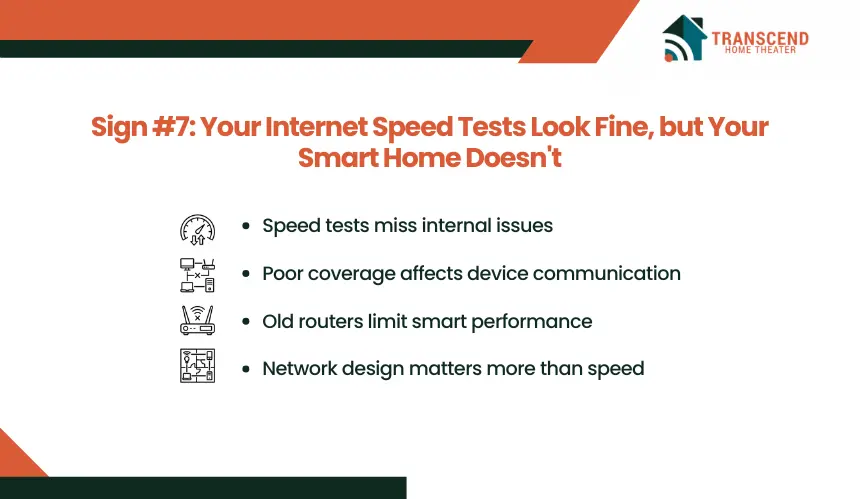
A high internet speed test does not guarantee a high-performing smart home. If your internet consistently delivers the speeds promised by your provider but smart devices remain unreliable, the issue is often within your home’s internal network rather than the internet connection itself.
Speed tests primarily measure how quickly data travels between your home and an external server. Smart home devices, however, spend much of their time communicating with the router, other connected devices, and local automation hubs before data ever reaches the internet.
Poor Wi-Fi coverage, high network latency, wireless interference, or an overloaded router can disrupt these internal communications even when download and upload speeds appear excellent.
This difference explains why you might stream a movie in 4K without interruption while simultaneously experiencing delayed smart lock notifications, sluggish lighting controls, or cameras that intermittently disconnect. The internet connection has sufficient bandwidth, but the local network is not distributing it efficiently to the devices that depend on it.
In McLean, VA, where many homeowners are investing in connected living spaces with smart lighting, whole-home audio, automated shading, advanced security systems, and home offices, network performance has become just as important as internet speed.
A premium internet plan cannot compensate for Wi-Fi coverage gaps or an aging router that struggles to support a sophisticated smart home ecosystem.
If speed tests consistently produce strong results but smart home issues persist, it is a clear sign to evaluate the quality of your home network rather than upgrading your internet service. Improving wireless coverage, router performance, or overall network design often delivers a greater improvement than purchasing a faster internet package.
If your smart home devices aren’t performing the way they should, the problem may be your network, not your technology. Transcend Home Theater designs reliable home automation networks that keep smart lighting, security systems, entertainment, and automation running smoothly. Serving homeowners across Virginia, Maryland, and Northwest DC, our team can evaluate your network and recommend solutions built for today’s connected homes.
Frequently Asked Questions
Should I put smart home devices on a separate Wi-Fi network?
A separate IoT or guest network can reduce exposure between less-trusted devices and personal computers, but isolation may block device discovery, casting, local control, or Matter commissioning. Use network segmentation only when the router supports controlled communication between networks. Matter devices generally work best on the primary network unless the system is professionally configured.
Is mesh Wi-Fi better than a Wi-Fi extender for a smart home?
A mesh system usually provides more consistent roaming and centralized management than a basic extender, which may create a separate network or add another wireless hop. Placement still matters. For larger or multi-level homes, mesh nodes connected through Ethernet backhaul can preserve wireless capacity and deliver lower latency between access points.
Should smart cameras and automation hubs be connected with Ethernet?
Wired Ethernet is preferable for stationary, high-priority equipment such as camera recorders, automation controllers, media systems, and access points. It removes those devices from crowded wireless airtime and creates a predictable connection. Power over Ethernet can also carry data and electrical power through one cable for compatible cameras and network hardware.
Do Zigbee, Z-Wave, Thread, and Matter devices still depend on Wi-Fi?
Not every smart device communicates directly over Wi-Fi. Zigbee, Z-Wave, and Thread use low-power mesh networks, while hubs or Thread border routers connect them to the wider home network. Matter is an interoperability standard that can operate over Wi-Fi, Ethernet, or Thread, depending on the product and its connectivity design.
Will changing my router or Wi-Fi name break my smart home setup?
Changing the SSID, password, security mode, or router can disconnect devices that retain the previous network credentials. Some products can be updated through their apps, while others require pairing or factory resets. Before migrating, document device names, rooms, hubs, automation rules, reserved IP addresses, and any 2.4 GHz setup requirements.