
Smart Home Rack Systems & Power Management for Installers (2026 Technical Setup)
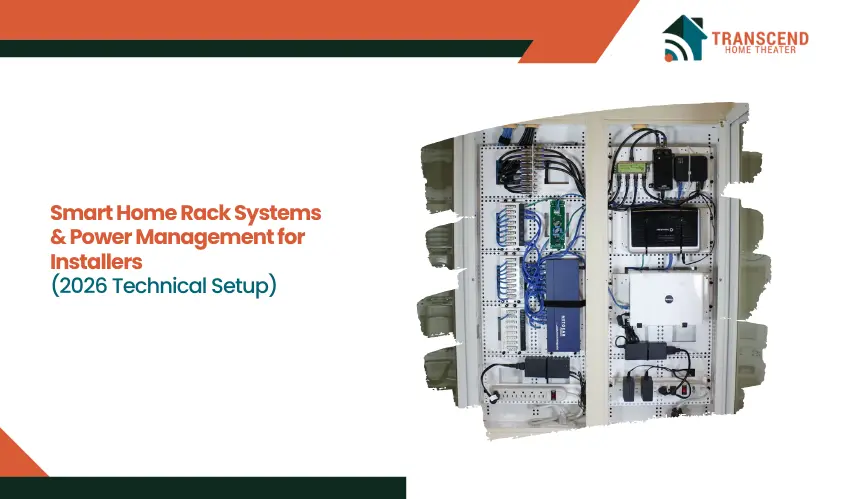
Smart home rack systems and power management solutions give installers the structure, stability, and electrical control required to support modern automation setups in 2026.
These systems create a centralized environment where networking hardware, automation controllers, audio-video distribution equipment, and power protection tools operate within a safe and organized framework.
This article explores how modern rack systems function within smart home environments, how installers evaluate the right power solutions, and what technical practices create long-term stability.
Understanding the Modern Purpose of Smart Home Rack Systems in 2026
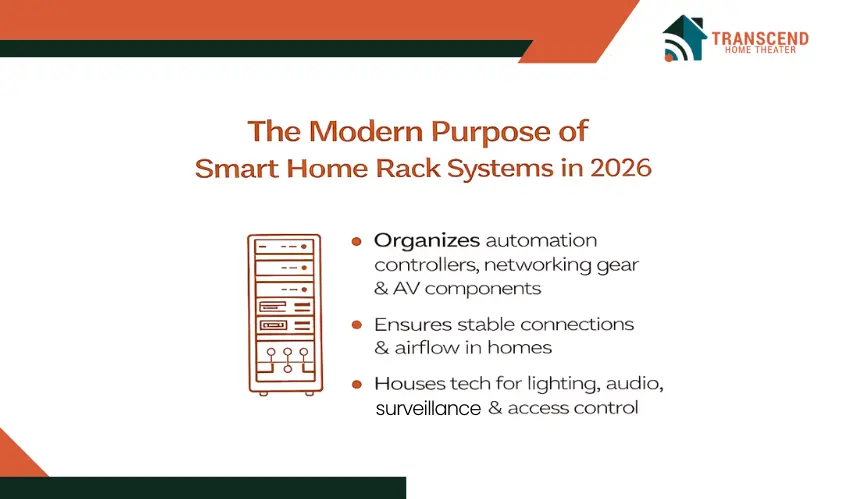
Smart home projects rely on structured rack systems to organize automation hardware, networking devices, and AV distribution components. These racks support stable connections, maintain airflow, and help installers create environments where equipment operates efficiently and consistently inside residential spaces.
What Role Do Smart Home Racks Play in Today’s Automation Setups?
Smart home racks act as centralized hubs for automation controllers, network switches, PoE equipment, and media components. By placing these devices in one controlled environment, installers maintain cleaner signal paths, reduce interference, and support unified control systems for lighting, audio, access management, and surveillance.
Core Components Inside a Modern Residential Tech Rack
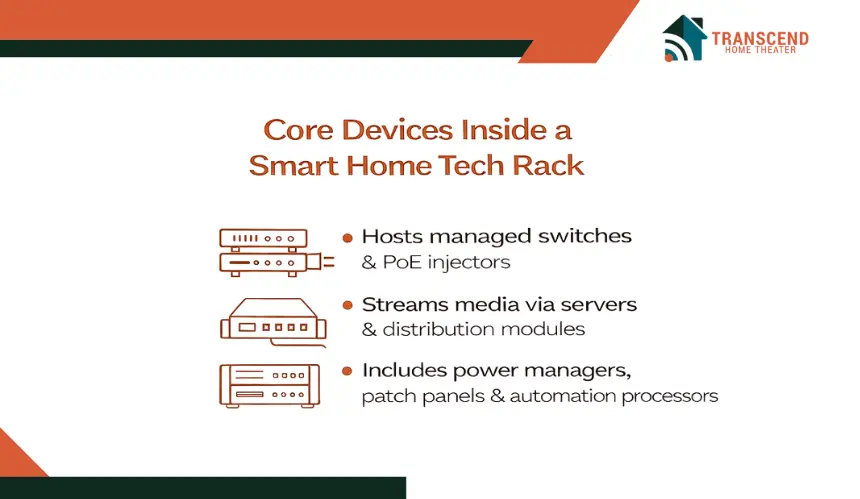
Each device inside the rack performs a unique function that contributes to overall system reliability and performance.
Common components include managed switches, automation processors, PoE injectors, patch panels, streaming servers, and structured wiring modules. These elements benefit from organized cable routing and consistent airflow that reduce stress on sensitive electronics.
How Rack Layout Influences Stability and Maintenance of Smart Homes
Rack layout planning is critical because it affects the system’s long-term reliability and the ease with which technicians can service it.
The way devices are arranged influences airflow, heat concentration, and cable movement. Proper spacing, logical device grouping, and tidy cable management reduce thermal stress and allow technicians to reach components quickly during updates, expansions, or repairs.
What Installers Need to Know About Power Management for Smart Home Racks
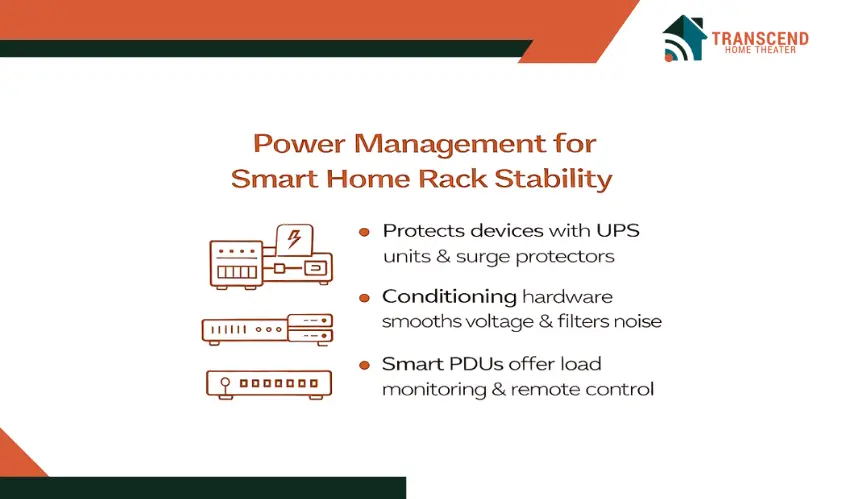
Power management determines how stable and protected a smart home rack remains under continuous load. Smart home installers depend on reliable electrical distribution to support automation controllers, streaming hardware, network devices, and PoE-driven components. A well-planned power strategy lowers the chances of voltage-related failures and ensures consistent system operation.
Why Is Power Management a Critical Part of Smart Home Rack Design?
Power management provides stable current delivery to sensitive electronics and prevents interruptions caused by surges, drops, or inconsistent voltage. Proper systems help maintain signal quality, reduce reboot cycles, and protect equipment that cannot tolerate irregular electrical conditions.
What Power Devices Are Commonly Used in Smart Home Racks?
Different installations require different levels of protection based on load, sensitivity, and device behavior. Installers rely on uninterruptible power supplies, surge protection devices, smart PDUs, and conditioning hardware.
UPS units keep essential automation controllers active during outages, while surge protection shields equipment from sudden electrical spikes. Smart PDUs provide load monitoring, outlet control, and remote reset functions that support easier maintenance.
How Do Voltage Regulation and Conditioning Improve Rack Stability?
Some smart home devices require extremely clean and stable power to avoid performance issues. Voltage regulation smooths out fluctuations that occur during grid inconsistencies, helping devices maintain proper operation without noise interference.
Conditioning hardware filters electrical noise, reduces harmonic distortion, and creates a cleaner energy path for AV components, network switches, and automation processors.
Choosing the Right Rack System for Smart Home Installations
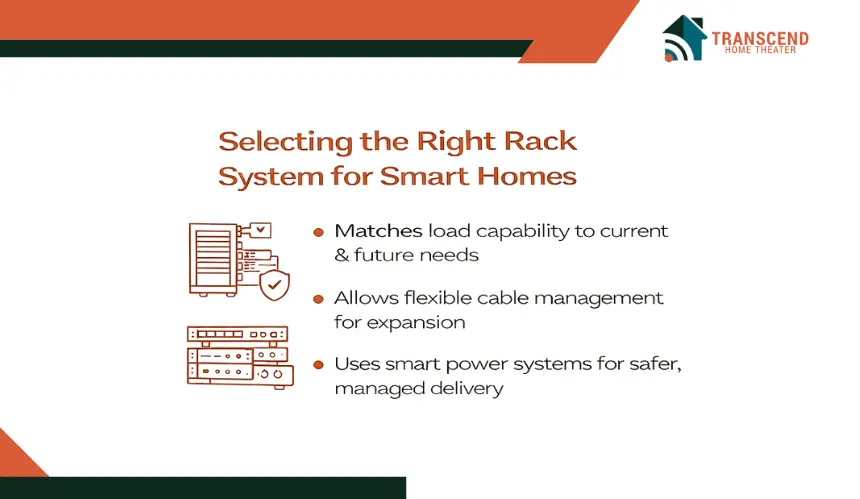
Selecting the correct rack system influences the reliability, performance, and long-term flexibility of every smart home project. Installers must evaluate build quality, load capacity, cable pathways, and future expansion needs to ensure the rack supports both current devices and upcoming upgrades.
Installers should consider structural strength, available rack units, service access features, and compatibility with low voltage and automation hardware. High quality racks provide better airflow, smoother device placement, and cleaner wiring paths that improve overall system stability.
What Factors Influence Load Capacity and Future Expansion of Rack Systems?
Each home environment has different equipment demands, which makes rack scalability a decisive factor during selection. Rack selection depends on total weight distribution, available rack space, and support for additional modules.
Load capacity is influenced by the combined weight of automation controllers, network switches, streaming devices, and power equipment. Racks with stronger frames and deeper mounting rails can accommodate heavier components without compromising stability.
Future expansion depends on how many rack units remain open, the ability to integrate new modules, and the overall airflow design that prevents overheating as the system becomes more complex. Planning for expansion early ensures that the rack can support new devices, faster network hardware, and upgraded automation processors without requiring a full redesign later.
Which Rack Features Improve Installer Workflow and Serviceability?
The overall build of the rack affects more than appearance. It determines how quickly an installer can work and how easily system maintenance can be performed.
Quality racks include strong frames, smooth pulling mechanisms, efficient cable pass-throughs, and removable panels. These features help technicians perform adjustments, rewire components, or replace devices without disturbing the entire setup.
How Should Installers Choose Between Smart and Traditional Power Systems for Rack?
Smart and traditional power systems serve different purposes, and the right choice depends on the level of control, monitoring, and protection a project requires. Evaluating equipment density, service expectations, and homeowner needs helps installers select the most reliable option.
Smart Power Systems Are Better When:
- Remote access is required: Installers can reboot frozen devices or cycle outlets without visiting the home.
- High density racks are used: Real time load monitoring helps prevent overloads in tightly packed environments.
- Homeowners want proactive protection: Smart PDUs provide alerts, analytics, and automated recovery features that reduce downtime.
- The rack includes sensitive automation hardware: Intelligent voltage tracking and condition monitoring help protect devices that cannot tolerate fluctuations.
Traditional Power Systems Are Better When:
- The rack has minimal equipment: Basic AV setups or simple network racks benefit from straightforward distribution.
- Cost efficiency is a priority: Traditional PDUs provide reliable power without the need for advanced features.
- No remote servicing is expected: Installers who service equipment onsite may not need outlet level control or analytics.
- The environment has stable power: Homes with consistent electrical conditions may not require smart diagnostics or predictive monitoring.
This approach helps installers select a power strategy that aligns with the rack’s complexity, the homeowner’s expectations, and the long term maintenance plan.
Step-by-Step Process for Setting Up a Smart Home Rack System
A smart home rack performs at its best when the installation follows a structured and intentional workflow. Installers who prepare the environment correctly, route cables strategically, and set up power distribution with precision create systems that run smoothly and remain easier to service throughout their lifespan.
Step 1: Preparing the Site and Verifying Installation Requirements
Before placing any equipment, the installation area must be evaluated for electrical readiness, ventilation potential, and space layout. Installers examine the available electrical circuits, confirm that the room can support consistent airflow, and measure the clearance around the installation zone.
This step includes checking heat load expectations, verifying network entry points, and confirming that the location supports safe grounding. Proper preparation prevents last minute changes and keeps the installation process efficient.
Step 2: Routing and Organizing Cables for Clean and Stable Performance
Once the environment is ready, the next priority is building a cable structure that promotes clarity, airflow, and long-term maintenance. Installers route cables along designated channels, avoiding sharp bends and overcrowded paths.
Color coded labeling, clear patch panel mapping, and secure Velcro ties help maintain an organized structure. This step reduces signal interference, prevents cable strain, and makes future servicing or device replacement much easier.
Step 3: Installing Power Distribution and Configuring Energy Protection
With the cable infrastructure in place, attention shifts to the power system that will support the rack’s devices. Installers position UPS units, surge protectors, and PDUs in locations that ensure smooth airflow and easy cable access.
Circuit balancing, grounding checks, and verification of load distribution help prevent electrical stress. Proper alignment of power equipment also prepares the system for controlled shutdowns, safer restarts, and consistent operation.
Step 4: Adjusting Environmental Controls and Minimizing System Noise
Thermal and acoustic conditions directly affect rack longevity and device behavior. Installers set up cooling fans, temperature sensors, and ventilation systems that maintain even airflow throughout the rack.
Noise-reducing materials and isolated mounting rails help minimize vibrations. Maintaining these environmental controls protects heat sensitive equipment and keeps the rack quiet enough for residential settings.
Integrating AI Monitoring and Remote Diagnostics Into Rack Systems (2026 Standard)
AI driven monitoring has become a standard expectation in 2026 because smart home racks now support higher device densities, more sensitive automation hardware, and expanded low voltage ecosystems.
Installers depend on these intelligent systems to refine maintenance schedules, identify performance risks earlier, and oversee complex networks without being physically present.
By pairing AI analytics with real time data from sensors and cloud dashboards, rack systems deliver more stability and longer equipment lifespans.
How Do AI Sensors Improve Predictive Maintenance in 2026?
Predictive maintenance has transformed how installers maintain smart home racks. Instead of relying on routine checkups, AI monitoring systems evaluate ongoing performance signals and forecast issues long before they affect the homeowner’s experience.
AI sensors gather data on temperature shifts, voltage inconsistencies, vibration changes, and airflow behavior. Thermal forecasting models analyze these patterns and identify early indicators of overheating or component fatigue.
Load prediction algorithms study how connected devices behave over time and notify installers when a power draw trend suggests an upcoming failure. New 2026 “failure before failure” alert systems combine multiple sensor readings to detect anomalies that would not be visible through manual checks.
How Do Cloud Power Dashboards Improve Remote Rack Oversight in 2026?
Cloud dashboards have evolved significantly in 2026, offering installers full visibility into power usage patterns and device behavior from any location. These dashboards integrate with smart PDUs, UPS systems, and rack sensors to simplify long term management.
Cloud dashboards allow installers to track real time energy consumption, identify unexpected spikes, and analyze trend patterns that may signal upcoming issues.
Automated reboot cycles help resolve device lockups without onsite service visits, and remote access tools let installers power cycle specific outlets or adjust load distribution safely.
Advanced dashboards now provide AI assisted suggestions for optimizing power allocation, reducing energy waste, and improving device longevity.
If you want smarter, smoother, and more reliable automation in every project, Transcend Home Theater is ready to help you build it. Our team delivers expertly planned smart home systems that stay organized, responsive, and future ready. Turn complex technology into effortless performance with professionals who know how to bring every automated feature to life.
Frequently Asked Questions
How does equipment firmware influence the long term stability of a smart home rack?
Firmware updates improve device performance, patch security vulnerabilities, and maintain compatibility with new automation features. Regular updates help reduce software conflicts and extend the rack’s overall reliability.
Can smart home racks support mixed wired and wireless automation ecosystems?
Yes. A well designed rack can host network switches, controllers, and wireless access points that work together to manage both wired and wireless devices. Proper placement and channel planning help prevent signal interference.
What factors determine whether a rack needs dedicated cooling equipment?
Heat levels depend on the number of connected devices, power load, and room ventilation. High performance processors, dense network switches, and stacked AV hardware may require additional cooling to prevent thermal stress.
Are there specific security considerations for racks connected to cloud monitoring platforms?
Secure login protocols, encrypted communication, and multi factor authentication help protect cloud connected racks. Installers also use separate VLANs or dedicated networks to isolate automation traffic from general home devices.
How do homeowners benefit from having a centralized rack instead of distributed equipment locations?
A centralized rack creates a single service point for the entire automation system. This layout simplifies maintenance, reduces wiring complexity, improves airflow management, and keeps sensitive equipment out of living areas.