
How Smart Shades for Windows Integrate with Home Automation Systems
Key Takeaways
|
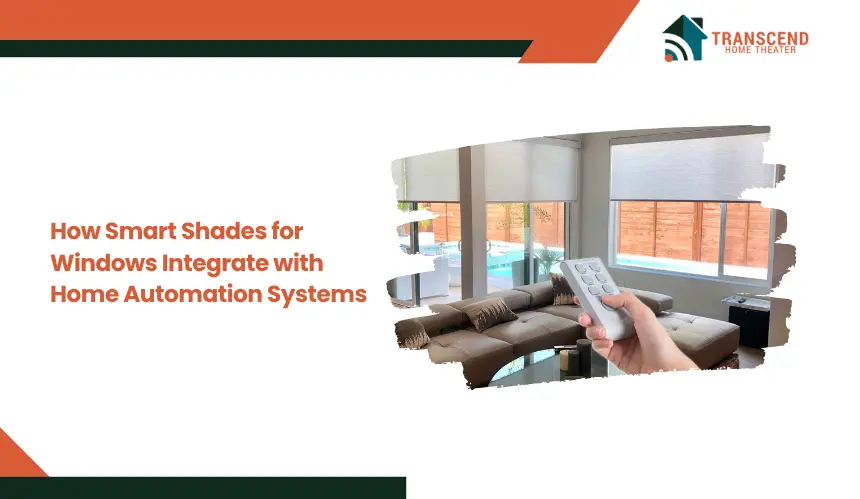
Smart shades often promise convenience, but many setups fail to deliver because they are not properly integrated into a broader home automation system. Users encounter fragmented controls, delayed responses, or limited automation when devices operate in isolation.
Without proper integration, features like scheduling, sensor-based adjustments, and voice control remain underutilized. This article explains how smart shades function within home automation systems and what determines seamless, reliable performance.
Why Integration Matters in a Modern Smart Home Setup
Smart shades deliver full value only when they operate as part of a coordinated automation system rather than as isolated devices. Integration defines how effectively they respond to environmental inputs, user commands, and system-wide routines.
In a connected setup, smart shades align with lighting, HVAC, and occupancy data to create synchronized responses. For example, when indoor temperature rises, shades can lower automatically to reduce solar heat gain, which directly reduces HVAC load and stabilizes indoor climate. This coordination shifts shades from a convenience feature to an energy management component.
Centralized control also eliminates fragmented user interaction. Instead of managing multiple apps or manual controls, integrated systems consolidate commands through a single interface or automation logic. This reduces latency in execution and ensures consistent behavior across devices.
Another critical factor is scenario-based automation. Integrated shades respond to predefined conditions such as time of day, sunlight intensity, or room occupancy. This enables precise control over privacy, glare reduction, and indoor comfort without continuous manual adjustment.
Without integration, smart shades operate reactively based on direct input. With integration, they operate proactively based on system intelligence, which significantly improves efficiency, responsiveness, and overall usability.
How Smart Shades Connect to Home Automation Systems
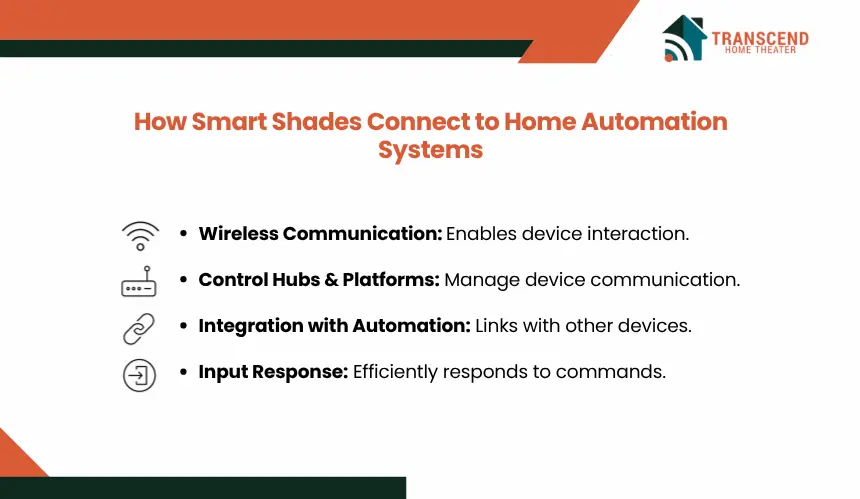
Smart shades connect to home automation systems through wireless protocols, control hubs, and software platforms that enable device communication, command execution, and automation logic. This connection layer determines how efficiently shades respond to inputs and interact with other smart devices.
Wireless Communication Protocols Behind Integration
Smart shades rely on specific wireless protocols to exchange data with hubs, apps, and other devices. Common standards include Wi-Fi for direct cloud connectivity, Zigbee and Z-Wave for low-power mesh networking, and Bluetooth for short-range control during setup or localized operation.
Mesh-based protocols such as Zigbee and Z-Wave improve stability by allowing devices to relay signals across the network, reducing dead zones and ensuring consistent performance across larger spaces. In contrast, Wi-Fi-based shades depend heavily on router strength and bandwidth, which can introduce latency under network congestion.
Protocol selection directly affects system scalability, response time, and energy consumption. Low-power protocols extend battery life in motorized shades, while high-bandwidth options support faster command execution but require stronger network infrastructure.
Role of Smart Hubs and Controllers
A hub acts as the central coordinator that translates signals between devices using different protocols. Systems like Samsung SmartThings Hub or Amazon Echo aggregate inputs from shades, sensors, and other smart devices, then execute automation rules based on predefined conditions.
Hubs are essential when devices operate on protocols that do not natively communicate with each other. They standardize communication, enabling cross-device automation such as linking shades with thermostats or lighting systems.
In hub-free environments, shades connect directly to a cloud platform or app, which simplifies setup but limits complex automation and local processing capabilities. Hub-based systems provide more advanced control logic and faster execution because they can process commands locally without relying entirely on cloud communication.
Mobile Apps and Cloud-Based Control
Mobile applications function as the primary interface for configuring and managing smart shades. They allow users to set schedules, create automation rules, and monitor device status in real time.
Cloud integration enables remote access, allowing users to control shades from outside the home and synchronize settings across multiple devices. However, reliance on cloud services introduces dependency on internet connectivity, which can affect responsiveness during outages.
Local control systems reduce this dependency by executing automation rules within the home network. Systems that balance cloud access with local processing offer better reliability, faster response times, and improved data security.
Key Compatibility Factors That Determine Shades and Home Automation Integration Success
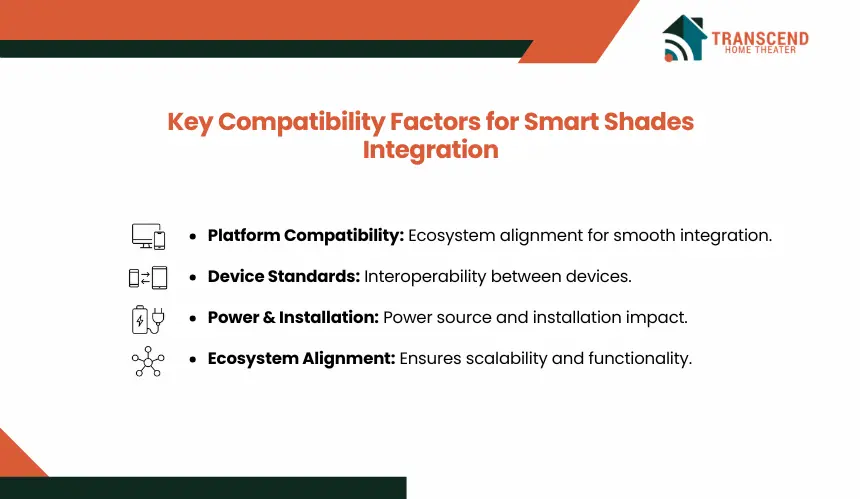
Integration success depends on platform compatibility, communication standards, and hardware constraints that determine whether smart shades can operate seamlessly within an existing automation system. Misalignment in any of these factors leads to limited functionality, delayed responses, or integration gaps.
Platform Compatibility and Ecosystem Alignment
Smart shades must align with the automation platform managing the system, such as Google Home, Apple HomeKit, or Amazon Alexa. Each platform operates within its own ecosystem, supporting specific device categories, integrations, and automation frameworks.
Closed ecosystems prioritize stability and controlled compatibility, which reduces integration errors but restricts device options. Open ecosystems allow broader device pairing but require careful validation to avoid inconsistent behavior.
Choosing shades that are natively supported within the primary ecosystem ensures access to full automation features, including voice control, routine execution, and synchronized device interactions without additional configuration layers.
Device Standards and Interoperability
Device standards determine how effectively smart shades communicate with other components in the system. Protocols such as Matter and Thread create a unified communication layer that allows devices from different manufacturers to operate within the same automation environment.
Without standardized communication, integration relies on proprietary connections, which can limit automation flexibility and create dependency on specific brands. Interoperability issues typically appear when combining devices that use incompatible protocols or lack shared certification.
Systems built on widely adopted standards reduce long-term integration risk by enabling smoother device onboarding and minimizing the need for additional hardware or complex configuration.
Power Source and Installation Constraints
The power configuration of smart shades directly impacts system reliability and operational consistency. Battery-powered shades provide flexible installation but depend on stable power levels to maintain connectivity and execute automation commands without interruption.
Hardwired systems supply continuous power, supporting stable communication and eliminating performance drops caused by battery depletion. However, installation requires electrical planning and may involve structural modifications.
Power limitations can affect automation accuracy. Inconsistent power supply leads to delayed responses or missed triggers, which disrupt coordinated behavior across the automation system.
How Smart Shades Work in Real-World Automation Scenarios
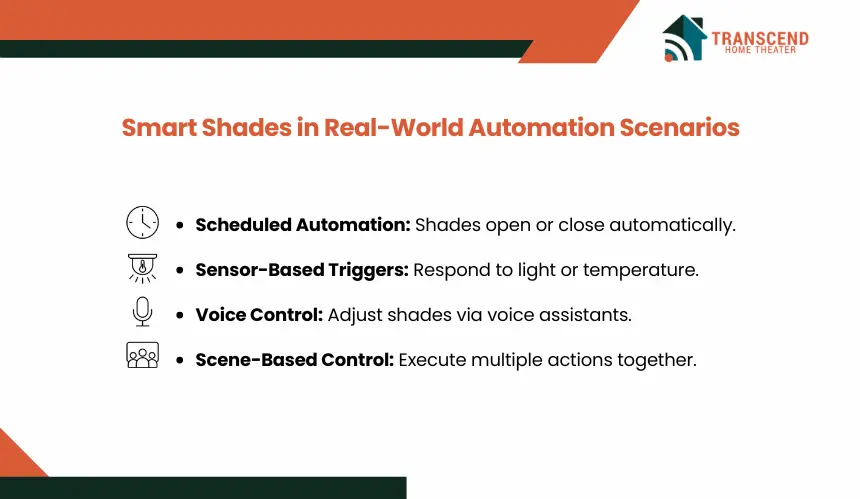
Integrated smart shades operate through predefined logic, responding to time, environmental conditions, and user-defined scenes to automate window control without manual input. This transforms them from passive coverings into active components of the home’s operational system.
Scheduled and Time-Based Automation
Time-based automation allows shades to operate on fixed schedules aligned with daily routines or solar cycles. For example, shades can open at sunrise to allow natural light or close in the evening to maintain privacy and reduce indoor heat loss.
Advanced systems use astronomical timing, adjusting schedules dynamically based on seasonal sunrise and sunset changes rather than fixed clock settings. This ensures consistent lighting conditions and eliminates the need for manual schedule updates throughout the year.
Sensor-Based Triggers and Environmental Response
Smart shades respond to real-time data from connected sensors, enabling condition-based automation. Light sensors detect glare intensity and adjust shade position to prevent overheating or screen visibility issues. Temperature sensors trigger shading when indoor heat levels rise beyond defined thresholds.
Occupancy sensors further refine automation by ensuring shades operate only when spaces are in use. This prevents unnecessary adjustments and aligns energy usage with actual occupancy patterns, improving overall system efficiency.
Voice and Scene-Based Control
Voice control enables direct command execution through assistants integrated within platforms like Google Assistant, Apple HomeKit, and Amazon Alexa. Users can adjust shades instantly without accessing apps or manual controls.
Scene-based automation groups multiple device actions into a single command. For instance, activating a “movie mode” scene can simultaneously lower shades, dim lights, and adjust temperature settings. This coordinated execution ensures consistent environmental conditions based on specific user activities.
Common Smart Shades and Home Automation System Integration Challenges
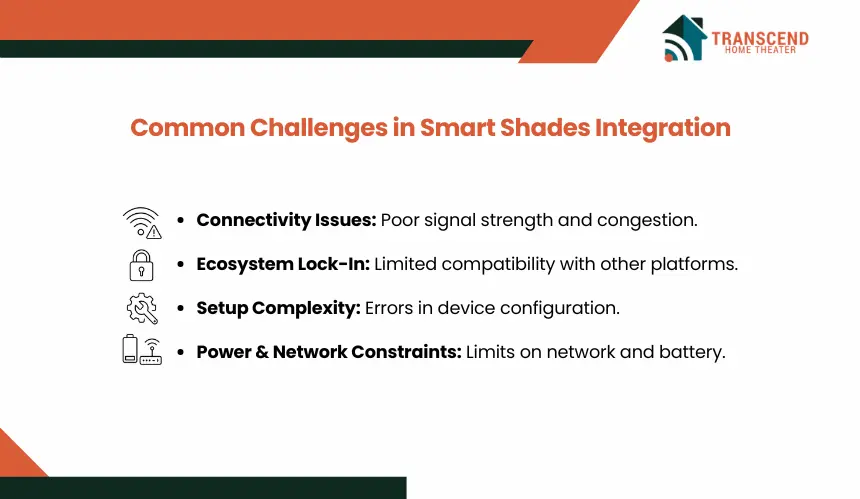
Integration issues typically arise from network limitations, incompatible ecosystems, or incorrect configuration, which directly impact responsiveness and automation reliability. Identifying these constraints early prevents performance gaps and system instability.
1. Connectivity and Signal Limitations
Smart shades depend on stable wireless communication to receive and execute commands. Weak signal strength, interference from other devices, or network congestion can delay responses or cause commands to fail entirely.
Mesh-based networks improve coverage by extending signal reach across devices, but improper device placement or insufficient nodes can still create dead zones. Wi-Fi-based systems are more sensitive to bandwidth usage and router positioning, especially in larger homes.
Ensuring strong network coverage, minimizing interference sources, and selecting the appropriate protocol for the environment reduces latency and maintains consistent automation performance.
2. Ecosystem Lock-In and Limited Compatibility
Some smart home platforms restrict device integration to specific brands or certified products, which limits flexibility when expanding the system. This creates dependency on a single ecosystem, making it difficult to introduce new devices that operate on different standards.
Over time, this restriction can impact scalability and increase costs, especially when replacing or upgrading components. Systems built around proprietary integrations also face challenges when updates or support changes occur.
Choosing platforms that support broader interoperability or emerging standards reduces long-term constraints and allows smoother system expansion without reconfiguration.
3. Setup Complexity and Configuration Errors
Improper setup is a common cause of integration failure. Incorrect device pairing, misconfigured automation rules, or outdated firmware can prevent shades from responding accurately to triggers.
Automation logic requires precise condition mapping. Errors in scheduling, sensor thresholds, or device grouping can lead to inconsistent behavior, such as shades activating at incorrect times or failing to respond to environmental changes.
Following structured setup processes, validating automation rules, and maintaining regular software updates ensures stable operation and accurate system responses.
How to Choose Smart Shades That Fit Your Automation System
Selecting the right smart shades depends on aligning device capabilities with the existing automation infrastructure, ensuring compatibility, scalability, and long-term performance.
Matching Shades with Existing Smart Ecosystem
The first step is evaluating the current automation platform and connected devices. Shades should integrate directly with the existing system to avoid additional hubs, bridges, or complex configurations.
Devices designed for the same ecosystem communicate more efficiently and support full automation features. This reduces setup time and ensures consistent performance across all connected components.
Evaluating Features That Enhance Automation
Not all smart shades offer the same level of control or automation capability. Features such as precise motor control, adjustable positioning levels, and flexible scheduling directly influence how effectively shades respond within an automated environment.
Advanced models support multi-condition triggers, allowing shades to react to combined inputs such as time, light intensity, and occupancy. These features enable more refined automation logic and improve overall system responsiveness.
Planning for Scalability and Future Expansion
A well-designed system should accommodate future additions without requiring major reconfiguration. Selecting shades that support widely adopted standards and flexible integration options allows new devices to be added seamlessly.
Scalability also depends on network capacity and protocol selection. Systems that support expansion through mesh networking or standardized communication frameworks maintain performance as more devices are introduced.
Planning for future compatibility ensures that the automation system remains adaptable, reducing the need for costly upgrades or replacements as technology evolves.
Frequently Asked Questions
Do smart shades need a hub, or can they work without one?
That depends on the protocol. Wi-Fi shades can often run without a dedicated hub, while Thread devices usually need a Thread Border Router to join the local network and talk to other IP-based devices. Matter also reduces hub dependence in some setups, but infrastructure requirements still vary by product and platform.
What happens to smart shades if the internet goes down?
Locally controlled products can keep working even without internet access. Matter in Home Assistant supports local control by design, and Google’s Local Home path is meant to improve reliability and reduce latency by handling commands locally. Cloud-dependent devices are more exposed to outages or even vendor shutdowns that break integrations.
Can existing blinds be automated, or do they need to be replaced completely?
Many existing blinds can be upgraded with retrofit hardware instead of full replacement. The most common retrofit options work by turning a tilt wand on Venetian blinds or driving a beaded chain on roller shades. Fit still depends on blind type, mechanism condition, and whether the motor supports the control platform you use.
How can someone verify compatibility before buying smart shades?
The safest check is certification first, feature support second. Matter-certified products can be looked up through the CSA certified product database, but that still does not guarantee identical feature support in every app. Google’s own documentation notes that many Matter device types are supported, though not all are fully supported.
Can one set of smart shades work across Apple Home, Google Home, and Alexa?
With Matter, that is increasingly realistic. Google describes Matter as a single protocol for Matter-certified ecosystems, and Apple says Matter accessories already paired in one app can be added from any other app that supports Matter. In practice, cross-platform support still depends on the shade model, firmware, and which features each platform exposes.
Are smart shades practical for renters, or mainly for permanent installations?
They can be practical for renters when the product is retrofit-based and non-permanent. Current retrofit options are designed to attach to existing blinds rather than replace the full window treatment, which lowers installation effort and makes removal easier during a move. Purpose-built hardwired shades are usually a better fit for long-term ownership.