
Touch Panels vs Remotes vs Voice: Best Control Interfaces for Home Theaters
Key Takeaways
|
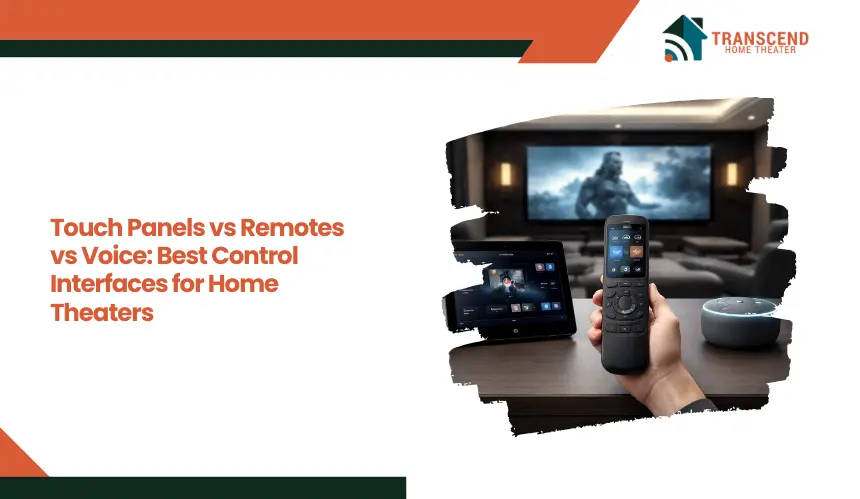
Today, most home theaters rely on three primary control methods: touch panels, handheld remotes, and voice assistants. Each interface offers a different approach to interacting with audio-visual systems and automation scenes.
Understanding how these control interfaces work helps homeowners and integrators choose the option that provides the most convenient and reliable home theater experience.
Understanding Control Interfaces in Modern Home Theaters
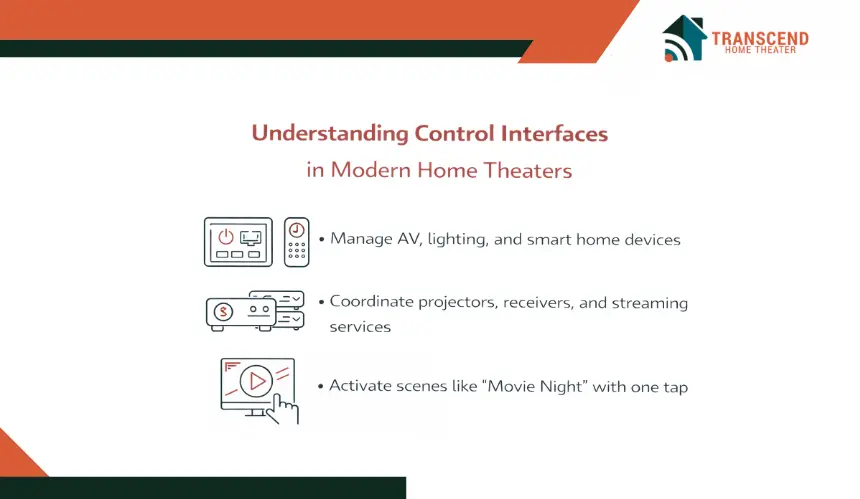
Before comparing specific technologies, it helps to understand what a control interface actually does inside a home theater system. A modern media room rarely operates as a collection of isolated devices.
Projectors, AV receivers, streaming platforms, lighting systems, and smart home hubs are often connected through an automation platform that allows them to respond to coordinated commands.
What Does A Home Theater Control Interface Actually Do?
A home theater control interface serves as the command layer for the entire audio visual environment. Rather than switching devices on one by one, users can activate preconfigured scenes that coordinate multiple systems simultaneously.
For example, selecting a “Movie Night” scene might power on the projector, lower motorized shades, dim smart lighting, and switch the AV receiver to the correct input. This level of coordination is possible because the control interface communicates with the automation processor responsible for managing device commands.
In many installations, the interface also provides status feedback. Users can see which source is active, adjust volume levels, change streaming platforms, or control playback without navigating several different remotes or applications.
How Do Home Theater Control Systems Communicate With Devices?
Control interfaces rely on several communication technologies to send commands to AV equipment and smart home components. The method used often depends on the age of the equipment and the level of automation in the system.
Infrared signals remain common for traditional AV components such as televisions, cable boxes, and Blu ray players. Radio frequency control allows commands to reach devices without direct line of sight, which is useful when equipment is stored inside cabinets or equipment racks.
More advanced installations rely on IP based control, where devices communicate over the home network using Ethernet or Wi Fi. This approach allows faster response times, more detailed device feedback, and easier integration with smart home platforms.
Bluetooth connections and smart home protocols may also be used for certain devices such as streaming remotes, smart speakers, or mobile control apps. These technologies together create the communication framework that allows touch panels, remotes, and voice assistants to operate an entire home theater system through a single interface.
Pro tip: Amazon’s Matter documentation states that local device control can reduce latency and improve reliability. When possible, choose devices and integrations that support local control instead of relying entirely on cloud based commands. Local communication can reduce delay and improve reliability, which is especially useful for theater scenes that need fast, synchronized responses. |
How Do Touch Panels Work In A Home Theater System?
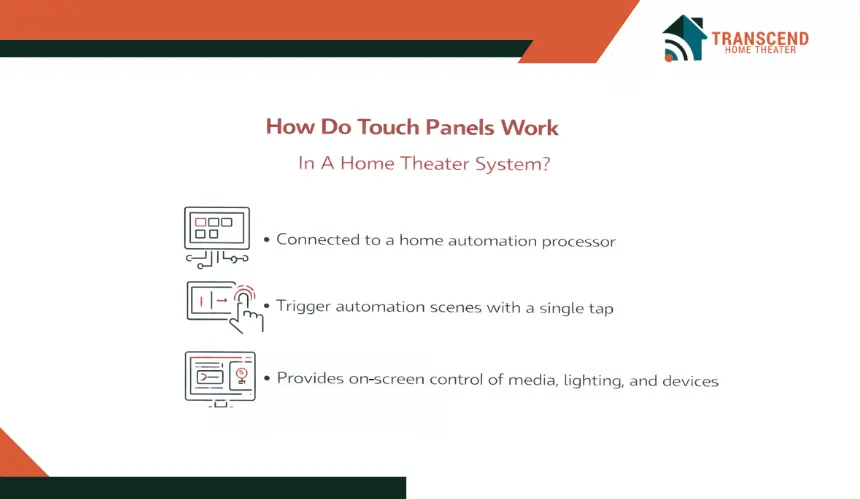
Touch panels function through a graphical user interface connected to a home automation processor or AV control platform. When a user taps a command on the screen, the interface sends instructions to the control processor, which then communicates with connected devices such as projectors, AV receivers, streaming players, lighting controllers, or motorized shades.
Because the interface is visual, it can display organized menus for different tasks. A user might see icons for streaming services, lighting presets, source inputs, and volume adjustments. Selecting one of these options triggers automation commands across the system.
Many installations also include scene controls. A single button labeled “Movie Mode” can activate multiple actions at once. The system might lower lights, power on the projector, switch the receiver input, and start a streaming device. This level of device coordination is why touch panels are common in advanced home theater automation systems.
Advantages Of Touch Panels For Home Theater Control
Touch panels provide a structured way to manage complex AV systems where several devices operate together. One major benefit is visual feedback. Users can see device status, active inputs, lighting levels, and media controls directly on the screen.
Another advantage involves customization. Integrators can design the interface layout based on how the room is used. Frequently used scenes can appear on the main screen, while advanced settings remain accessible through secondary menus. This approach reduces confusion and keeps the control experience intuitive.
Because the interface is centralized, users do not need to remember which remote controls which device. Everything from source switching to volume control and lighting adjustments can be accessed from the same screen.
Pro Tip: Keep the first control screen limited to the actions used most often, such as source selection, volume, playback, and one primary movie scene. A cleaner home screen reduces hesitation, shortens command time, and makes the system easier for guests to use. |
Limitations of Touch Panels Homeowners Should Consider
While touch panels offer extensive control capabilities, they also come with certain considerations. Professional installation and system programming are usually required, which can increase project cost compared to simpler control methods.
Another factor involves network reliability. Many touch panels rely on IP based communication through the home network. If the automation processor or network connection experiences issues, system responsiveness may be affected.
There is also a learning component. Although interfaces are designed to be intuitive, some users may initially need time to understand menu layouts or automation scenes.
For households that prefer extremely simple controls, a touchscreen dashboard may feel more complex than traditional remotes.
Despite these considerations, touch panels remain one of the most powerful interfaces for managing advanced home theater automation systems.
Handheld Remotes in Home Theater Systems
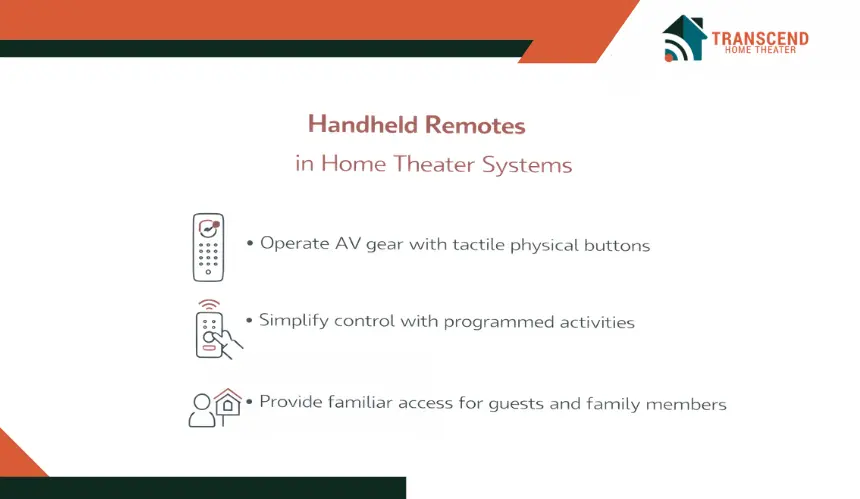
Despite the rise of smart home automation and touchscreen interfaces, handheld remotes remain one of the most widely used control methods in home theaters. Many users prefer the familiarity of physical buttons, especially when adjusting volume, navigating streaming menus, or pausing playback during a movie.
Types Of Remotes Are Used In Modern Home Theaters
- Universal Remote Control: A universal remote is designed to replace several manufacturer remotes by controlling multiple devices from one controller. These remotes are commonly programmed to manage televisions, AV receivers, Blu ray players, and streaming devices so users do not need to switch between separate remotes during playback.
- Programmable Remote: Programmable remotes allow custom commands to be assigned to specific buttons. Instead of triggering a single device action, one button can activate an entire activity. For example, selecting a movie activity may power on the projector, switch the AV receiver input, and start the media player automatically.
- RF Remote (Radio Frequency Remote): RF remotes communicate wirelessly with a control hub or automation processor using radio frequency signals. Because RF signals do not require direct line of sight, they allow equipment to remain hidden inside cabinets or equipment racks while still responding to commands.
- IR Remote (Infrared Remote): Infrared remotes transmit commands through IR signals directly to the device being controlled. These remotes require line of sight between the remote and the equipment, which is why they are most commonly used when devices are visible in the room.
- Smart Remote Or Hub Based Remote: Smart remotes connect to a home automation hub using Wi Fi, Bluetooth, or IP based communication. This type of remote can control both AV equipment and smart home features such as lighting scenes, motorized shades, or room automation presets within a home theater environment.
Why Do Many Home Theater Users Still Prefer Remote Controls?
Physical remotes offer a tactile experience that many users find faster and more intuitive than navigating digital menus. Buttons for volume, playback, and source selection can be located instantly without looking at a screen. During a movie, this allows viewers to make adjustments without interrupting the viewing experience.
Another advantage involves simplicity. Many households include guests or family members who may not be familiar with a customized control interface. A remote with clearly labeled buttons provides an accessible way to operate the system without learning a new interface.
Remotes also function reliably in environments where voice commands may be impractical. In a quiet theater environment or during scenes with loud audio, physical controls often provide more predictable command input.
When Are Remotes The Most Practical Control Interface for Home Theaters?
Remotes tend to work best in home theaters with moderate system complexity. If the room includes a television, AV receiver, and a few streaming devices, a programmable remote can usually manage the system effectively without requiring additional interfaces.
They are also useful in seating areas where quick adjustments are needed. Keeping a remote near theater seating allows viewers to control volume, pause playback, or change sources instantly.
For homeowners who prefer straightforward controls without navigating touchscreen menus or issuing voice commands, a well configured remote remains one of the most practical and familiar ways to operate a home theater system.
How Does Voice Control Integrate With A Home Theater System?
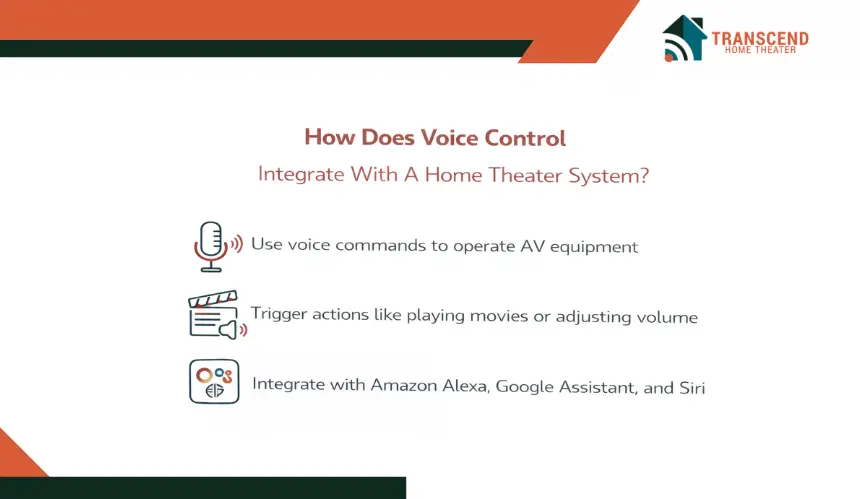
Voice control typically connects to home theater equipment through a smart home platform or control processor. Devices such as smart speakers or voice enabled hubs listen for commands and then communicate with the automation system that manages the theater.
For example, a user might say a command to start a movie. The voice assistant sends that request to the smart home hub, which triggers a sequence of actions such as powering on the projector, selecting the correct input on the AV receiver, and adjusting the lighting scene in the room.
This integration often relies on platforms such as Amazon Alexa, Google Assistant, or Apple Siri, which connect with home automation ecosystems and compatible AV equipment.
Through these integrations, voice commands can control streaming services, adjust audio settings, or activate preprogrammed theater scenes.
What Benefits Does Voice Control Provide In A Home Theater?
Voice control offers a level of convenience that traditional interfaces cannot provide. Because commands are spoken rather than triggered through buttons or screens, users can interact with the system without searching for a remote or navigating menus.
Another advantage involves accessibility. Voice interfaces make it easier for guests or family members who are unfamiliar with the theater system to control basic functions. Simple commands can adjust volume levels, pause playback, or switch between streaming services without needing to understand the full control interface.
Voice control also integrates well with broader smart home environments. A single command can manage multiple connected systems such as lighting, climate settings, and entertainment devices. This allows homeowners to create immersive scenes where the room environment adjusts automatically when entertainment begins.
What Limitations Should Be Considered With Voice Control?
While voice assistants add convenience, they also have practical limitations in home theater environments. Voice recognition can sometimes struggle when background audio from movies or music is loud, which may affect command accuracy.
Another consideration is the complexity of commands. Voice assistants are effective for simple instructions such as adjusting volume or launching a streaming service, but they may be less efficient when navigating complex menus or adjusting detailed settings.
Voice control also depends heavily on internet connectivity and cloud processing. If the network connection is interrupted, the assistant may not respond to commands.
Privacy considerations are another factor for some homeowners, since smart speakers continuously listen for activation words in order to process voice requests.
Because of these limitations, voice assistants are often used as a complementary control interface rather than the only way to operate a home theater system.
Touch Panels vs Remotes vs Voice Control For Your Home Theater
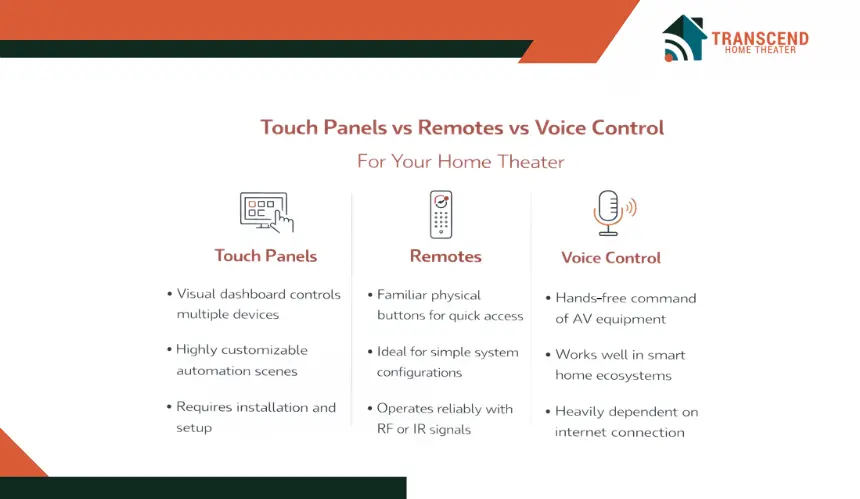
The following comparison highlights the practical differences between the three control methods used in modern home theater environments.
Control Factor | Touch Panels | Handheld Remotes | Voice Control |
User Interaction Style | Visual touchscreen interface with menus, icons, and automation scenes | Physical buttons with tactile feedback | Spoken commands through voice assistants |
Ease Of Learning | Moderate learning curve due to customizable dashboards | Very easy for most users due to familiar button layout | Easy for simple commands but depends on clear phrasing |
Automation And Scene Control | Highly customizable scenes controlling multiple devices simultaneously | Can support activities if programmed into the remote | Basic scene activation through voice commands |
Command Speed | Fast navigation through organized interface screens | Very fast for common actions like volume and playback | Depends on voice recognition and system response |
Reliability In A Theater Environment | Stable when connected to a reliable network and control processor | Highly reliable with minimal network dependence | Can struggle in rooms with loud audio playback |
System Complexity Support | Ideal for advanced home theater and smart home integration | Works well for moderate system setups | Best for quick commands within smart home ecosystems |
Equipment Visibility Requirement | No line of sight required when connected through automation system | IR remotes require line of sight while RF remotes do not | No physical visibility required |
Which Control Interface Is Best For Your Home Theater?
The right control interface depends on how complex the home theater system is and how people prefer to interact with it during everyday use.
Use Touch Panels if you:
- Have a fully integrated home theater with multiple systems such as lighting, AV receivers, projectors, and motorized shades
- Want a visual dashboard that shows sources, scenes, and device controls in one place
- Prefer managing automation scenes like “Movie Night” or “Gaming Mode” from a touchscreen interface
Touch panels work best in advanced home theater automation systems where several devices need to be coordinated through a centralized interface.
Use Handheld Remotes if you:
- Want fast and familiar control with physical buttons
- Prefer quick access to volume, playback, and input switching during a movie
- Have a moderately complex system with a few core devices such as a receiver, projector, and streaming player
Remotes are often the most practical solution for everyday viewing because they allow quick adjustments without navigating menus.
Use Voice Control if you:
- Already use a smart home ecosystem with voice assistants
- Want hands free commands to start playback or activate automation scenes
- Prefer simple commands such as adjusting volume, pausing media, or launching streaming platforms
Voice control works best as a complementary interface rather than the only control method in a theater environment.
In many professionally designed home theaters, these interfaces are combined. A touchscreen panel may manage automation scenes, a handheld remote controls playback during movies, and voice commands provide quick hands free control when needed.
Home Theater Control Recommendations for Virginia, Maryland, and Washington, DC Homes
Homeowners across Virginia, Maryland, and Washington, DC often install home theaters as part of larger smart home ecosystems, especially throughout the Washington metropolitan area. In communities such as Arlington, Fairfax, Bethesda, Rockville, and neighborhoods throughout Washington, DC, media rooms frequently include integrated lighting control, AV receivers, streaming platforms, and network-based automation systems.
For these setups, professionals often recommend centralized control solutions such as touch panels or programmable remotes that can manage multiple devices from one interface while keeping the theater system simple for everyday use.
For homeowners planning a dedicated media room or upgrading an existing system, Transcend Home Theater provides professional home theater design and installation across Virginia, Maryland, and Washington, DC, helping integrate control systems that make every component work together seamlessly.
Frequently Asked Questions
Can a home theater control system be managed from a smartphone?
Many modern home theater systems support mobile control through dedicated apps that connect to the automation hub or AV control processor. A smartphone or tablet can be used to change inputs, adjust volume levels, control lighting scenes, or start streaming content.
Mobile control is especially helpful when users want quick access to the system without searching for a remote or walking to a wall panel.
What should be considered when designing a home theater control layout?
A well designed control layout focuses on simplicity and quick access to the most frequently used actions. Professional integrators typically prioritize functions such as source selection, playback controls, lighting scenes, and volume adjustments so users can operate the theater without navigating complicated menus.
Can a home theater control system be upgraded without replacing all equipment?
In many cases, control systems can be upgraded while keeping existing AV equipment. A new automation processor, smart hub, or updated control interface can often integrate with projectors, AV receivers, and streaming devices already installed in the room.
This approach allows homeowners to improve usability and automation features without rebuilding the entire theater system.
How do home theater control systems support multi room entertainment?
Some home automation platforms allow media playback and device control across multiple rooms in a home. Through centralized control systems, users can start music in one room, send audio to additional zones, or manage streaming content in different spaces.
Multi room entertainment is commonly used in homes where a theater room connects with living areas, outdoor spaces, or distributed audio systems.
Do professional home theater installers customize control interfaces?
Professional installers typically design control interfaces based on how the homeowner uses the room. They can program automation scenes, organize device controls, and adjust the interface layout so common actions appear first. Customization helps reduce complexity and ensures the control system feels intuitive for everyday use.