
What Happens to a Smart Home During a Power Outage?
Key Takeaways
|
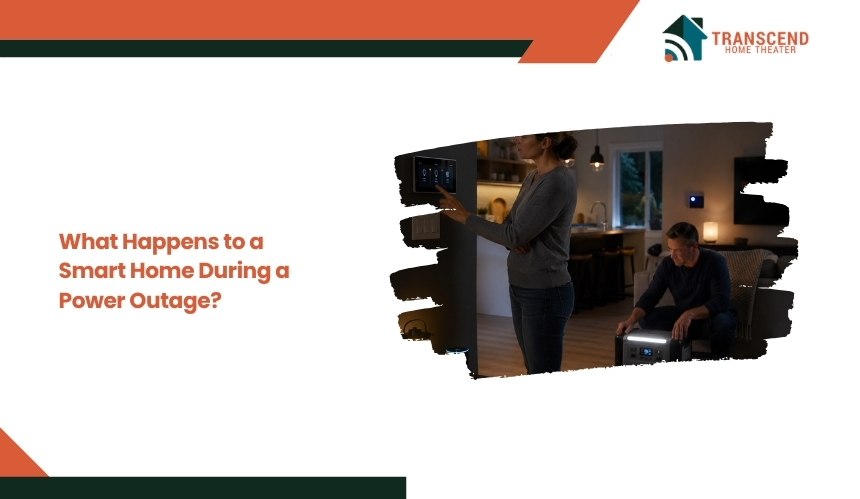
A power outage can instantly change how a smart home operates, but it does not affect every device in the same way. While some connected systems shut down as soon as electricity is lost, others continue working through battery backup or local processing. Understanding which features remain available and which become unavailable is essential for maintaining security, access, and critical home functions. This guide explains exactly what happens to a smart home during a power outage and how to prepare for minimal disruption.
What Stops Working When the Power Goes Out?
A power outage immediately interrupts any smart home device that depends on household electricity and an active network connection. The extent of the disruption depends on how each device receives power, communicates with other devices, and processes automations.
Smart Lighting, Plugs, and Switches Lose Power
Smart bulbs, light switches, and smart plugs stop functioning as soon as electrical power is interrupted. Because these devices rely on the home’s electrical circuit, they cannot respond to app commands, scheduled routines, or voice control during an outage. Any connected lighting scenes or automated actions also pause until power is restored.
Wi-Fi Routers and Smart Hubs Interrupt Connected Automations
Most smart homes rely on a Wi-Fi router and, in many cases, a dedicated smart hub to connect devices and execute automations. When either loses power, communication between connected devices stops. Even devices that still have battery power may become isolated if they depend on the hub or local network to exchange commands.
Smart Appliances and Voice Assistants Become Unavailable
Connected appliances such as smart refrigerators, ovens, washing machines, and robotic vacuums generally stop operating without electricity. Voice assistants like smart speakers and displays also become unavailable because they require continuous power and an internet connection to process voice requests and control other smart devices.
Cloud-Based Routines Pause Until Connectivity Returns
Many smart home ecosystems process automations through cloud services rather than entirely within the home. If a power outage disables both electricity and internet access, cloud-based routines stop running. Scheduled actions, remote commands, and integrations with third-party platforms remain inactive until the home’s power and network connectivity are fully restored.
Which Smart Home Devices Continue Working During Power Outage?
Not every smart device becomes unusable during a power outage. Devices with built-in batteries, independent power sources, or local processing can continue performing specific functions, although their capabilities may be limited if internet or network equipment is offline.
Smart Locks and Garage Access With Battery Backup
Most smart locks are designed with battery power, allowing homeowners to lock and unlock doors even when household electricity is unavailable. Keypads, physical keys, and mobile access through Bluetooth may continue working depending on the model. Similarly, garage door openers equipped with integrated battery backup can complete multiple open and close cycles until the backup battery is depleted.
Battery-Powered Security Sensors and Smoke Detectors
Door and window sensors, motion detectors, smoke alarms, and carbon monoxide detectors typically operate on replaceable or rechargeable batteries. These devices continue monitoring their environment during an outage, helping maintain essential safety functions. However, whether they can send alerts depends on the availability of the home’s communication network or a cellular backup connection.
Cameras With Backup Batteries or Cellular Connections
Most wired security cameras stop recording when they lose electrical power. In contrast, battery-powered cameras can continue capturing video for a limited period based on their remaining charge. Some advanced security systems also support cellular connectivity, allowing footage uploads, motion notifications, or emergency alerts to continue even if broadband internet is unavailable.
Pro tip: For Power over Ethernet cameras, connecting only the router to a UPS is not enough. The PoE switch, network video recorder, router, and modem must remain powered for continuous recording and remote access. A UPS-backed PoE switch can maintain both electricity and network connectivity for multiple cameras through one centralized power source. |
Devices That Support Local Automation Instead of Cloud Control
Some smart home platforms execute automations directly on a local hub rather than relying on cloud servers. If the hub and networking equipment remain powered through a UPS or another backup source, compatible devices can continue running predefined automations inside the home. This local processing reduces dependence on internet connectivity and allows certain routines to operate even during external service interruptions.
Pro tip: Export your smart home hub or automation controller configuration after major device, scene, or routine changes. Store the backup and recovery credentials somewhere separate from the controller. If storage corruption or hardware failure occurs after an outage, a recent backup can restore integrations and automations without rebuilding the entire system manually. |
How a Power Outage Affects Security, Automation, and Remote Access
A power outage changes more than the operational status of individual devices. It can interrupt how your smart home protects your property, executes automated routines, and allows you to monitor or control systems remotely. The overall impact depends on your backup power strategy and network resilience.
Security Monitoring and Alarm Notifications
A professionally monitored security system may continue operating if its control panel includes battery backup or cellular communication. However, self-monitored systems that depend entirely on home Wi-Fi often stop sending real-time alerts once the router loses power. For homeowners in Potomac, MD, where many properties rely on integrated smart home systems, verifying battery health and cellular backup before severe weather events can reduce the risk of losing critical protection.
Scheduled Automations and Smart Routines
Time-based schedules, occupancy simulations, climate adjustments, and lighting routines may pause when the devices or controllers responsible for executing them lose power. If automations are processed locally and supported by backup power, selected routines may continue operating. Cloud-based automations, however, generally remain inactive until both electricity and internet connectivity are restored.
Mobile App Control and Remote Monitoring
Remote access depends on two conditions: powered smart devices and an active internet connection. If either the home network or connected devices go offline, mobile apps cannot communicate with the smart home. Systems equipped with cellular gateways or backup internet solutions can maintain limited remote monitoring and control during extended outages.
Device Reconnection After Electricity Returns
Most modern smart devices automatically reconnect to the network after power is restored, although the process is not always immediate. Routers, smart hubs, and connected devices restart in sequence, and some automations resume only after all components are back online. For homeowners across Maryland, performing a quick system check after a prolonged outage helps confirm that security devices, smart locks, cameras, and scheduled routines have resumed normal operation without requiring manual reconfiguration.
Pro tip: When devices remain offline, restart the network from the connection source outward. Allow the modem or fiber terminal to establish service first, then start the primary router, mesh access points, smart hub, and connected devices. Waiting for each layer to become fully operational can prevent failed connections and unnecessary factory resets. |
How to Keep a Smart Home Running During a Power Outage
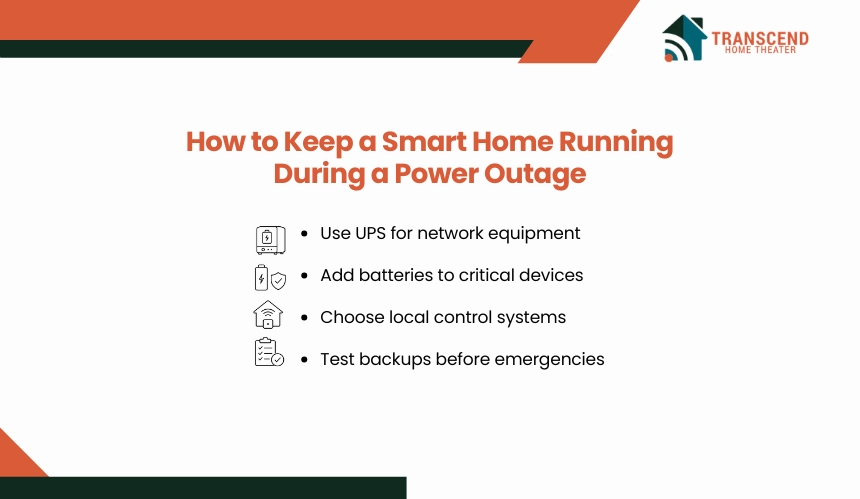
A resilient smart home depends on preparation rather than the outage itself. Combining backup power, local processing, and routine maintenance can significantly reduce service interruptions and keep critical systems operational when the electrical grid fails.
Install an Uninterruptible Power Supply (UPS) for Networking Equipment
A UPS provides temporary battery power to essential equipment such as your Wi-Fi router, modem, and smart home hub. Keeping these devices online allows compatible smart systems to continue communicating during short outages and gives homeowners time to safely shut down equipment if the outage becomes prolonged.
Use Battery Backups for Critical Smart Devices
Devices that protect safety, security, and home access should have dedicated backup power whenever possible. Battery-powered smart locks, garage door systems, alarm panels, and security cameras provide greater reliability than devices that depend solely on household electricity. Regularly testing and replacing backup batteries ensures they perform when needed.
Choose Devices With Local Control Capabilities
Smart home platforms that support local processing can continue running selected automations without relying entirely on cloud services. This approach reduces dependence on internet availability and minimizes disruptions when external services are temporarily unavailable. Local control is especially valuable for lighting schedules, security functions, and environmental controls that need consistent operation.
Test Backup Systems Before an Emergency Occurs
Backup equipment should be tested periodically to confirm that it functions as expected during a real outage. Homeowners in Potomac, MD, and throughout Maryland often experience power interruptions caused by severe thunderstorms, high winds, and winter weather. Simulating a brief outage allows you to verify that backup batteries, UPS units, networking equipment, and critical smart devices continue operating without unexpected failures.
Do You Need Backup Power for a Smart Home?
Not every smart home requires the same level of backup power. The right solution depends on how much you rely on connected devices for security, access, climate control, and daily convenience. Evaluating your home’s critical systems helps determine whether a simple battery backup or a more comprehensive solution is justified.
Homes That Benefit Most From Backup Power
Backup power delivers the greatest value in homes where smart technology manages essential functions rather than convenience alone. If your smart home includes connected security systems, smart locks, surveillance cameras, medical devices, or automated climate control, maintaining uninterrupted operation can improve both safety and reliability during an outage.
Generator vs. Whole-Home Battery Backup
Portable and standby generators can supply electricity for extended outages, making them suitable for powering larger portions of a home. Whole-home battery systems offer quieter operation, automatic switchover, and seamless integration with modern electrical systems, although their runtime depends on battery capacity and household energy demand. The most appropriate option depends on budget, outage frequency, and the number of critical circuits that require continuous power.
Prioritizing Essential Smart Devices During Outages
Rather than attempting to power every connected device, focus on systems that support security, communication, and home access. A resilient backup strategy typically prioritizes the internet modem, Wi-Fi router, smart hub, security equipment, garage door access, and selected lighting circuits. For homeowners considering smart home automation installation in Potomac, MD, planning backup power during the installation phase makes it easier to protect essential devices, simplify future upgrades, and improve overall system reliability.
Whether you’re upgrading an existing system or planning a new installation, Transcend Home Theater designs smart home solutions built for reliability, performance, and long-term resilience. Proudly serving homeowners across Virginia, Maryland, and Northwest DC, our team creates customized automation systems that stay prepared for everyday living and unexpected power outages alike.
Frequently Asked Questions
Will a power outage erase my smart home settings or require setup again?
Most smart devices store network credentials, schedules, and pairings in nonvolatile memory, so a normal outage should not erase their configuration. If accessories remain offline after power returns, restart the router, hub, bridge, and affected device before attempting a factory reset, which can remove settings and require complete re-pairing.
Can smart plugs or lights switch on by themselves when power returns?
Some devices restore their last power state, while others default to on or off based on the model and firmware. That behavior can create safety risks when heaters, irons, or motorized equipment are connected. Check the device’s power-on setting and reserve smart plugs for electrical loads the manufacturer explicitly supports.
Can electricity restoration damage smart home equipment?
Voltage spikes can occur when electrical service is restored and may damage routers, hubs, cameras, televisions, and other electronics with sensitive circuit boards. Use a listed surge protective device, consider whole-home surge protection, and avoid assuming that a basic power strip, circuit breaker, or low-cost UPS provides complete surge defense.
Will missed smart home schedules run after the outage ends?
Most time-based automations do not replay every missed trigger after a controller restarts. A light scheduled for 6:00 p.m. may remain unchanged if the system was offline at that moment. Critical routines should include startup checks, state-based conditions, or recovery logic that compares the current time with each device’s status.
Can solar panels keep a smart home operating during a blackout?
Standard grid-tied solar panels usually shut down during an outage to prevent electricity from feeding back into utility lines. Keeping a smart home powered generally requires battery storage and an inverter designed for island operation. Available runtime then depends on battery capacity, solar production, weather, and the essential circuits selected for backup.