
What Is a Smart Home Hub and Do You Really Need One?
Key Takeaways:
|
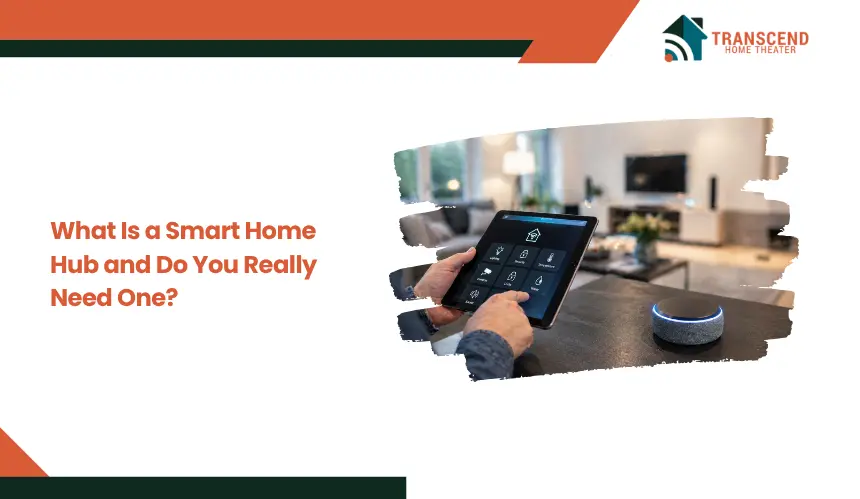
Managing multiple smart devices often turns into a fragmented experience, with separate apps, inconsistent connectivity, and limited automation between products. As setups grow, coordination becomes difficult, especially when devices rely on different communication protocols or cloud systems.
A smart home hub is often positioned as the solution, but not every setup actually requires one. This article breaks down how smart home hubs function, where they provide real value, and how to determine if adding one aligns with your setup.
What Is a Smart Home Hub and What Does It Actually Do?
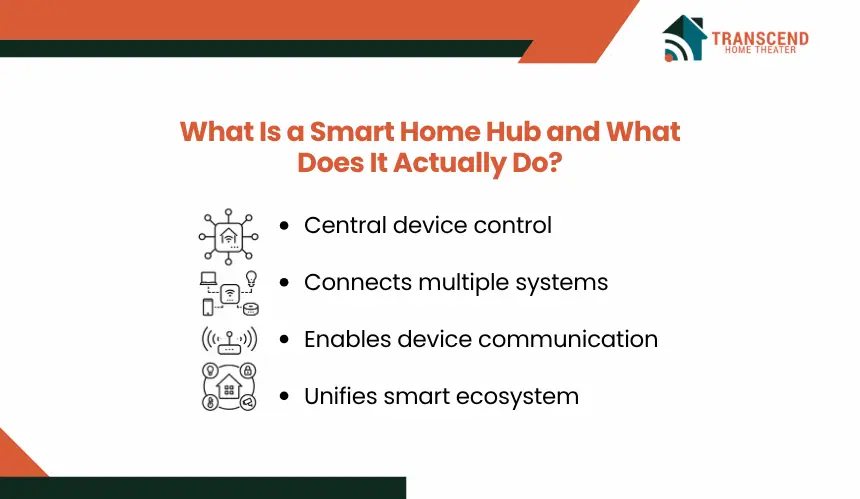
A smart home hub acts as the operational core of a connected home, enabling devices to communicate, coordinate, and execute actions within a unified system rather than functioning in isolation.
Core Definition of a Smart Home Hub
A smart home hub is a centralized controller that manages communication between multiple smart devices, especially when those devices operate on different ecosystems or protocols. Instead of each device relying solely on its own app or cloud service, the hub consolidates control into a single interface, reducing fragmentation and enabling coordinated behavior across the system.
How Does a Hub Communicate With Devices?
Smart home hubs interact with devices using a mix of wireless communication standards such as Wi-Fi, Zigbee, Z-Wave, and Bluetooth. Each protocol serves a different purpose, with low-power mesh networks like Zigbee and Z-Wave designed for stable, device-to-device communication, while Wi-Fi handles high-bandwidth tasks.
The hub translates signals between these protocols, allowing devices from different manufacturers to function within the same environment without direct compatibility.
Key Functions Beyond Basic Control
Beyond simple on-off commands, a hub enables structured automation and system-level coordination. This includes:
- Trigger-based actions, where one device event activates another
- Scheduled routines that execute tasks at predefined times
- Centralized monitoring and control through a single dashboard
- Remote access that maintains system visibility outside the local network
These functions shift the system from manual control to automated operation, where devices respond to conditions rather than direct user input.
How a Smart Home Hub Works in a Real Setup
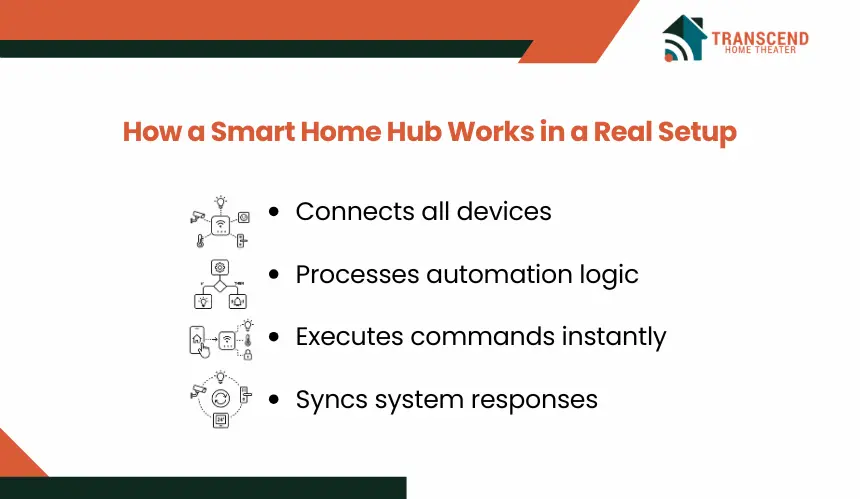
Understanding the operational flow clarifies how a hub shifts a system from isolated device control to coordinated execution across multiple components.
Device Connection and Integration Flow
In a hub-based setup, devices connect either directly to the hub or through compatible protocols, forming a centralized network. Instead of each device communicating independently with its own cloud service, the hub acts as the primary control layer.
The typical flow follows: device input → hub processing → command execution → user interface update. This structure reduces dependency on multiple apps and allows unified control through a single platform or voice assistant. It also enables cross-device interaction that would not function in isolated ecosystems.
Automation Logic and Trigger Systems
A smart home hub operates on conditional logic frameworks where actions are executed based on predefined triggers. These triggers can be event-based, time-based, or state-based.
For example, motion detection can activate lighting, while temperature thresholds can adjust HVAC systems. This logic is processed within the hub, allowing multiple devices to respond simultaneously to a single condition. The result is coordinated behavior rather than independent device reactions, improving efficiency and reducing manual intervention.
Role of Cloud vs Local Processing
Smart home hubs vary in how they process commands, with some relying on cloud infrastructure and others supporting local execution. Cloud-based processing introduces dependency on internet connectivity, which can increase latency and reduce reliability during outages.
Local processing, by contrast, allows the hub to execute commands within the home network. This reduces response time, improves system stability, and limits data exposure to external servers. The choice between these models directly affects performance, privacy, and overall system resilience.
When Do You Actually Need a Smart Home Hub?
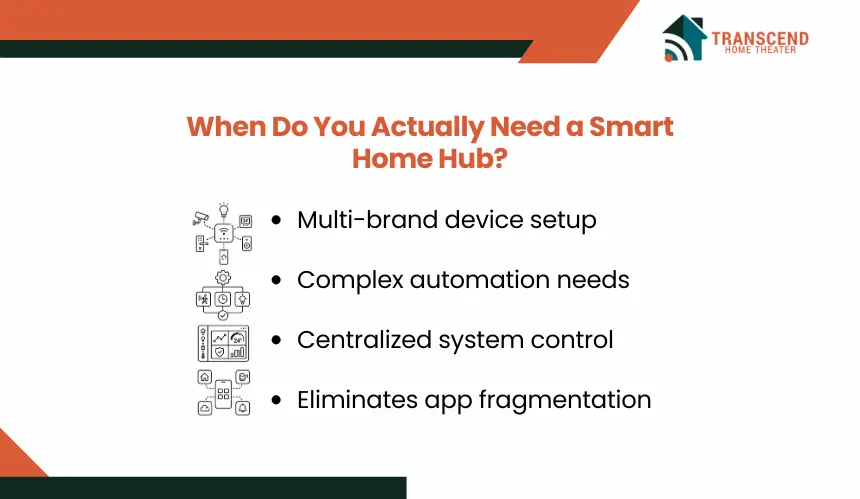
The need for a hub emerges when device interactions become complex, fragmented, or limited by ecosystem boundaries. It becomes less about adding another device and more about enabling system-level coordination and control.
Multi-Device and Multi-Brand Setups
A hub becomes necessary when a smart home includes devices from different manufacturers that do not natively integrate. Without a central controller, each device operates within its own app, preventing cross-device interaction.
A hub resolves this by acting as a translation layer, allowing devices using different protocols or platforms to communicate. This eliminates compatibility gaps and enables unified control across lighting, security systems, sensors, and appliances within a single environment.
Advanced Automation Requirements
Basic smart setups rely on manual control or simple routines within individual apps. However, complex automation requires conditional logic that spans multiple devices and triggers.
A hub enables multi-step workflows such as combining motion detection, time conditions, and device states into a single automated response. This allows the system to react dynamically to real-world conditions rather than executing isolated commands, significantly increasing functional depth.
Limitations of App-Only Smart Homes
App-based control creates operational silos where each device must be managed independently. This leads to inconsistent response times, duplicated effort, and limited automation capabilities.
Without a hub, devices cannot share state information effectively, which restricts coordinated actions. A hub consolidates control logic, enabling devices to operate as part of a connected system rather than separate units, improving both efficiency and reliability.
When You Might Not Need a Smart Home Hub
A hub adds value only when coordination and interoperability are limiting factors. In simpler environments, it introduces additional setup and management without delivering proportional functional gains.
Small or Single-Brand Ecosystems
When all devices operate within a single ecosystem, native integration is typically already optimized. Brands design their products to communicate seamlessly within their own platform, allowing centralized control through one app without external coordination layers.
In this case, adding a hub does not improve communication or automation depth, since the ecosystem already handles device interaction internally. The system remains efficient without additional infrastructure.
Devices With Built-In Hub Functionality
Some devices, particularly smart speakers and displays, include embedded hub capabilities that support common protocols like Zigbee or Matter. These act as lightweight controllers, enabling basic device pairing and limited automation without requiring a separate hub.
For users operating within the supported protocol range, these built-in systems provide sufficient control for standard use cases, reducing the need for a dedicated hub.
Basic Use Cases Without Automation Needs
If the primary requirement is manual control, such as turning lights on or adjusting a thermostat, a hub offers minimal advantage. These actions can be executed directly through device apps or voice assistants without requiring centralized logic.
In low-complexity setups, the absence of automation workflows means there is no need for trigger-based coordination. As a result, a hub does not materially improve performance or usability.
Smart Home Hub vs No Hub: Key Differences That Impact Performance
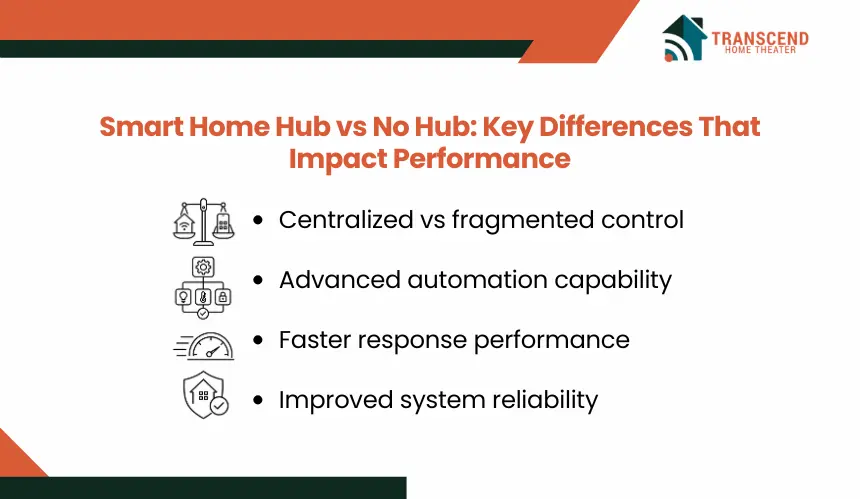
The choice between a hub-based system and a hub-free setup directly affects how devices interact, respond, and scale over time. The differences are not cosmetic; they influence system behavior at an operational level.
1. Control and Convenience
A hub consolidates device management into a single control layer, allowing users to manage multiple devices through one interface or automation engine. Without a hub, control remains distributed across individual apps, requiring separate access points for each device category.
This fragmentation increases interaction time and reduces visibility into system-wide behavior, especially as the number of devices grows.
2. Automation Depth and Flexibility
Hub-based systems support multi-condition automation where actions depend on combined inputs such as time, device state, and environmental triggers. This enables layered workflows that adapt dynamically.
In contrast, hub-free setups are typically limited to simple routines within individual apps, restricting automation to predefined scenarios without cross-device logic.
3. Reliability and Response Speed
Hubs that support local processing execute commands within the home network, reducing latency and maintaining functionality during internet disruptions. This results in faster response times and consistent execution.
Without a hub, most commands depend on cloud communication, introducing delays and potential failure points when connectivity is unstable.
4. Security and Data Handling
A hub centralizes communication pathways, allowing more controlled data flow between devices. Local hubs, in particular, limit external data transmission by processing commands internally.
In hub-free systems, each device communicates independently with its own cloud service, increasing the number of external data exchanges and expanding the overall attack surface.
How to Decide if a Smart Home Hub Is Worth It for You
The decision depends on how your system operates today and how you expect it to evolve. A hub should solve coordination limits, not duplicate existing functionality.
Step 1: Evaluate Your Current Smart Device Setup
Start by mapping the number of devices, brands, and communication protocols in use. If devices operate across separate ecosystems with no shared control layer, coordination gaps will appear as the setup expands.
This becomes especially relevant in Northern Virginia homes with finished basements, detached garages, and expanded media rooms, where devices are often spread across several living zones.
In Maryland, larger suburban layouts in areas like Bethesda, Rockville, and Potomac may combine smart lighting, thermostats, outdoor cameras, and whole-home audio across multiple floors.
Washington DC homes can present a different challenge, with row houses, condos, and renovated townhomes often using compact but dense smart systems where security, climate control, shades, entertainment devices, and smart home automation must work together without app fragmentation.
A fragmented structure indicates a higher likelihood that a hub will improve system integration and reduce management overhead.
Step 2: Identify Your Automation Goals
Determine whether the goal is simple control or condition-based automation. Basic actions such as manual switching or voice commands do not require a hub.
However, if the requirement includes multi-device workflows, event-driven responses, or synchronized behavior, a hub provides the logic engine needed to execute these conditions reliably.
Step 3: Consider Future Scalability
Smart home systems tend to grow over time, often introducing devices with different compatibility requirements. Without a hub, each addition increases complexity and the risk of integration issues.
A hub creates a stable foundation that supports expansion by standardizing communication and reducing dependency on individual device ecosystems.
Step 4: Balance Cost vs Functional Value
A hub introduces additional cost and setup complexity, so its value should be measured against the operational improvements it delivers. If it reduces manual interaction, improves response reliability, and enables automation that aligns with daily usage, the investment becomes justified.
If those outcomes are not required, maintaining a simpler setup without a hub remains more efficient.
Building a smart home should simplify control, not complicate it. If you’re unsure whether a hub fits your setup or how to structure your system for long-term performance, Transcend Home Theater can design a solution that aligns with your devices, automation goals, and future expansion. Get expert guidance and turn your setup into a fully coordinated smart home experience.
Frequently Asked Questions
Can a smart home hub work without internet?
Some smart home hubs can run local automations without internet when devices connect through Zigbee, Z-Wave, Matter, or another local protocol. However, remote access, app updates, cloud voice assistants, and third-party integrations may stop working until connectivity returns.
Is a smart speaker the same as a smart home hub?
A smart speaker can act like a basic hub when it supports device pairing, voice control, and automation routines. A dedicated hub usually offers deeper protocol support, stronger local processing, and more advanced automation rules, especially for multi-brand smart home systems.
Do smart home hubs make devices more secure?
A hub can improve security when it reduces direct cloud dependency and centralizes device communication. Local processing limits unnecessary external data transfers, while unified management makes updates and access control easier. Security still depends on strong passwords, firmware updates, and trusted device brands.
What devices usually need a smart home hub?
Smart sensors, smart locks, motion detectors, lighting systems, thermostats, and security devices often benefit most from a hub, especially when they use Zigbee, Z-Wave, or Matter. These devices perform better when they can share triggers, states, and automation commands through one control layer.
Will Matter replace the need for smart home hubs?
Matter improves compatibility between smart home devices, but it does not remove every need for a hub. Larger setups may still need a controller for automation logic, local execution, bridge support, and device coordination across networks. Matter reduces fragmentation, while hubs still manage system behavior.
What should I check before buying a smart home hub?
Check supported protocols, device compatibility, local automation capability, app quality, voice assistant support, privacy controls, and expansion limits. The best hub should match the devices already installed and support future additions without forcing the entire system into one brand ecosystem.