
When Should You Upgrade an Existing Home Automation System?
Key Takeaways
|
A home automation system should make daily routines simpler, but aging hardware, outdated software, and limited device compatibility can gradually reduce its performance. Knowing when to upgrade is not simply about adopting newer technology. It is about improving reliability, maintaining compatibility with modern smart devices, and ensuring your system can support future automation needs.
This guide explains the key signs that indicate it’s time to upgrade your existing home automation system and how to determine the right upgrade path.
Signs Your Home Automation System Has Become Outdated
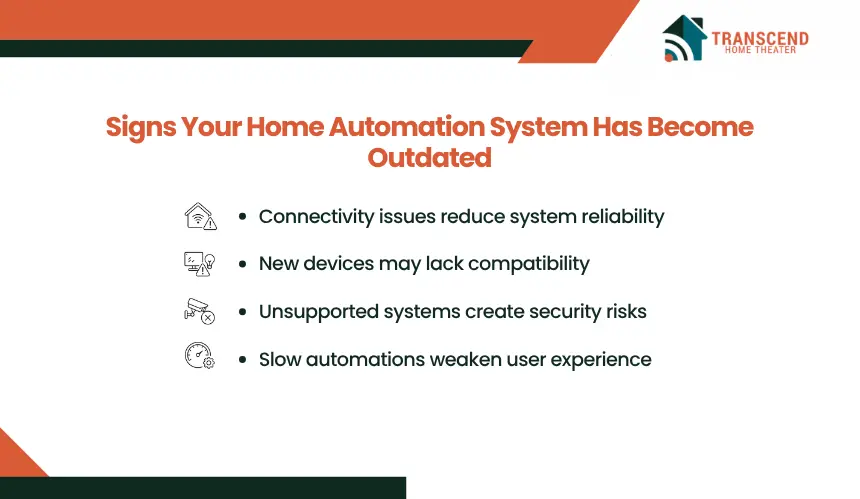
A home automation system does not become obsolete based on its age alone. The need for an upgrade usually becomes apparent when performance, compatibility, or long-term support begins affecting how reliably your connected devices operate. Recognizing these indicators early helps prevent larger issues as your smart home ecosystem grows.
Frequent Connectivity or Performance Issues
Consistent delays, failed automations, or devices randomly disconnecting often indicate that the central controller, wireless protocol, or network infrastructure is struggling to manage connected devices. While occasional interruptions may stem from Wi-Fi problems, recurring failures across multiple devices usually point to limitations within the automation platform itself.
Performance issues also become more noticeable as additional smart lights, sensors, cameras, or appliances are added. A system that cannot process automation routines efficiently may produce slow responses, incomplete scenes, or unreliable scheduling, reducing the convenience that home automation is designed to provide.
Limited Compatibility With Newer Smart Devices
Smart home technology evolves continuously, with manufacturers introducing products that support newer communication standards and broader interoperability. Older automation systems may not recognize recently released smart locks, video doorbells, thermostats, or voice assistants, making it difficult to expand your setup without replacing compatible components.
Compatibility limitations can also force homeowners to rely on multiple mobile apps or separate control systems instead of managing everything from a unified interface. When adding new devices becomes increasingly restrictive, upgrading the automation platform often delivers a more scalable and flexible solution.
Missing Modern Security and Software Updates
Manufacturers periodically release firmware updates to improve performance, address software vulnerabilities, and maintain compatibility with connected devices. Once a home automation system reaches the end of manufacturer support, these updates typically stop, leaving the platform exposed to security risks and compatibility issues over time.
Unsupported systems may also lose integration with cloud services, mobile applications, or third-party platforms that continue evolving. Upgrading to a supported automation system restores access to ongoing software improvements, stronger cybersecurity protections, and long-term platform reliability.
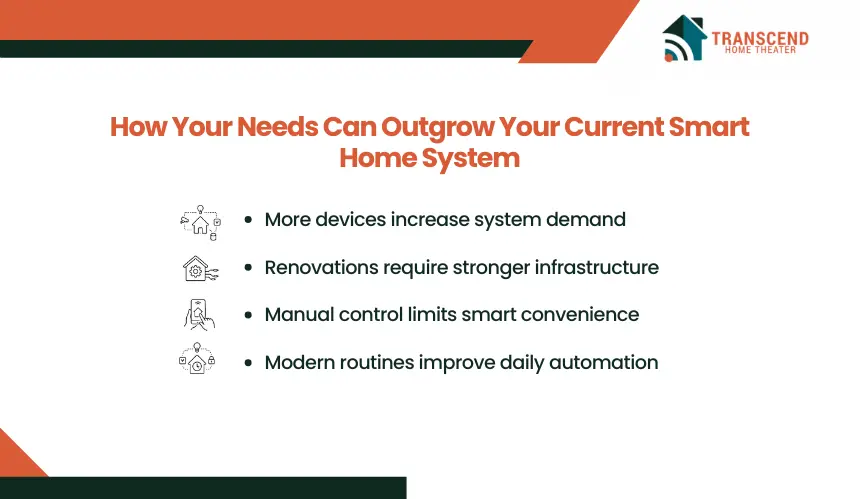
How Your Needs Can Outgrow Your Current Smart Home System
Frequent Connectivity or Performance Issues
A home automation system should adapt as your household changes. Even if the existing platform functions as intended, new lifestyle requirements, additional living spaces, or evolving expectations can exceed its capabilities and make an upgrade the more practical long-term solution.
Expanding Your Smart Home Ecosystem
Many homeowners begin with a few connected devices, such as smart lighting or a video doorbell, and gradually add motorized shades, security cameras, smart speakers, leak sensors, or energy management systems. As the number of connected devices increases, the automation hub must coordinate more commands, triggers, and integrations simultaneously.
Older systems often have device limits, fewer supported communication protocols, or reduced processing capacity. Upgrading to a modern platform allows the smart home ecosystem to grow without compromising stability or requiring multiple independent control systems.
Renovations or Home Additions
A remodeling project is often the ideal time to evaluate whether the current automation system can support the home’s new layout and functionality. Adding rooms, outdoor entertainment areas, a home office, or a dedicated media space frequently introduces new lighting circuits, climate zones, audio systems, window treatments, and security devices.
Rather than extending an older platform with temporary workarounds, upgrading during renovation creates a more unified infrastructure. It also simplifies future expansion by supporting centralized control across both existing and newly installed smart technologies.
Wanting Smarter Automation Instead of Simple Remote Control
Many earlier home automation systems focus primarily on remote operation, allowing homeowners to turn devices on or off through a mobile app. Modern automation platforms place greater emphasis on intelligent behavior, where connected devices respond automatically based on occupancy, schedules, environmental conditions, or user preferences.
For example, a modern system can adjust lighting according to natural daylight, optimize thermostat settings when the home is unoccupied, or trigger coordinated routines that manage lighting, climate, security, and entertainment with a single event. If your current setup still depends heavily on manual control, upgrading can unlock a more responsive and personalized smart home experience.
What You Gain by Upgrading Instead of Keeping an Older System
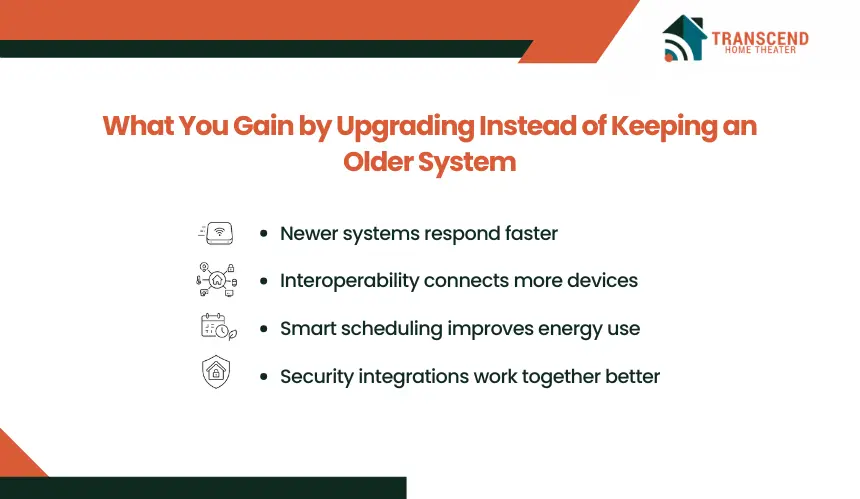
Upgrading a home automation system is not only about replacing outdated technology. A modern platform improves how connected devices communicate, how automations execute, and how easily the system can adapt to future innovations. These operational improvements often deliver value that extends beyond adding new features.
Better Reliability and Faster Performance
A newer automation controller typically offers greater processing power, improved wireless communication, and more efficient automation execution. Commands are processed with less latency, devices respond more consistently, and scheduled routines run as expected without frequent interruptions.
This level of reliability becomes especially valuable in homes with interconnected lighting, climate control, security systems, and entertainment devices, where multiple automations may operate simultaneously. A stable platform reduces troubleshooting and provides a more predictable smart home experience.
Greater Interoperability Across Devices
The smart home market includes products from numerous manufacturers, each designed around different ecosystems and communication standards. Modern automation systems are built to support broader interoperability, allowing compatible devices to work together through a single management platform.
Instead of maintaining separate applications for lighting, security, climate control, and access management, homeowners can centralize device management and create automations that span multiple product categories. This flexibility also makes it easier to introduce new technologies without rebuilding the entire system around one manufacturer’s ecosystem.
Improved Energy Efficiency, Security, and Convenience
Advanced automation platforms use intelligent scheduling, occupancy detection, environmental sensors, and real-time monitoring to optimize how household systems operate. Lighting and HVAC equipment can adjust automatically based on occupancy patterns, reducing unnecessary energy consumption while maintaining comfort.
Security also benefits from stronger encryption, ongoing firmware support, and more sophisticated automation capabilities. Smart locks, surveillance cameras, motion sensors, and alarm systems can work together to provide coordinated responses rather than functioning as isolated devices.
The result is a home automation system that delivers greater efficiency, enhanced protection, and a smoother daily experience through proactive automation instead of manual intervention.
Can Your Existing System Be Upgraded or Does It Need Replacing?
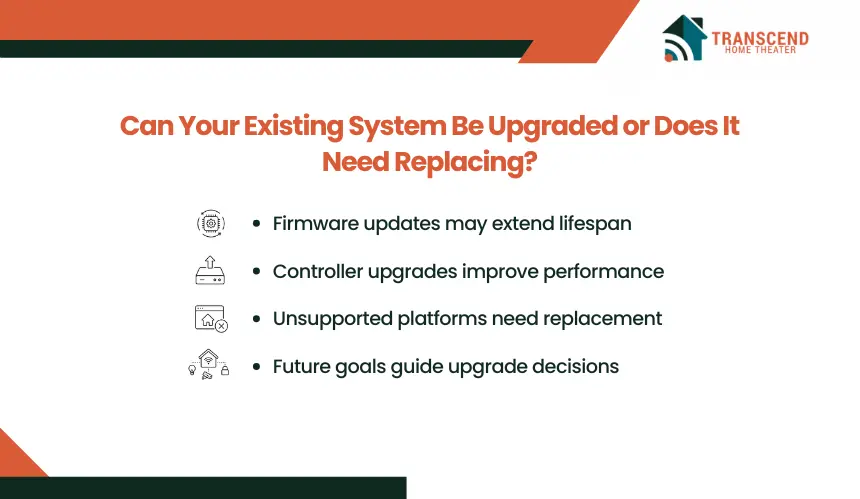
Not every aging home automation system requires a complete replacement. In many cases, targeted upgrades can restore performance and extend the system’s lifespan. The right approach depends on the condition of the existing hardware, the level of manufacturer support, and whether the platform can accommodate your future automation goals.
When a Software or Hardware Upgrade Is Enough
If the automation platform still receives firmware updates and supports current smart home standards, replacing selected components may be sufficient. Upgrading the central controller, improving network equipment, or adding compatible smart devices can resolve performance issues without rebuilding the entire system.
This approach works best when the existing infrastructure remains stable and most connected devices continue to integrate with the platform. It also minimizes disruption while allowing homeowners to modernize their setup gradually.
When Replacing the System Makes More Sense
A full replacement becomes the better investment when the platform has reached the end of manufacturer support, relies on obsolete communication technologies, or cannot integrate with the devices you plan to add. Continuing to repair unsupported hardware often leads to increasing maintenance costs without addressing the system’s underlying limitations.
For homeowners in Maryland, replacing an outdated automation platform is also an opportunity to prepare the home for long-term functionality. Many newer homes and renovation projects throughout the state increasingly incorporate integrated lighting control, whole-home audio, intelligent climate management, and advanced security systems that are designed to operate within a unified automation ecosystem rather than as standalone products.
In communities such as Rockville, MD, where many established homes are being remodeled to include modern kitchens, home offices, and expanded living spaces, older automation systems may lack the capacity to support these upgrades efficiently. Evaluating the existing infrastructure before a renovation begins allows new smart technologies to be integrated from the start, avoiding compatibility issues and reducing the need for costly modifications after installation.
How to Decide if Now Is the Right Time to Upgrade
The best time to upgrade is when your current system begins limiting functionality, increasing maintenance costs, or preventing future expansion. Evaluating both your home’s current requirements and long-term plans helps determine whether investing in an upgrade will provide lasting value.
Before making a decision, consider these factors:
- Compare maintenance costs with upgrade costs. If recurring repairs, replacement parts, or troubleshooting are becoming frequent, upgrading may offer a better return on investment than continuing to maintain aging hardware.
- Assess compatibility with future smart home technologies. A platform that supports current communication standards and receives ongoing software updates is better positioned to integrate new devices as your home automation needs evolve.
- Prioritize long-term reliability and security. Systems backed by active manufacturer support receive firmware updates, security patches, and compatibility improvements that help protect connected devices while maintaining stable performance.
- Think beyond today’s automation needs. If you anticipate adding smart lighting, motorized window treatments, whole-home audio, advanced security, or energy management features, your automation platform should be able to scale without requiring another major upgrade.
For homeowners in Maryland, planning an upgrade before a major renovation or technology expansion often results in a more cohesive and future-ready smart home. Working with an experienced home automation company in Maryland can help identify which existing components can be retained and which should be modernized for optimal performance.
This is especially relevant in Rockville, MD, where many homeowners are upgrading established properties with contemporary living spaces and integrated technologies. Reviewing the automation infrastructure before installing new smart systems helps avoid compatibility conflicts and creates a platform that can continue supporting the home’s evolving needs for years to come.
Frequently Asked Questions
Can I keep my existing smart devices when upgrading the main platform?
Many existing Zigbee, Z-Wave, or proprietary devices can remain in service when a compatible bridge exposes them to the new automation platform. Confirm support by device model, firmware version, and available functions before migration. Bridging may preserve basic control while advanced features remain limited to the original manufacturer’s app.
Will an upgraded home automation system still work during an internet outage?
A system designed for local control can continue running core automations, schedules, lighting commands, and sensor triggers when broadband service fails. Cloud-dependent voice assistants, remote access, and third-party services may stop temporarily. Ask whether the controller processes routines locally and which functions still require an external server connection.
Do older homes in Rockville, MD, need rewiring before a smart home upgrade?
A complete rewire is rarely automatic, but older Rockville properties may have switch boxes without neutral conductors, limited outlet capacity, or outdated network cabling. An electrical and low-voltage assessment should identify where wireless devices, non-neutral switches, new Ethernet runs, or targeted circuit work can support the upgrade without opening every wall.
What should I back up before replacing a home automation controller?
Document device names, room assignments, automation rules, scenes, user permissions, network settings, security codes, and third-party integrations before disconnecting the old controller. Export a platform backup when available and store recovery keys securely. A complete inventory reduces re-pairing errors and makes it easier to verify that every routine works after migration.
Can a home automation upgrade be completed in phases?
A phased migration works when the old and new platforms can operate independently or share devices through supported bridges. Start with the controller and network, then move critical systems such as lighting, climate, access control, and security in planned groups. Test each phase before retiring the previous hub or removing established automations.
What happens to a smart home system when the property is sold?
Before closing, decide which permanently installed devices will remain and remove personal accounts, access permissions, recordings, and paid subscriptions. Devices left for the buyer should be removed from the seller’s platform and factory-reset according to the manufacturer’s instructions. Provide model numbers and basic documentation without transferring personal credentials or shared passwords.
Does Matter certification guarantee that every feature will work across platforms?
Matter improves cross-platform device discovery and basic control, but certification does not guarantee identical features in Apple Home, Google Home, Alexa, SmartThings, or professional systems. Advanced functions may depend on the manufacturer’s app, a compatible hub, or a Thread border router. Verify the exact feature set before purchasing replacement devices.